Screenshots


Icon palette
About this app
Linkus is a VoIP Mobile Client coordinated with Yeastar PBXs that makes your iOS mobile phone an office extension and links you and your colleagues and customers anywhere anytime. Make and receive calls through corporate phone network to slash call costs and enhance efficiency with consistent in-office experience. Key Capabilities - Make and receive enterprise VoIP calls over your Wi-Fi or mobile data networks to lower mobile voice charges - One number reach to conceal your personal mobile phone number and ensure unified corporate identity - Set up flexible ring strategy for Linkus and the desktop phone - Select different outbound routes for different destinations (local/long-distance/international, etc.) - Corporate directory integration with lookup and visual status indicator (available/unavailable/busy) - Configurable PBX features including Call Transfer, Call Forwarding, Call Waiti…
App details
What you can learn from Yeastar Linkus Mobile Client
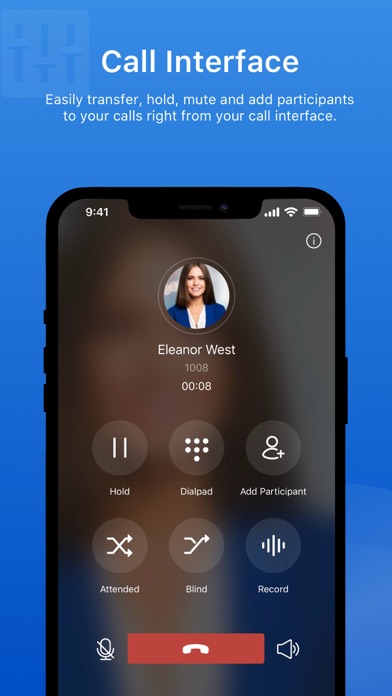
Every shipping app on the App Store has gone through the same decisions you're working through right now: which screenshot goes first, what caption sits over it, which device frame to show, what color the background should be. The 6 screenshots above are Yeastar Linkus Mobile Client's answers to those questions — they're public, they're real, and they made it through Apple's review.
Notice the first screenshot in particular. It's the one users see in search results and on the product page, and it's where most apps spend their best caption and tightest design. Look at the proportion of background to phone, where the text sits, what one thing the image is trying to communicate.
Want to see how other Utilities apps approach the same problem? Browse more Utilities apps in the showcase.
Take what works into your own screenshots
Open LaunchShots and design your App Store & Google Play screenshots — pick a device frame, drop captions, ship in minutes. Free, in your browser.
Open the screenshot editor →