Screenshots




Icon palette
About this app
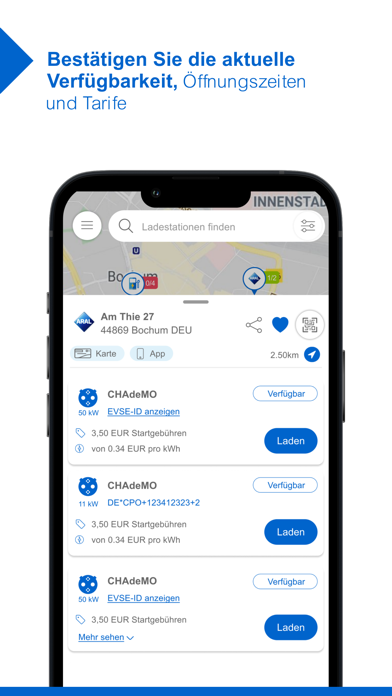
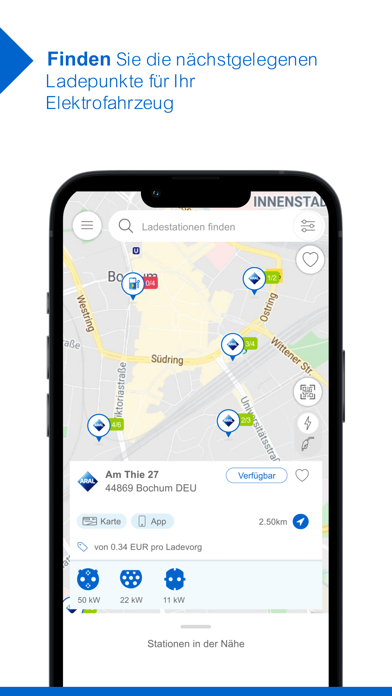
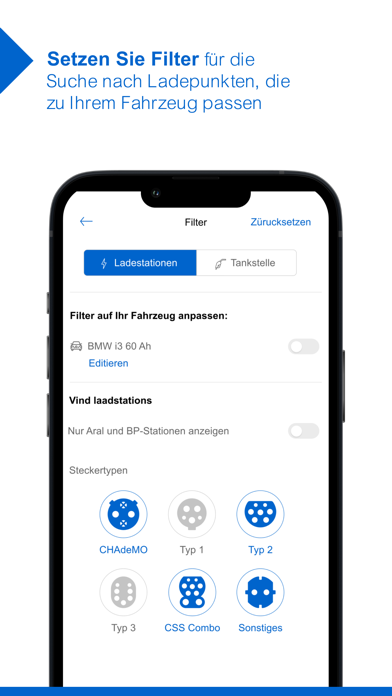
Aral Fuel & Charge: Die ganze Energie für Ihre Flotte – mit unserer einfachen Komplettlösung. Aral bietet Ihnen grenzenlose Mobilität. Heute, morgen und in Zukunft. Ganz egal, ob Sie für Ihre Fahrzeuge konventionelle Kraftstoffe wie Diesel und Benzin benötigen oder Strom tanken möchten: Mit dem innovativen Aral Fuel & Charge Angebot können Sie Ihre gesamte Flotte mit Energie versorgen – mit nur einer Karte, europaweit, immer und überall! Mit der Aral Fuel & Charge App halten Sie Ihre Flotte dabei ganz einfach in Bewegung und kommen schneller ans Ziel! Die praktische App enthält alle wichtigen Echtzeit-Informationen rund um die nächstgelegene, schnellste und passende Option zum Aufladen Ihres Fahrzeugs. Diese Funktionen beinhalten viele Vorteile für Sie: # Finden Sie Ladepunkte für Elektrofahrzeuge in der Nähe oder an Ihrem Zielort. # Sehen Sie Öffnungszeiten, Preise und Namen …
App details
What you can learn from Aral Fuel & Charge
Every shipping app on the App Store has gone through the same decisions you're working through right now: which screenshot goes first, what caption sits over it, which device frame to show, what color the background should be. The 8 screenshots above are Aral Fuel & Charge's answers to those questions — they're public, they're real, and they made it through Apple's review.
Notice the first screenshot in particular. It's the one users see in search results and on the product page, and it's where most apps spend their best caption and tightest design. Look at the proportion of background to phone, where the text sits, what one thing the image is trying to communicate.
Want to see how other Navigation apps approach the same problem? Browse more Navigation apps in the showcase.
Take what works into your own screenshots
Open LaunchShots and design your App Store & Google Play screenshots — pick a device frame, drop captions, ship in minutes. Free, in your browser.
Open the screenshot editor →