Screenshots
iPad screenshots
Icon palette
About this app
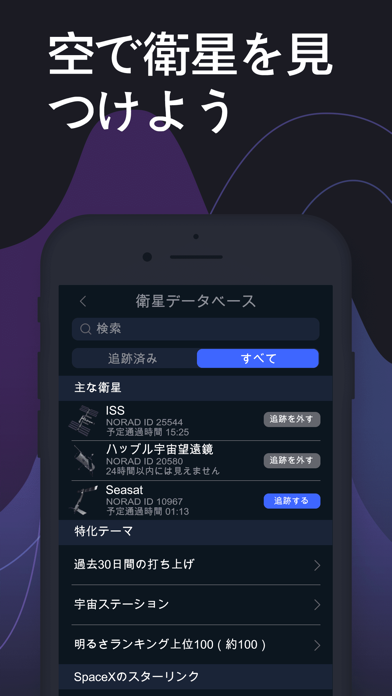
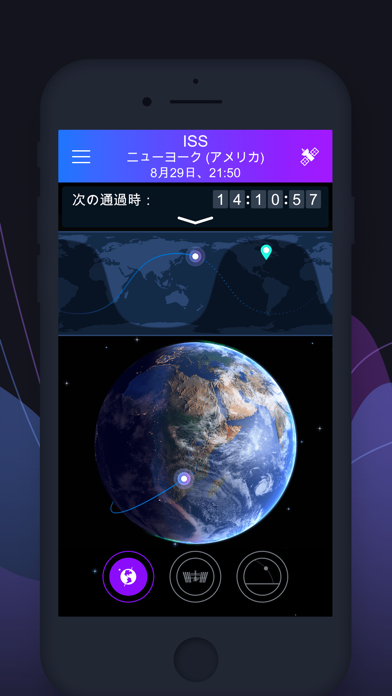
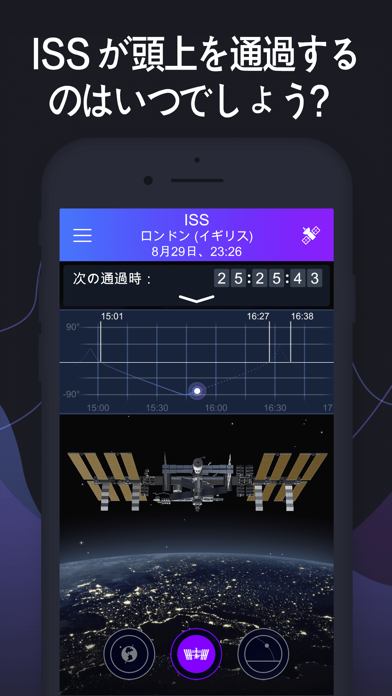
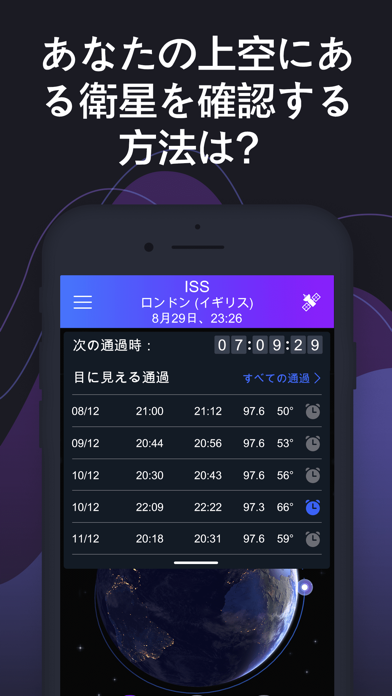
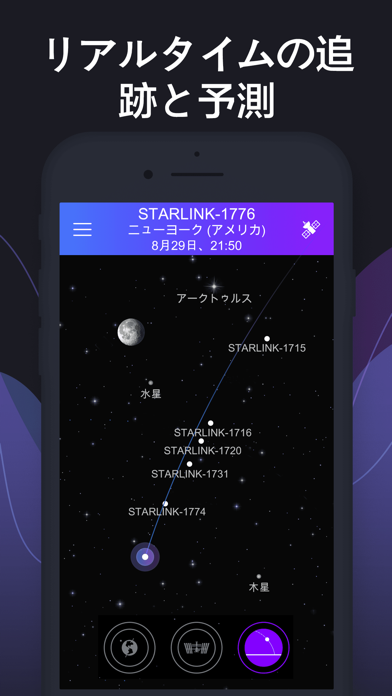
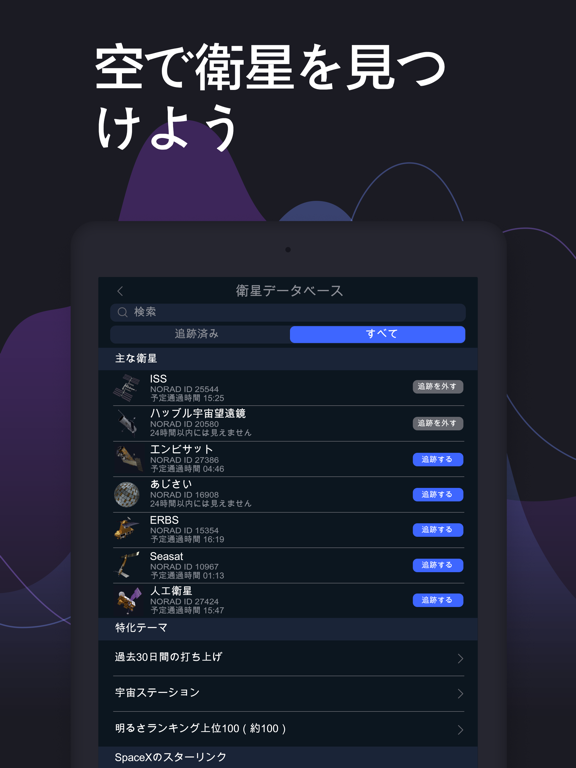
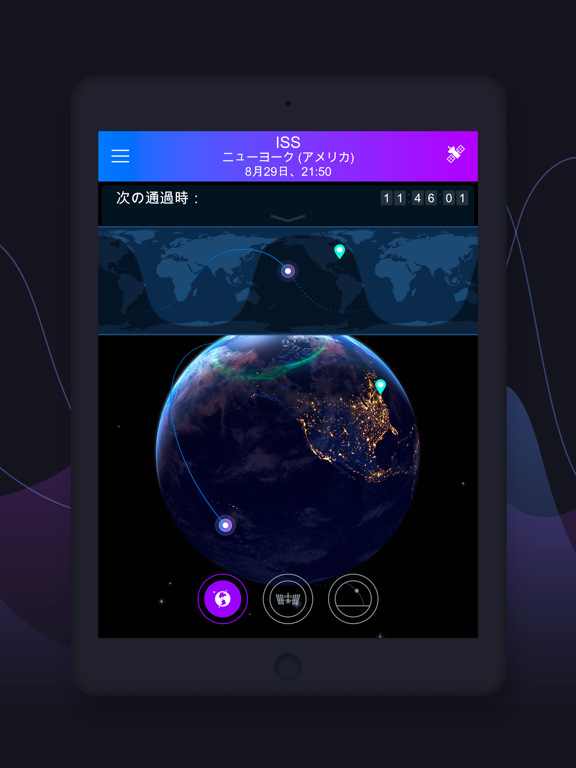
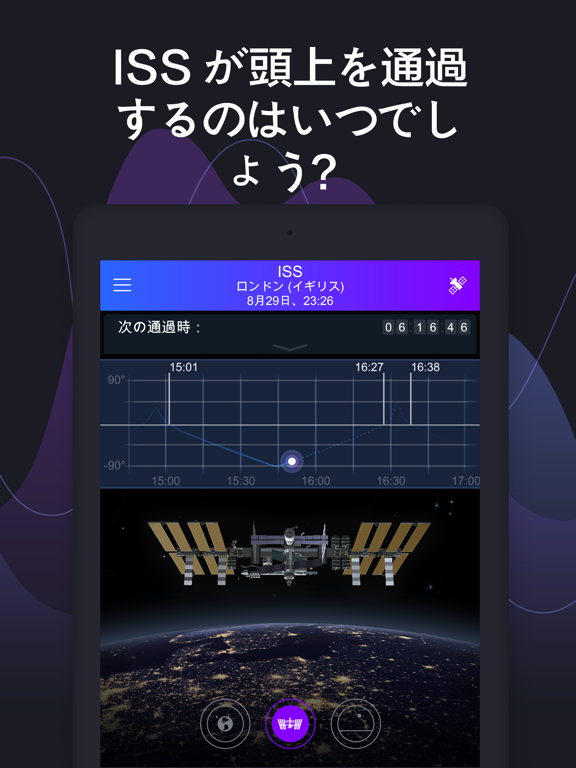
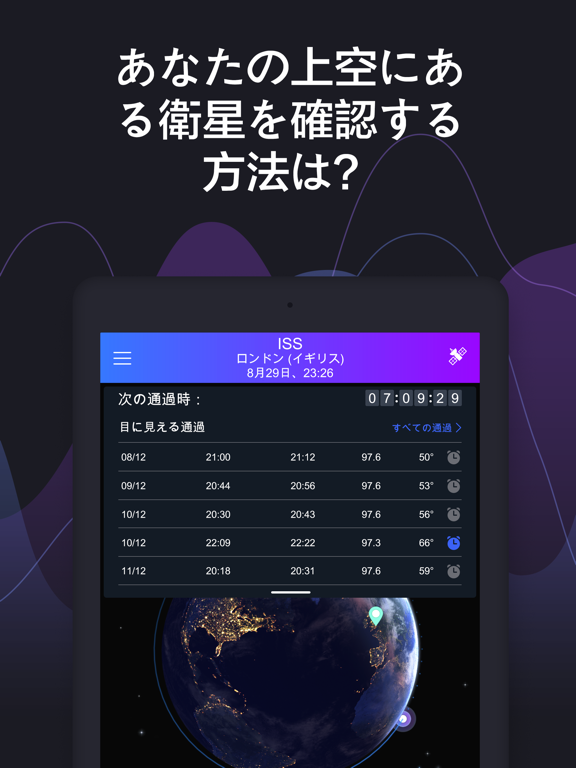
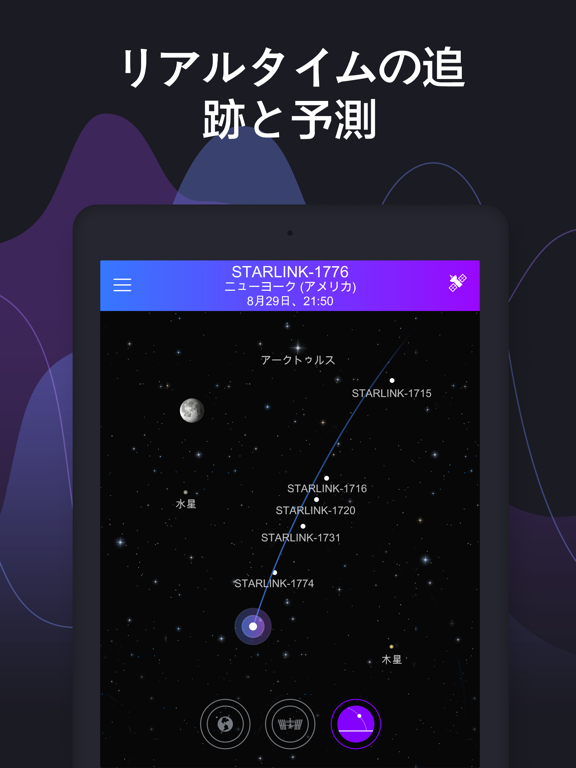
空を動く明るい点は何でしょうか?ISSがあなたの地域を飛行するのはいつでしょうか?Satellite TrackerアプリはISSと目に見える衛星の通過を予想します。ISSが空を移動しだす数分前にアラートにより通知されます。アプリを開いて通過が始まる方向を見上げましょう。 主な特徴: ● 衛星接近通過タイマー ISSまたは選択された衛星の次の接近通過までの時間が表示されます。 ● 通過予測 ISSと最も観測しやすい衛星の正確な通過予想。 接近通過を見逃さないためのアラーム設定。 ● 選べる通過 アラートを設定できる通過リスト。全てのアラートをオンにする必要はありません。希望の通過だけ設定できます。 ● 衛星の飛行ビュー 実際のスピードと地球上の位置が示され、衛星が地球上を飛行する状況を3Dビューで閲覧。 ● 地球上の衛星軌道 綿密に計算され、適切に視覚化された衛星の地球上の軌道を閲覧できます。 ● 衛星位置の特定 デバイスを動かしてあなたの位置を飛行する衛星の光を目撃しましょう。 ● 位置設定 あなたの位置は自動設定するか、…
App details
What you can learn from サテライト・トラッカ:Track ISS, Starlink
Every shipping app on the App Store has gone through the same decisions you're working through right now: which screenshot goes first, what caption sits over it, which device frame to show, what color the background should be. The 10 screenshots above are サテライト・トラッカ:Track ISS, Starlink's answers to those questions — they're public, they're real, and they made it through Apple's review.
Notice the first screenshot in particular. It's the one users see in search results and on the product page, and it's where most apps spend their best caption and tightest design. Look at the proportion of background to phone, where the text sits, what one thing the image is trying to communicate.
Want to see how other Reference apps approach the same problem? Browse more Reference apps in the showcase.
Take what works into your own screenshots
Open LaunchShots and design your App Store & Google Play screenshots — pick a device frame, drop captions, ship in minutes. Free, in your browser.
Open the screenshot editor →