Screenshots
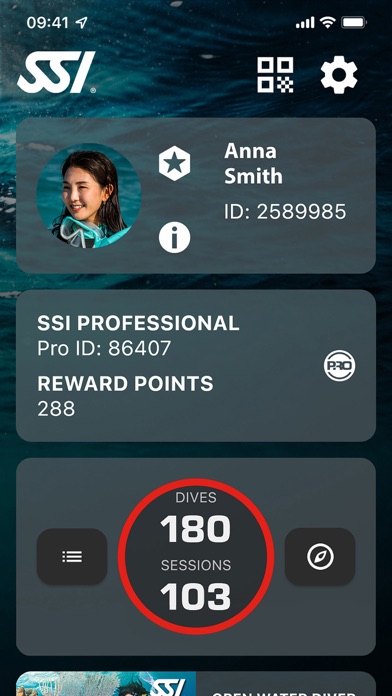
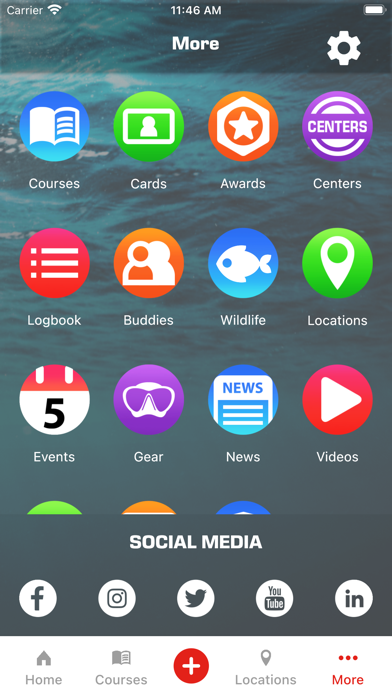
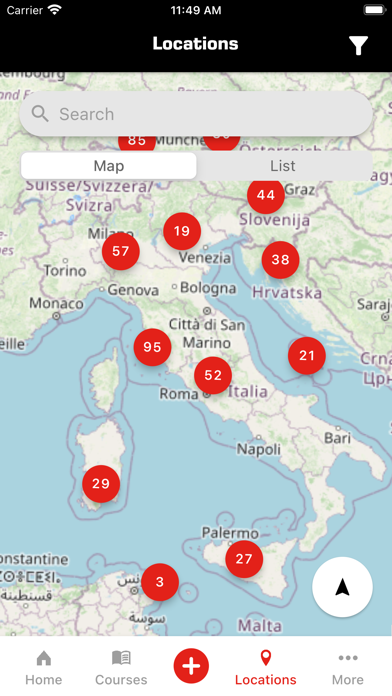
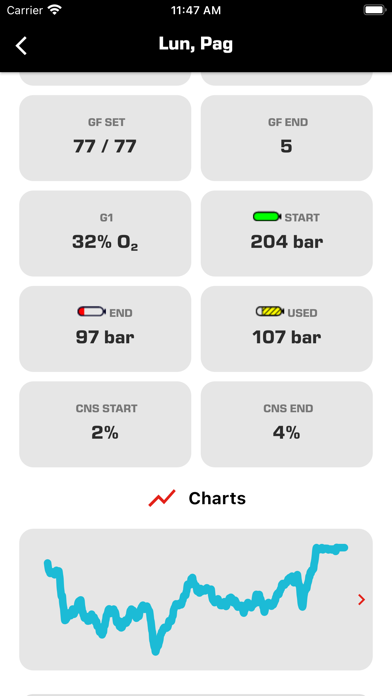
iPad screenshots
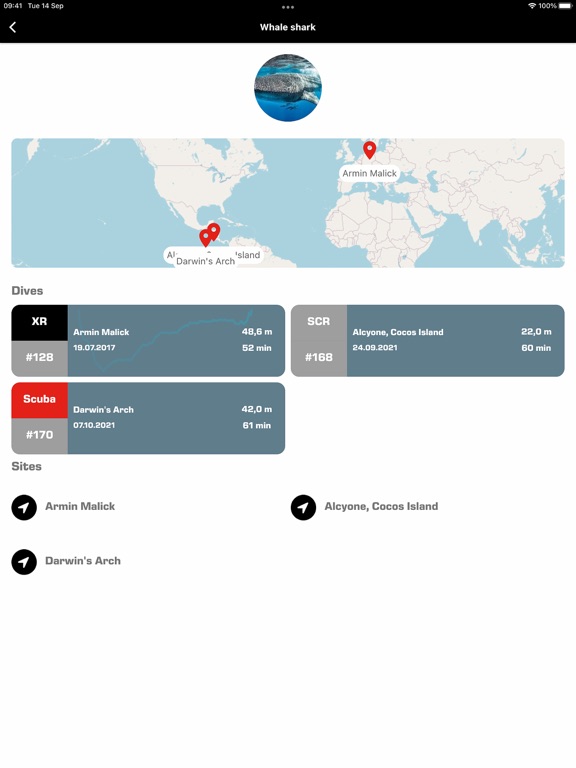
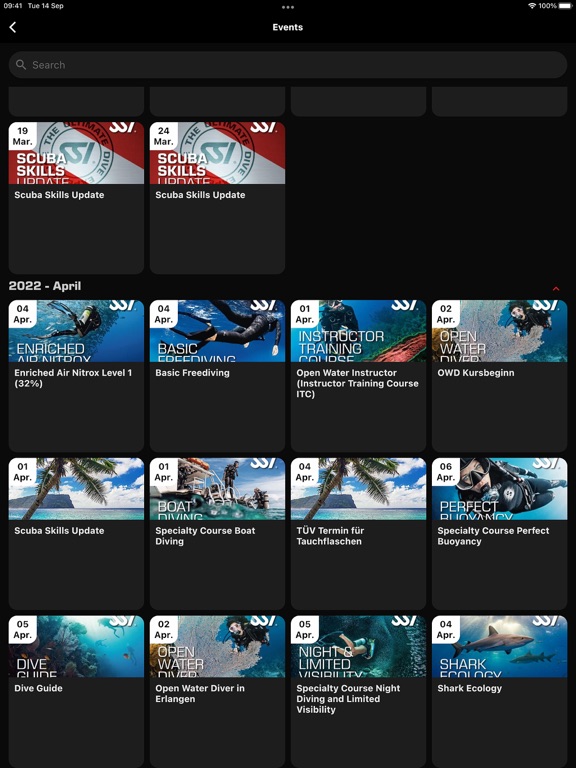
Icon palette
About this app
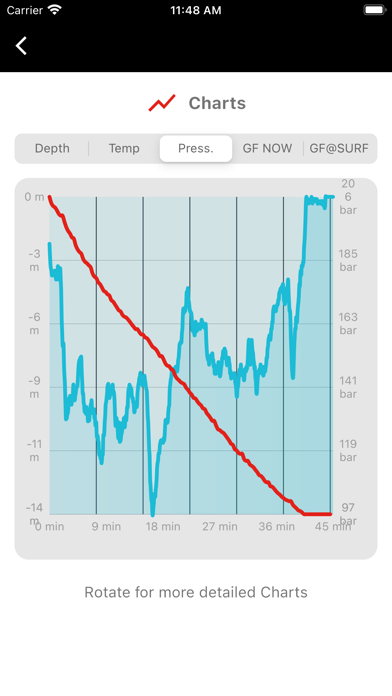
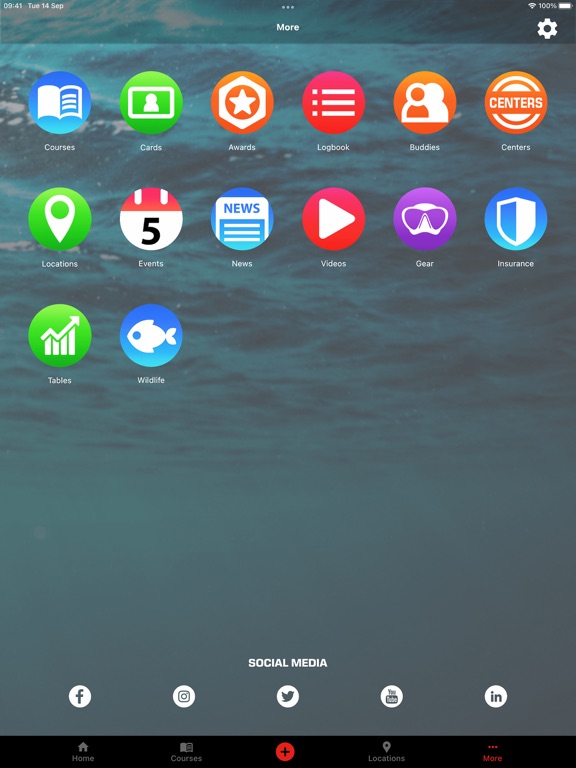
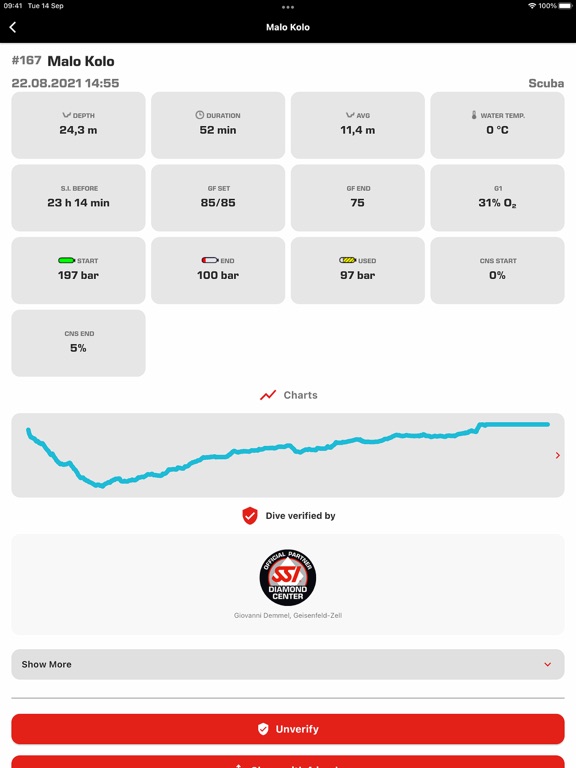
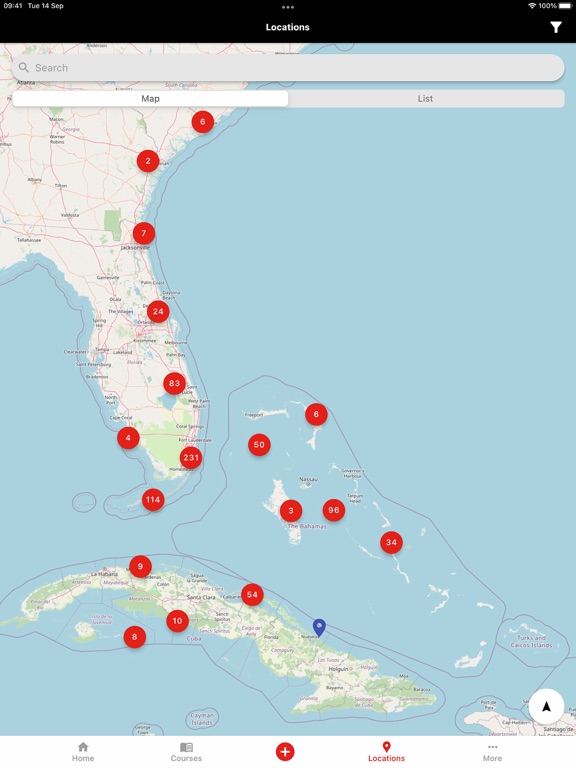
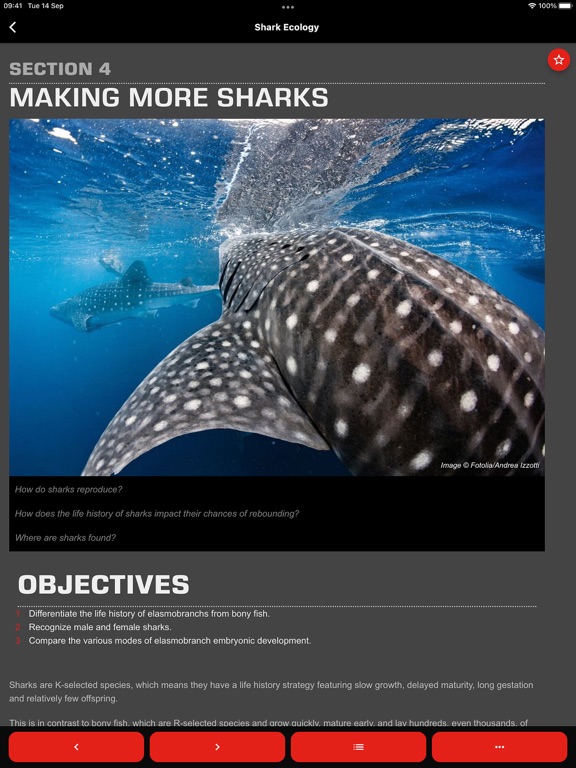
DIGITAL TRAINING: Get 24/7 access to your Digital Learning materials in 30+ languages. Track your progress and access free SSI programs like Try Scuba, Snorkeling, Try Freediving, and Scuba Diver. DIGITAL CERTIFICATION: All your digital certifications, accident and travel insurance(1*), and dive professional liability insurance1 in one place. Log your dives and training in-app to earn free SSI Specialty Diver, Advanced Open Water Diver and Master Diver ratings. DIGITAL LOGBOOK: Log your Scuba, Freediving, Extended Range and Rebreather (SCR/CCR) dives fast with SSI’s Dive Spot Database and QR codes. Add new dives with your device’s GPS and download your dives from selected dive computers(2*). DIGITAL GEAR: Save important dive gear details, including serial numbers, photos and invoices. Enter maintenance dates to track when your equipment needs servicing. ACHIEVEMENTS: Receive and co…
App details
What you can learn from MySSI
Every shipping app on the App Store has gone through the same decisions you're working through right now: which screenshot goes first, what caption sits over it, which device frame to show, what color the background should be. The 14 screenshots above are MySSI's answers to those questions — they're public, they're real, and they made it through Apple's review.
Notice the first screenshot in particular. It's the one users see in search results and on the product page, and it's where most apps spend their best caption and tightest design. Look at the proportion of background to phone, where the text sits, what one thing the image is trying to communicate.
Want to see how other Sports apps approach the same problem? Browse more Sports apps in the showcase.
Take what works into your own screenshots
Open LaunchShots and design your App Store & Google Play screenshots — pick a device frame, drop captions, ship in minutes. Free, in your browser.
Open the screenshot editor →