Screenshots
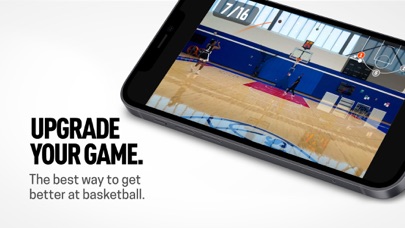
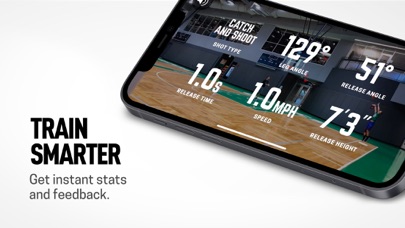
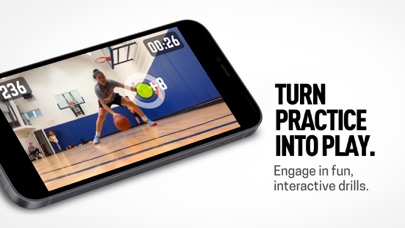
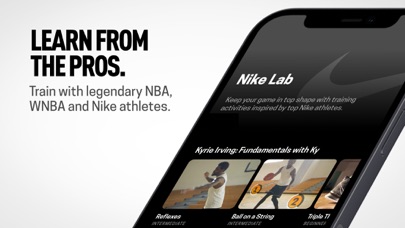
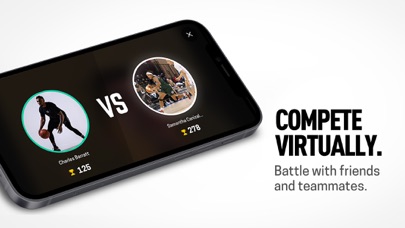
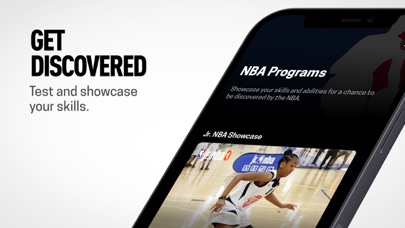
iPad screenshots
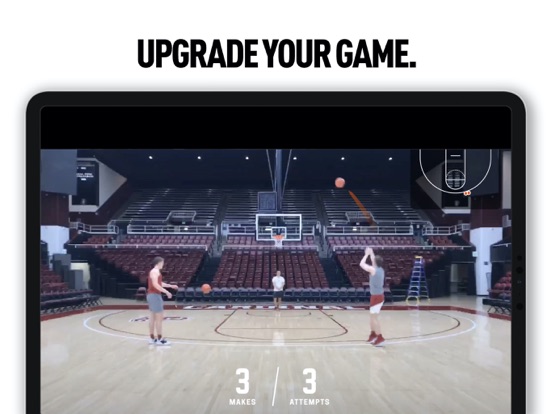
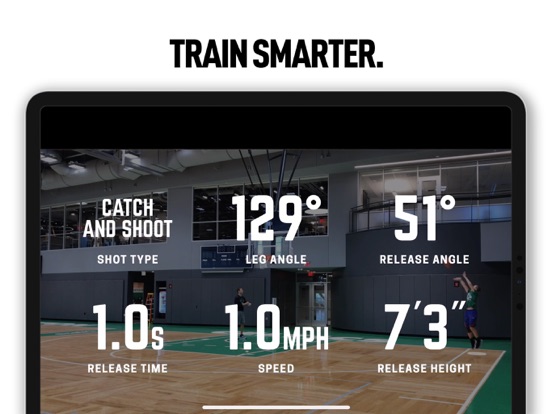
Icon palette
About this app
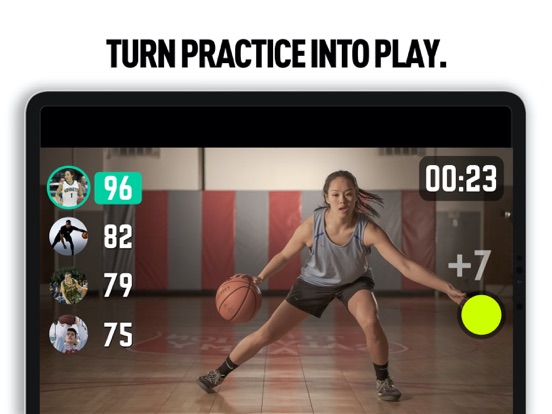
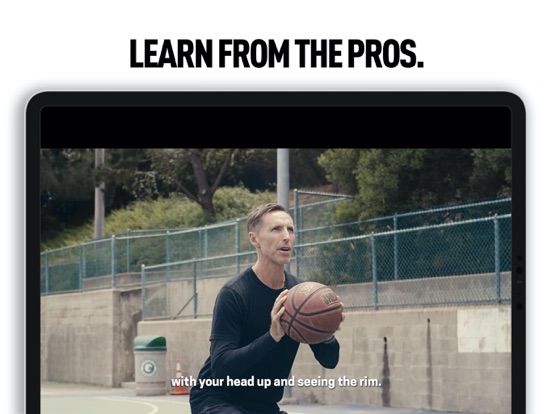
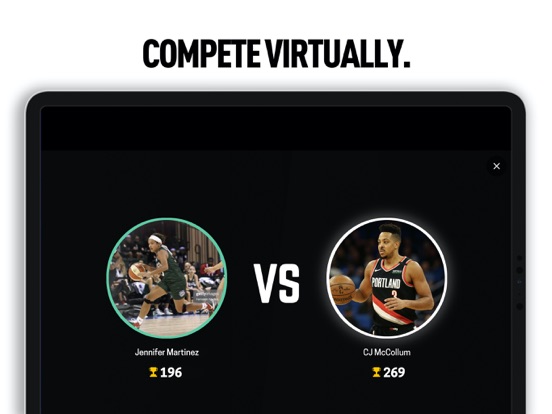
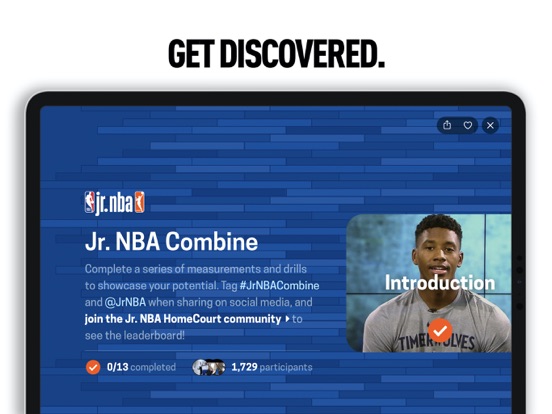
Upgrade your game. HomeCourt is the free, interactive basketball app that helps anyone get better. It’s the personal basketball trainer that’s always with you, capturing your performance, your stats, and your progress—guiding you to the next level. With HomeCourt, every rep counts. TRAIN SMARTER HomeCourt captures your moves and your stats as you train—so you can see your true skill level. HomeCourt uses the camera on your device to track your performance in real-time, everything from your jump shot to your crossover. In-depth data and analytics help you break down every session. HomeCourt calculates metrics like shooting percentage, accuracy, release time, dribble speed, vertical jump and more. You can even use Apple Watch to track your heart rate and save your data to HealthKit. ENGAGE IN FUN, INTERACTIVE DRILLS Using HomeCourt is less like training and more like a video game. Th…
App details
What you can learn from HomeCourt: Basketball Training
Every shipping app on the App Store has gone through the same decisions you're working through right now: which screenshot goes first, what caption sits over it, which device frame to show, what color the background should be. The 12 screenshots above are HomeCourt: Basketball Training's answers to those questions — they're public, they're real, and they made it through Apple's review.
Notice the first screenshot in particular. It's the one users see in search results and on the product page, and it's where most apps spend their best caption and tightest design. Look at the proportion of background to phone, where the text sits, what one thing the image is trying to communicate.
Want to see how other Sports apps approach the same problem? Browse more Sports apps in the showcase.
Take what works into your own screenshots
Open LaunchShots and design your App Store & Google Play screenshots — pick a device frame, drop captions, ship in minutes. Free, in your browser.
Open the screenshot editor →