Screenshots

iPad screenshots
Icon palette
About this app
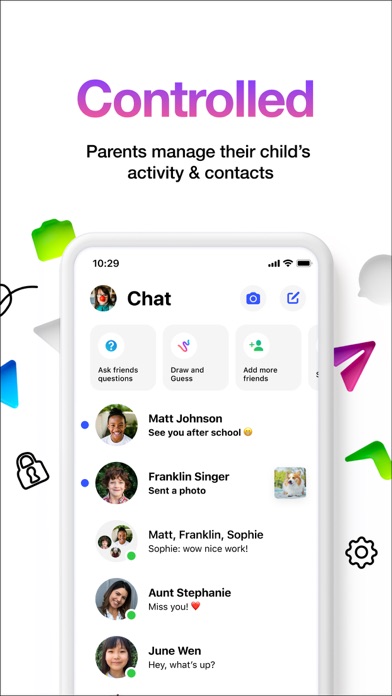
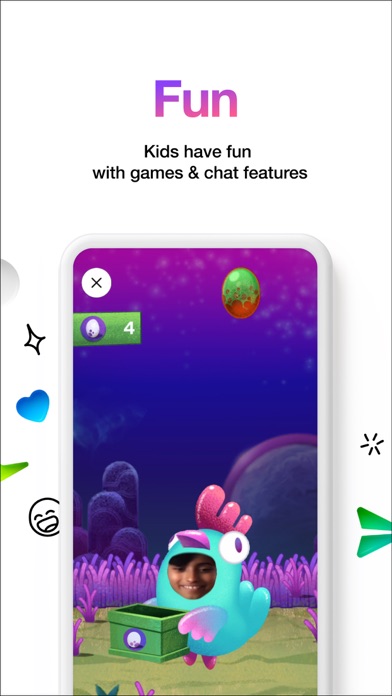
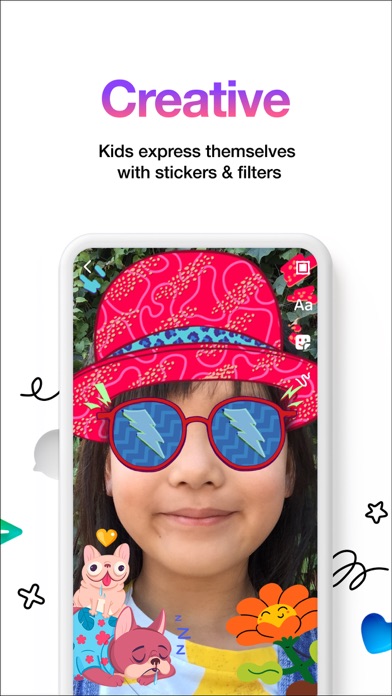
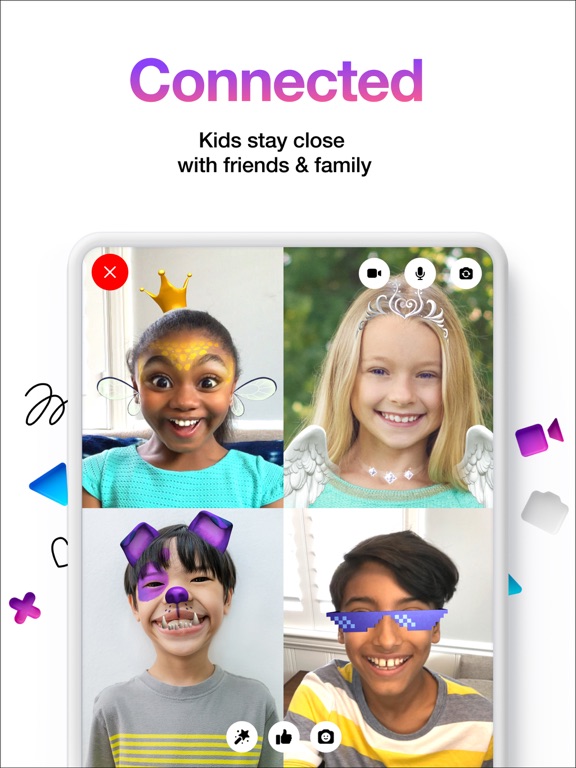
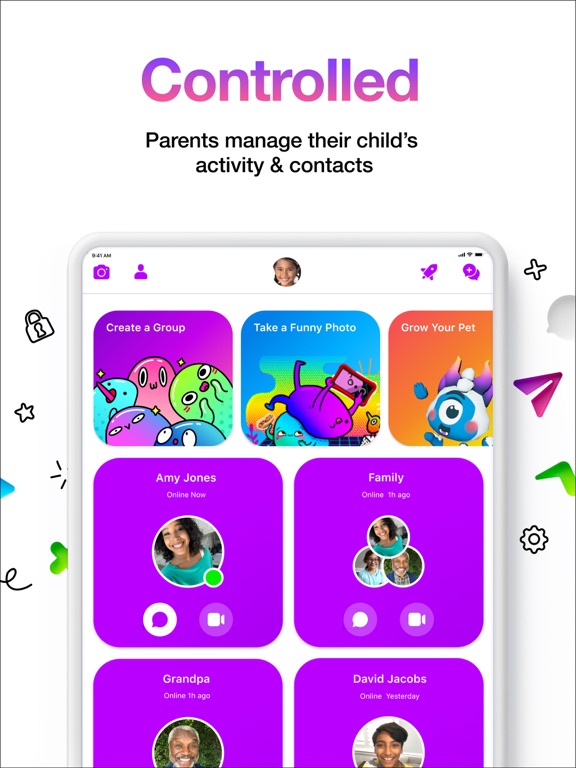
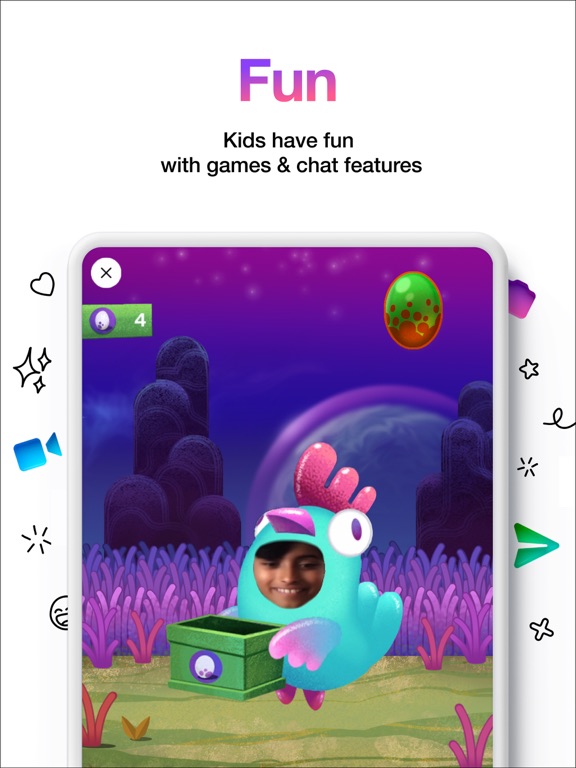
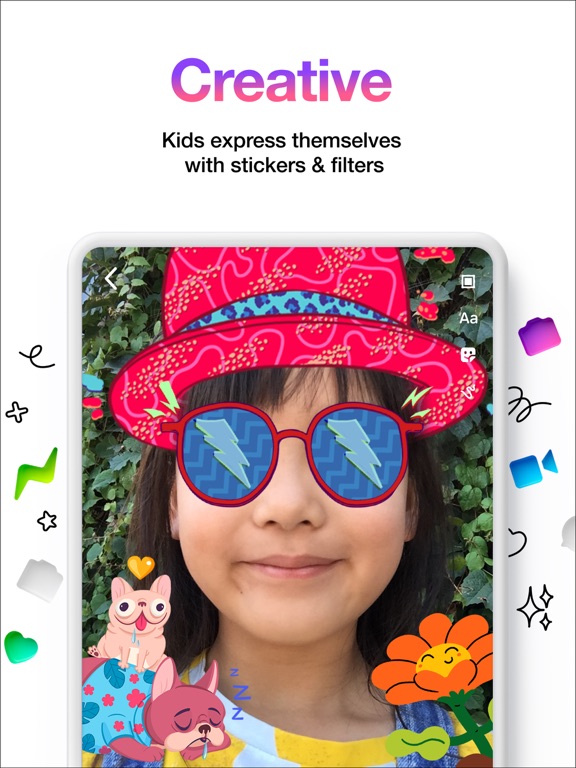
Messenger Kids — Made for Kids. Controlled by Parents. Made for Kids. Controlled by Parents. Parent Dashboard: Parents can manage their kids' contact list, and monitor messages on the Messenger Kids app. When kids block contacts, parents are notified. Fun Filters: Kid-friendly filters, reactions, and sound effects make video chats with friends and family even better. Worry Free: Parents can set usage limits when it’s bedtime, and there are no in app-purchases or ads. Creative Convos: Stickers, GIFs, emojis, and drawing tools give kids more ways to express themselves. Easy Start: No phone number required. We’re always working to improve Messenger Kids. If you’d like to share any feedback with us or for more information, visit messengerkids.com.
App details
What you can learn from Messenger Kids
Every shipping app on the App Store has gone through the same decisions you're working through right now: which screenshot goes first, what caption sits over it, which device frame to show, what color the background should be. The 10 screenshots above are Messenger Kids's answers to those questions — they're public, they're real, and they made it through Apple's review.
Notice the first screenshot in particular. It's the one users see in search results and on the product page, and it's where most apps spend their best caption and tightest design. Look at the proportion of background to phone, where the text sits, what one thing the image is trying to communicate.
Want to see how other Social Networking apps approach the same problem? Browse more Social Networking apps in the showcase.
Take what works into your own screenshots
Open LaunchShots and design your App Store & Google Play screenshots — pick a device frame, drop captions, ship in minutes. Free, in your browser.
Open the screenshot editor →