Screenshots
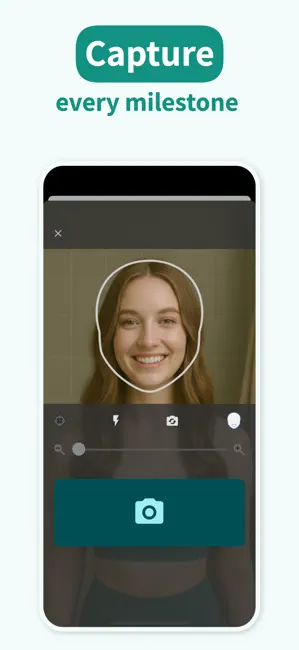
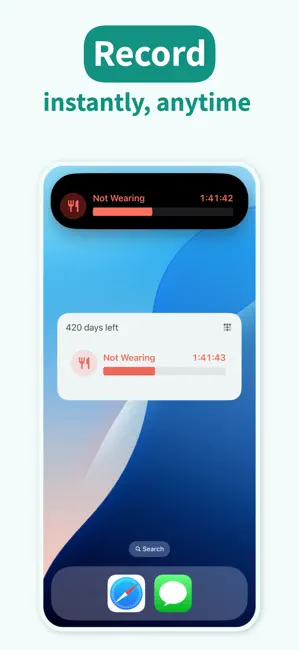
Icon palette
About this app
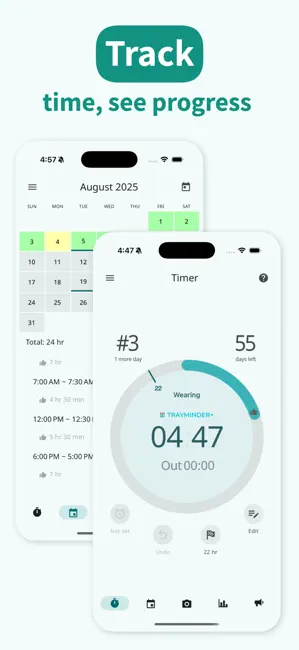
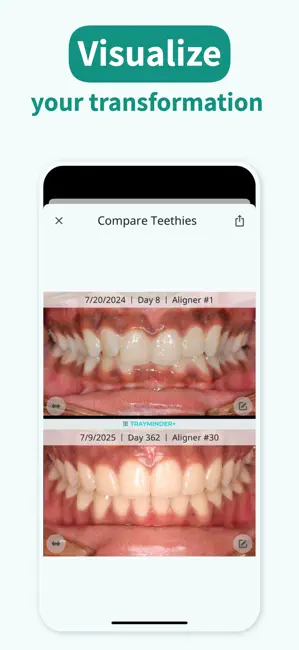
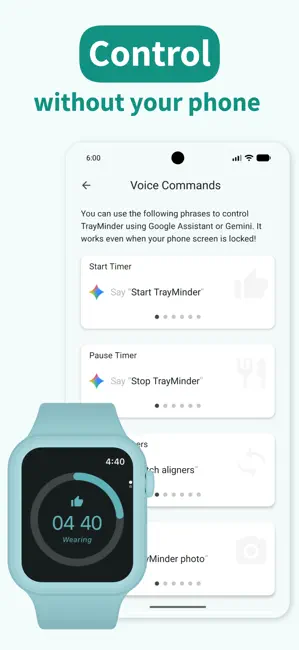
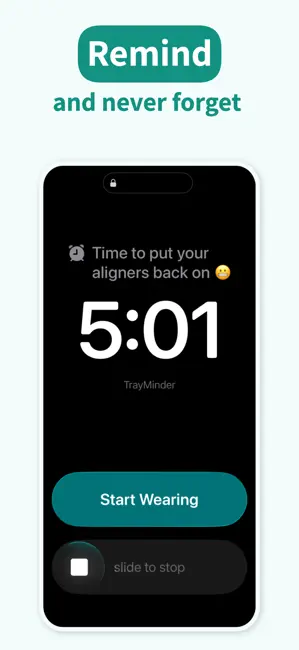
Built by an orthodontist, TrayMinder® helps you stay on track with your clear aligners — like Invisalign®, ClearCorrect®, Angel Aligner®, and others — so you get the best results, faster. You’ve already made a huge investment in your smile. Success comes from the details: tracking wear time, getting smart reminders, and staying consistent every day. ⎯⎯⎯⎯⎯ TIMER • Start/pause timer to track daily aligner wear • Automatically adjusts for time zones and daylight saving — no mental math • Share wear data with your doctor via email or text • Set reminders to put your trays back in after meals CALENDAR • Get notified when it’s time to switch aligners • Add reminders for orthodontic appointments • Add daily notes (e.g., pain, rubber bands, etc.) • Visualize your progress with a color-coded calendar TEETHIE® (Teeth Selfie) • Snap a photo with each tray change to track progress • Import ex…
App details
What you can learn from TrayMinder
Every shipping app on the App Store has gone through the same decisions you're working through right now: which screenshot goes first, what caption sits over it, which device frame to show, what color the background should be. The 6 screenshots above are TrayMinder's answers to those questions — they're public, they're real, and they made it through Apple's review.
Notice the first screenshot in particular. It's the one users see in search results and on the product page, and it's where most apps spend their best caption and tightest design. Look at the proportion of background to phone, where the text sits, what one thing the image is trying to communicate.
Want to see how other Medical apps approach the same problem? Browse more Medical apps in the showcase.
Take what works into your own screenshots
Open LaunchShots and design your App Store & Google Play screenshots — pick a device frame, drop captions, ship in minutes. Free, in your browser.
Open the screenshot editor →