Screenshots
iPad screenshots


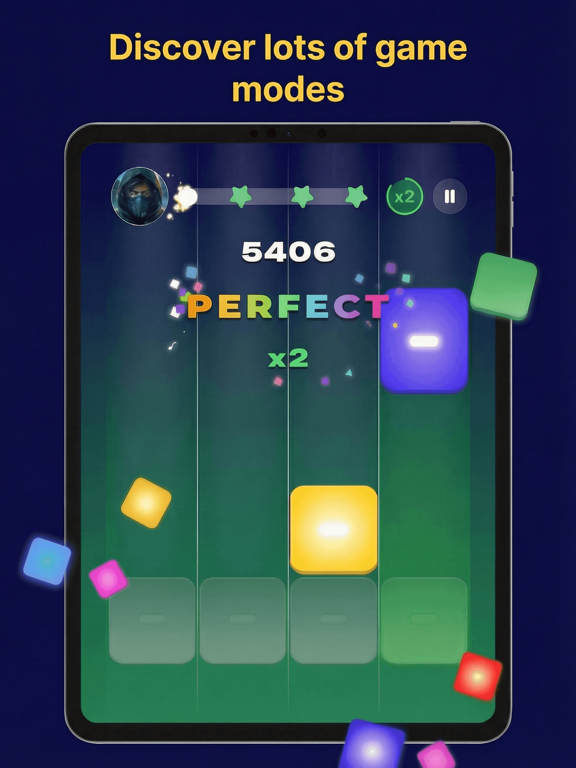
Icon palette
About this app
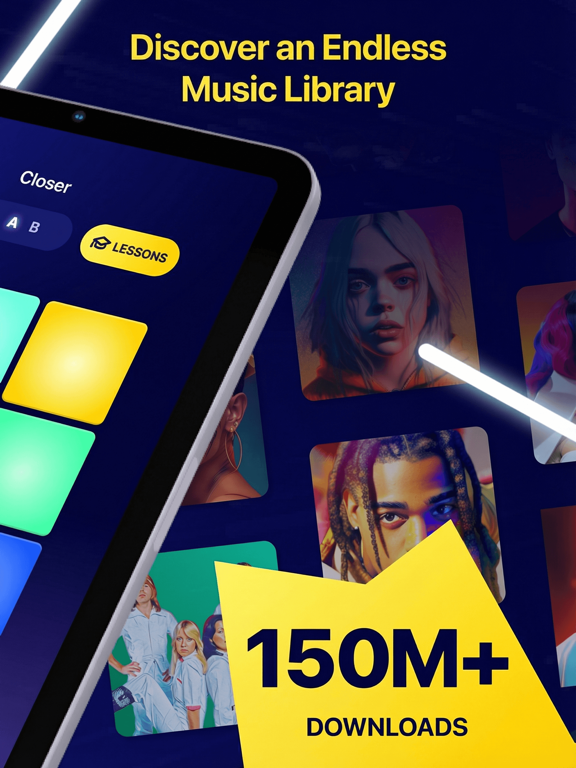
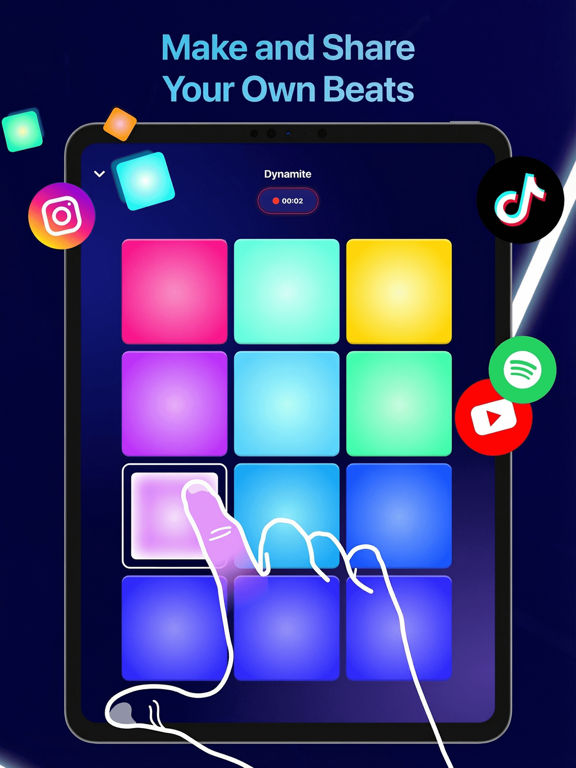
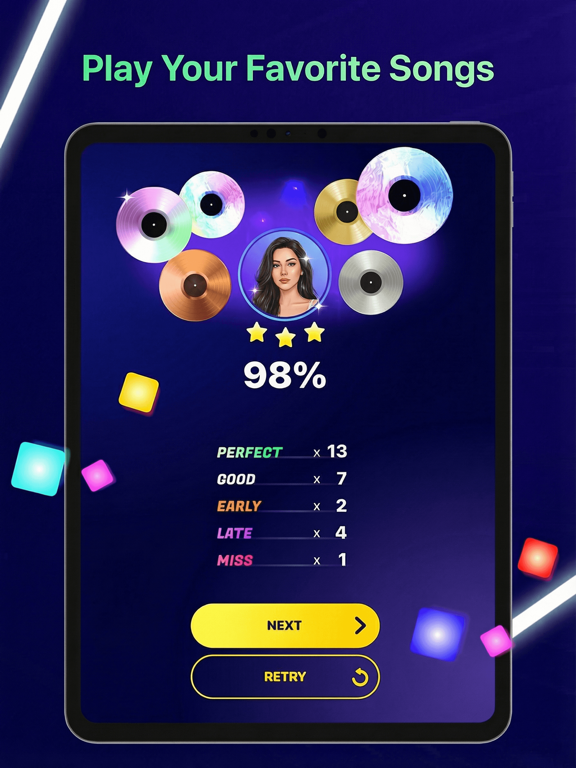
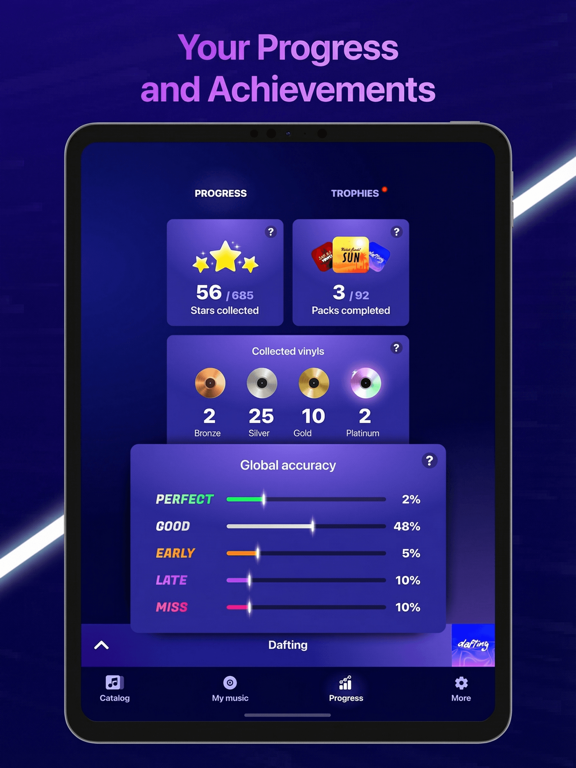
Unleash your inner beatmaker today! Create killer music in minutes. Learn the art of rhythm and become a beat master. Beat Maker Pro turns your iPad or iPhone into a powerful music creation studio. Anyone can learn, from beginners to pros. Play your first song in just three lessons. Then, improve your skills with fun, challenging exercises. Enjoy our constantly updated catalog of world-class tracks and sample packs made by pro beatmakers. Why You'll Love It: • Train with 1000+ lessons and unique sound packs. • Learn tips and tricks from experienced beatmakers. • Master EDM, trap, house, pop, electro, and more. • Tap and Learn: intuitive drum pads make it easy. • Use drums, piano, and FX for creative finger drumming. • Share your music creations with the world! • Challenge yourself in career mode and become a Superstar! Ready to make some noise? Download Beat Maker Pro now! Privacy…
App details
What you can learn from Beat Maker Pro: Music drum Pad
Every shipping app on the App Store has gone through the same decisions you're working through right now: which screenshot goes first, what caption sits over it, which device frame to show, what color the background should be. The 7 screenshots above are Beat Maker Pro: Music drum Pad's answers to those questions — they're public, they're real, and they made it through Apple's review.
Notice the first screenshot in particular. It's the one users see in search results and on the product page, and it's where most apps spend their best caption and tightest design. Look at the proportion of background to phone, where the text sits, what one thing the image is trying to communicate.
Want to see how other Music apps approach the same problem? Browse more Music apps in the showcase.
Take what works into your own screenshots
Open LaunchShots and design your App Store & Google Play screenshots — pick a device frame, drop captions, ship in minutes. Free, in your browser.
Open the screenshot editor →