Screenshots
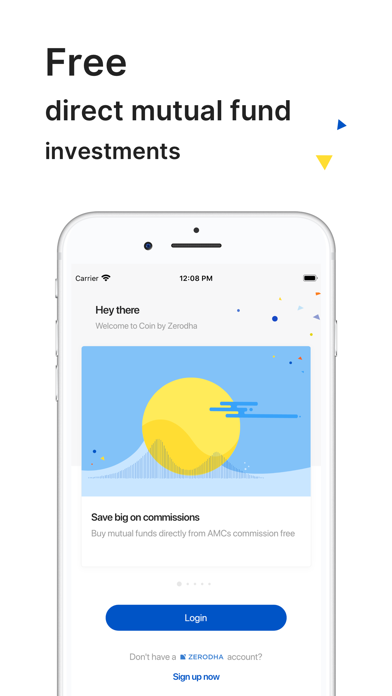
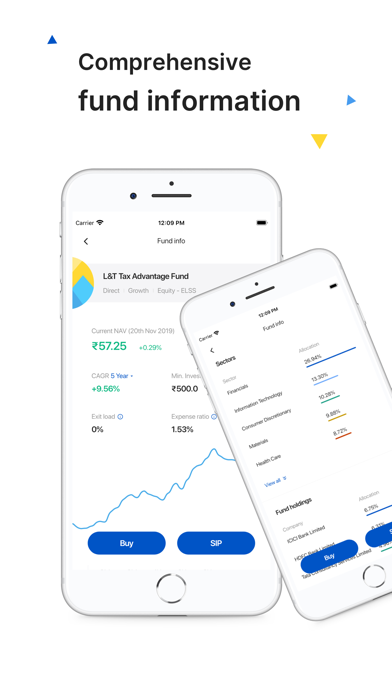
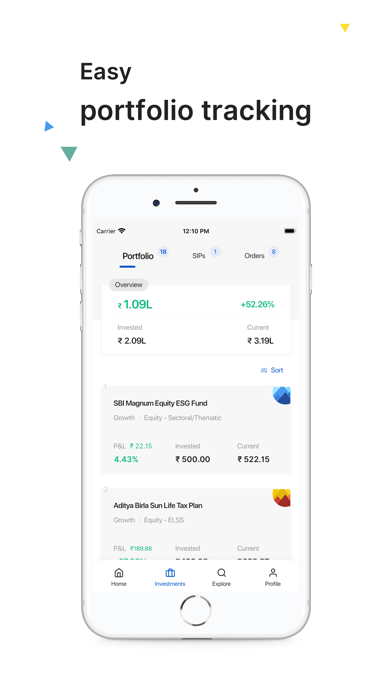
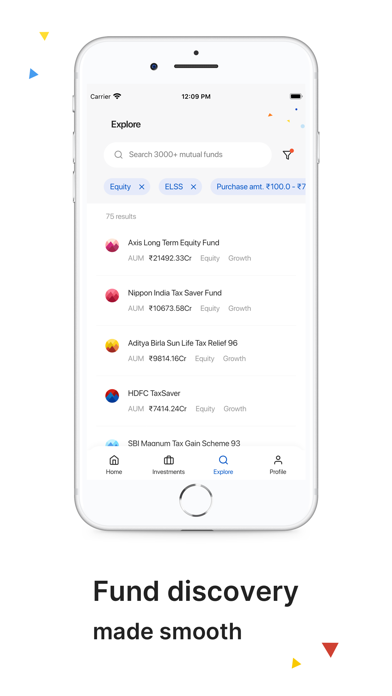
iPad screenshots


Icon palette
About this app
Zerodha is trusted by over 1.3 crore customers who hold over ₹3.5 lakh crores worth of investments. Our mission is to help you do better with your money. Zerodha Coin is India's largest zero-commission direct mutual funds platform that has helped Indians invest over Rs 70,000 crores. Why Coin? ● Easy Systematic Investment Plans (SIPs) creation and automation. ● Direct mutual funds without 0 commissions. ● Invest in the National Pension Scheme (NPS). ● Invest in New Fund Offers (NFOs) of schemes. ● Free access to Zerodha’s ecosystem products like Sensibull, Tijori, Streak, Quicko, and more. ● Nudges to help you invest better. ● No gimmicks, spam, "gamification," or annoying push notifications. Easy investing ● Create, modify, step up, and automate SIPs anytime you want to without any hassle. ● Purchase via all payment options, like UPI, NEFT, RTGS, and net banking. ● Place Systemat…
App details
What you can learn from Coin by Zerodha - Mutual funds
Every shipping app on the App Store has gone through the same decisions you're working through right now: which screenshot goes first, what caption sits over it, which device frame to show, what color the background should be. The 7 screenshots above are Coin by Zerodha - Mutual funds's answers to those questions — they're public, they're real, and they made it through Apple's review.
Notice the first screenshot in particular. It's the one users see in search results and on the product page, and it's where most apps spend their best caption and tightest design. Look at the proportion of background to phone, where the text sits, what one thing the image is trying to communicate.
Want to see how other Finance apps approach the same problem? Browse more Finance apps in the showcase.
Take what works into your own screenshots
Open LaunchShots and design your App Store & Google Play screenshots — pick a device frame, drop captions, ship in minutes. Free, in your browser.
Open the screenshot editor →