Screenshots


iPad screenshots


Icon palette
About this app
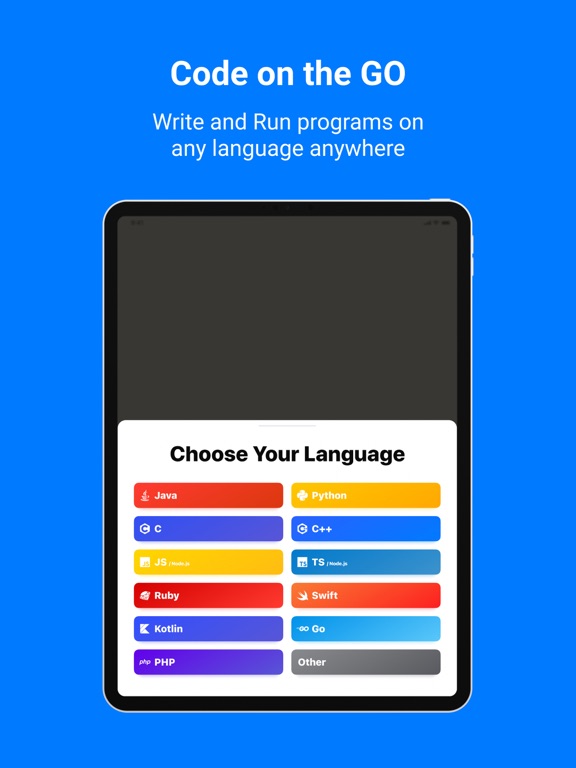
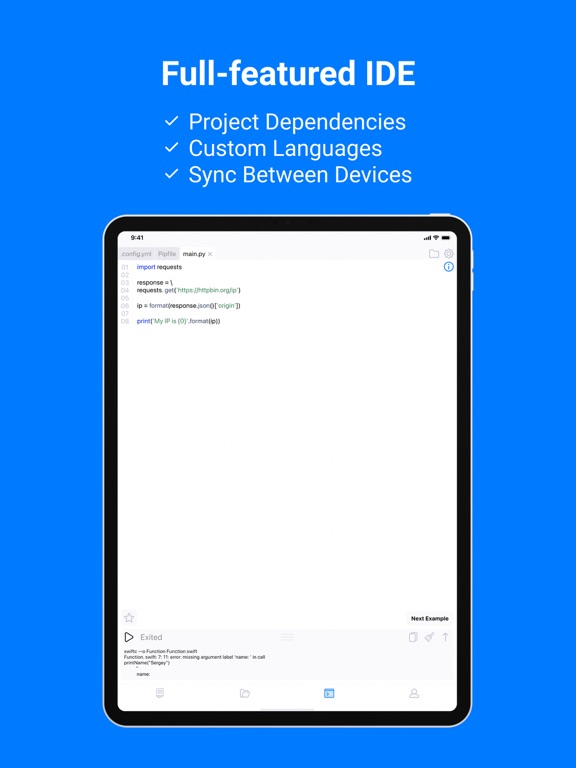
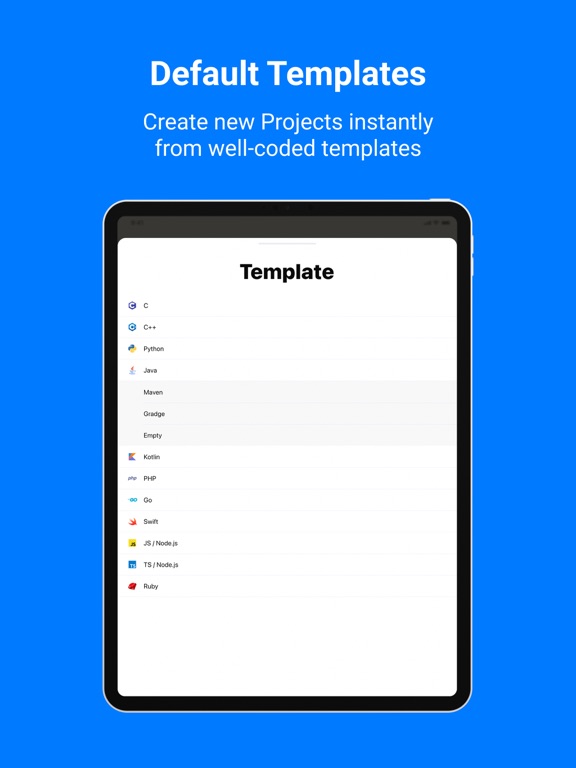
CodeSnack IDE is the first mobile IDE crafted specifically for mobile devices and tablets, unlocking the power of coding right at your fingertips. With fast and intuitive tools, CodeSnack IDE empowers you to create amazing programs, learn from a vast library of samples, and deploy real-world back-end and front-end apps within minutes — all for free. Whether you're an experienced coder or just starting out, CodeSnack IDE offers all the control and flexibility you need to create and customize projects without any compromise. Now powered by advanced AI, CodeSnack IDE delivers cutting-edge development features straight to your mobile device: • AI-Generated Project Creation: Generate projects from text prompts • Smart Bug Detection & Fix Proposals: Find and fix issues effortlessly • Code Explanation: Understand the purpose and logic behind your code • Code-Specific Question Answering: Get…
App details
What you can learn from CodeSnack IDE
Every shipping app on the App Store has gone through the same decisions you're working through right now: which screenshot goes first, what caption sits over it, which device frame to show, what color the background should be. The 15 screenshots above are CodeSnack IDE's answers to those questions — they're public, they're real, and they made it through Apple's review.
Notice the first screenshot in particular. It's the one users see in search results and on the product page, and it's where most apps spend their best caption and tightest design. Look at the proportion of background to phone, where the text sits, what one thing the image is trying to communicate.
Want to see how other Developer Tools apps approach the same problem? Browse more Developer Tools apps in the showcase.
Take what works into your own screenshots
Open LaunchShots and design your App Store & Google Play screenshots — pick a device frame, drop captions, ship in minutes. Free, in your browser.
Open the screenshot editor →