Screenshots
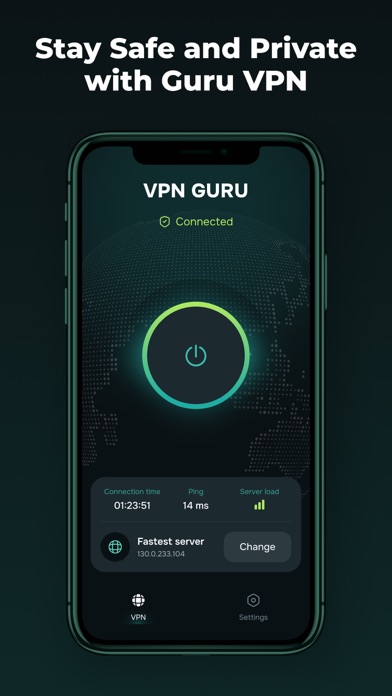


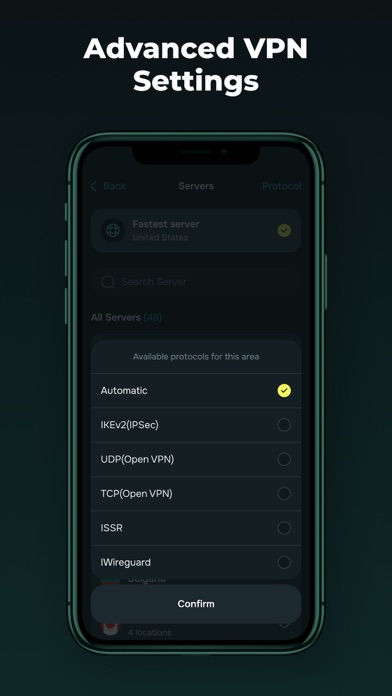


iPad screenshots


Icon palette
About this app
Guru VPN: Fast and Secure VPN Guru VPN is your personal guardian online. Enjoy complete privacy, military-grade encryption, and lightning-fast speeds with a single tap. Why Guru VPN? Privacy Protection: Strong encryption for your personal data on public Wi-Fi networks. Strict No-Logs Policy: We never track or store your activity. Fast Global Server Network: Servers optimized for smooth streaming and fast downloads. Simple & Intuitive: Connect with one tap, no technical skills needed. Core Features: Secure browsing on public networks Ad and tracker blocker User-friendly interface and quick connection Support for multiple devices Premium Subscription: Advanced features (including unlimited speeds and access to the full server network) require a subscription. Choose the plan that fits you (weekly, monthly, yearly). Free trials auto-renew unless canceled at least 24 hours before the tri…
App details
What you can learn from Guru VPN: Secure Proxy Master
Every shipping app on the App Store has gone through the same decisions you're working through right now: which screenshot goes first, what caption sits over it, which device frame to show, what color the background should be. The 12 screenshots above are Guru VPN: Secure Proxy Master's answers to those questions — they're public, they're real, and they made it through Apple's review.
Notice the first screenshot in particular. It's the one users see in search results and on the product page, and it's where most apps spend their best caption and tightest design. Look at the proportion of background to phone, where the text sits, what one thing the image is trying to communicate.
Want to see how other Productivity apps approach the same problem? Browse more Productivity apps in the showcase.
Take what works into your own screenshots
Open LaunchShots and design your App Store & Google Play screenshots — pick a device frame, drop captions, ship in minutes. Free, in your browser.
Open the screenshot editor →