Screenshots
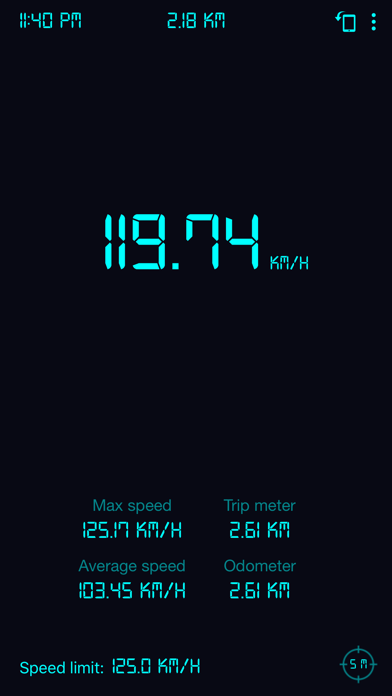
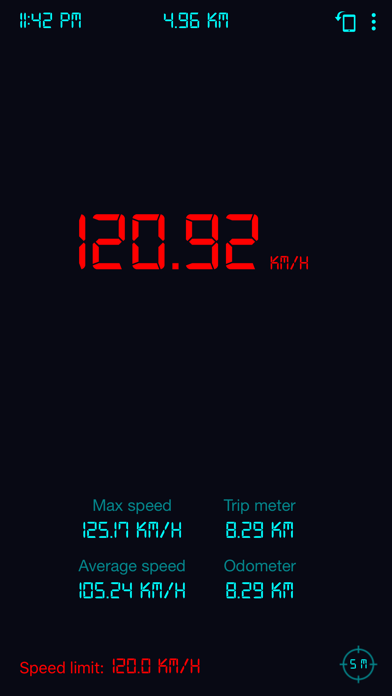
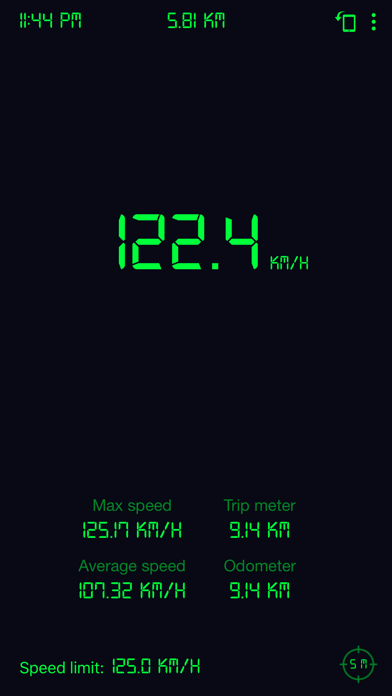
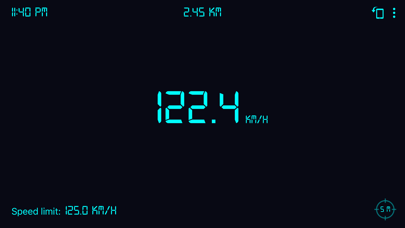
iPad screenshots
Icon palette
About this app
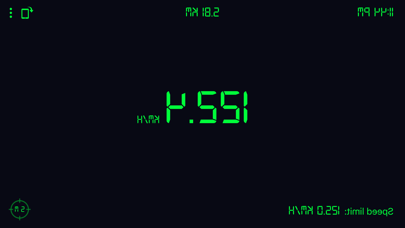
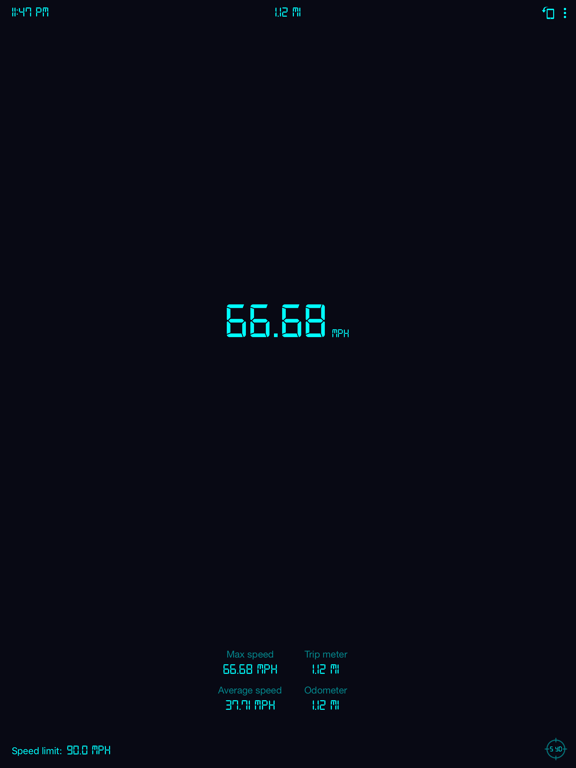
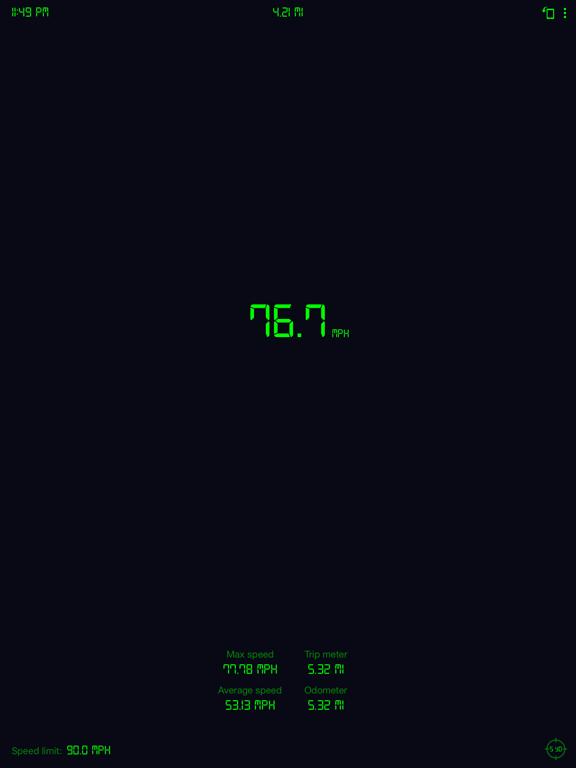
El velocímetro GPS es una pantalla digital para la cabeza (HUD) gratuita basada en GPS que muestra información útil sobre la velocidad y la distancia para su viaje. ¡Ideal si el velocípedo de tu vehículo ha muerto, quieres verificar la velocidad de tu vehículo o simplemente quieres saber tu velocidad cuando estás en bicicleta, corriendo, volando, navegando, etc.! La pantalla se puede cambiar entre la visualización normal y el modo HUD que refleja la pantalla para ver como un reflejo en el parabrisas de un vehículo (más útil por la noche, dependiendo del brillo del dispositivo). Aunque nos esforzamos por hacer que todas las lecturas sean lo más precisas posible, solo son tan precisas como el sensor de GPS de su dispositivo y solo deben considerarse como aproximaciones. Esta aplicación tiene 3 características principales: • Medición de la velocidad de desplazamiento (caminar, trotar, an…
App details
What you can learn from Velocímetro GPS: odómetro
Every shipping app on the App Store has gone through the same decisions you're working through right now: which screenshot goes first, what caption sits over it, which device frame to show, what color the background should be. The 7 screenshots above are Velocímetro GPS: odómetro's answers to those questions — they're public, they're real, and they made it through Apple's review.
Notice the first screenshot in particular. It's the one users see in search results and on the product page, and it's where most apps spend their best caption and tightest design. Look at the proportion of background to phone, where the text sits, what one thing the image is trying to communicate.
Want to see how other Travel apps approach the same problem? Browse more Travel apps in the showcase.
Take what works into your own screenshots
Open LaunchShots and design your App Store & Google Play screenshots — pick a device frame, drop captions, ship in minutes. Free, in your browser.
Open the screenshot editor →