Screenshots
iPad screenshots



Icon palette
About this app
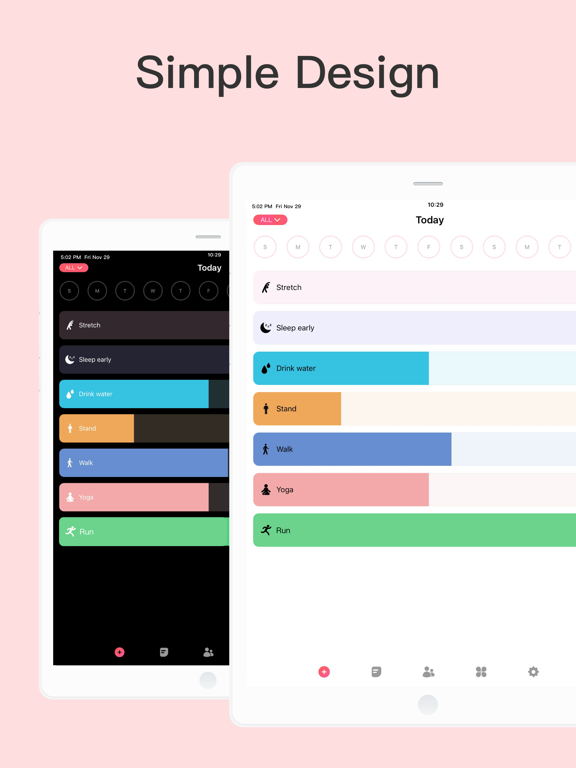
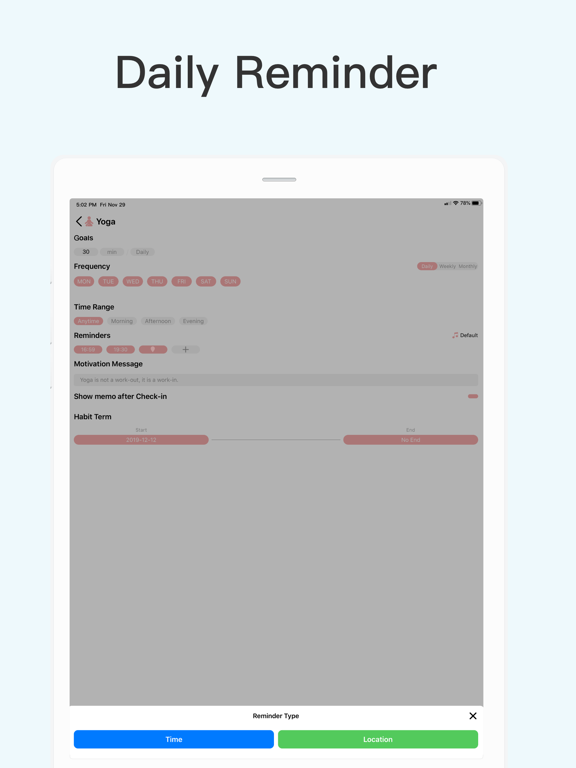
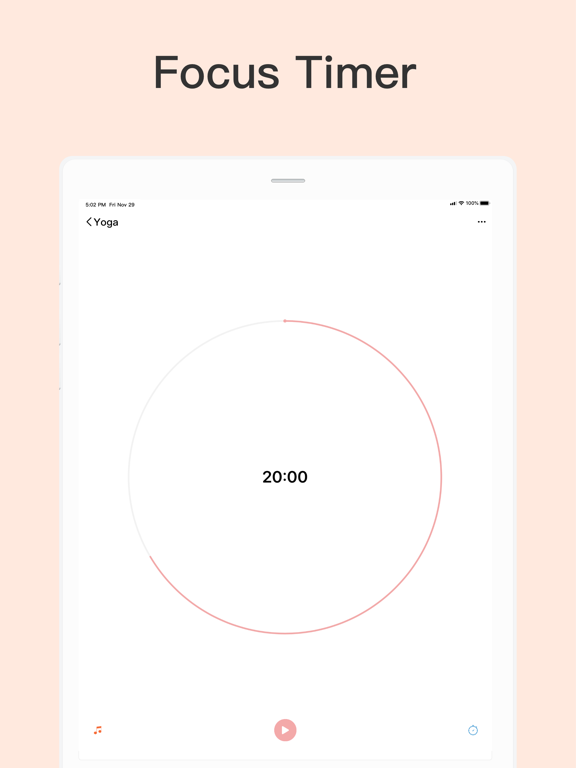
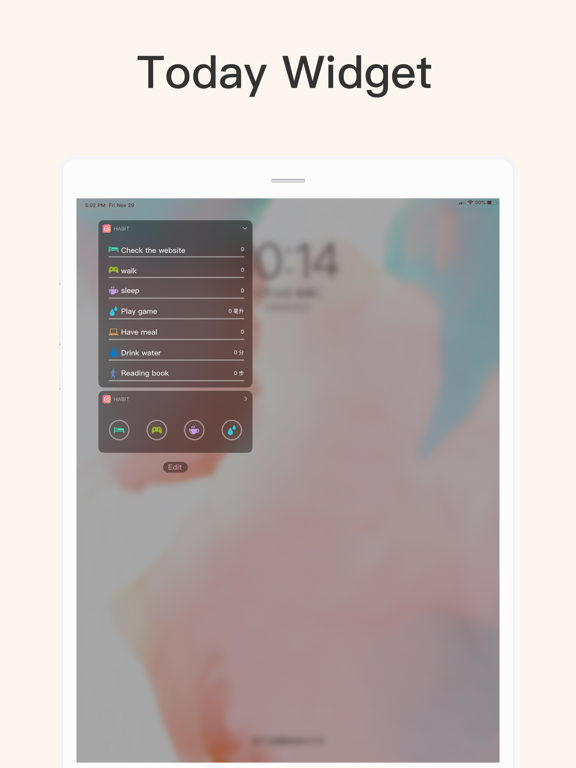
Habit Tracker: A simple daily planner to schedule and track your routine, making it easy to build lasting habits. Join 15M+ happy users, achieve your goals, and make every day count! More than a self-care companion, it lets you share with others to grow and improve together. ----Useful Features---- Sync with Apple Health: Track water intake, steps, sleep, exercise, and calories to seamlessly monitor your wellness journey. Build & Quit Habits: Create positive routines or break free from bad habits with tailored tracking. Flexible Goal Tracking: Measure progress with specific units (e.g., minutes, glasses of water), not just checkmarks. Group Habits: Stay motivated by building, reminding, and tracking habits with friends or loved ones. Insightful Stats: Get detailed analytics to evaluate and celebrate your progress. Habit Reports: Weekly, monthly, and yearly reports to vi…
App details
What you can learn from Habit Tracker
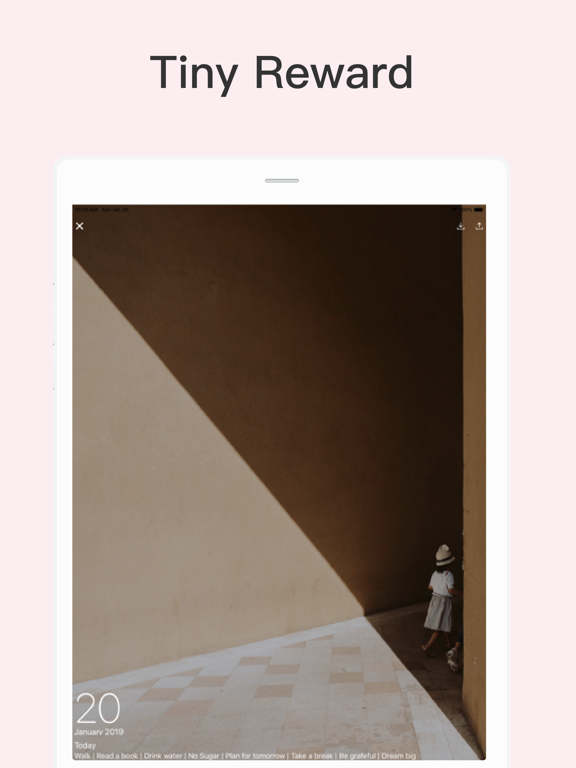
Every shipping app on the App Store has gone through the same decisions you're working through right now: which screenshot goes first, what caption sits over it, which device frame to show, what color the background should be. The 10 screenshots above are Habit Tracker's answers to those questions — they're public, they're real, and they made it through Apple's review.
Notice the first screenshot in particular. It's the one users see in search results and on the product page, and it's where most apps spend their best caption and tightest design. Look at the proportion of background to phone, where the text sits, what one thing the image is trying to communicate.
Want to see how other Productivity apps approach the same problem? Browse more Productivity apps in the showcase.
Take what works into your own screenshots
Open LaunchShots and design your App Store & Google Play screenshots — pick a device frame, drop captions, ship in minutes. Free, in your browser.
Open the screenshot editor →