Screenshots


iPad screenshots


Icon palette
About this app
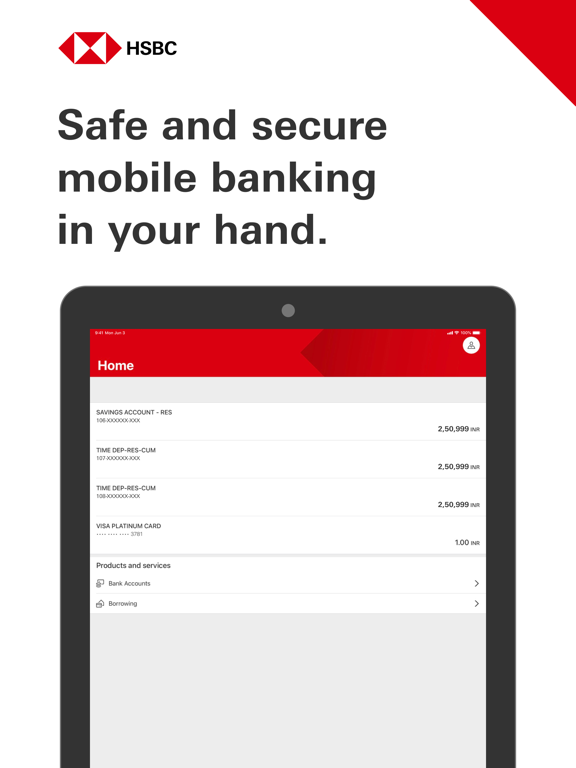
The HSBC India mobile banking app has been built with reliability at its heart. You can enjoy a secure and convenient mobile banking experience with: • Online banking registration on mobile – use your mobile device to easily set up and register for online banking account. All you need is either your phone banking number or PAN (Permanent Account Number) for one time setup. • Touch ID / Face ID – for faster log on, confirm transactions, and self-servicing your user profile. • Accounts summary - View your accounts at a glance on the app with our updated summary view for a seamless mobile experience. • Digital Secure Key – Generate a security code for Online banking, quickly and securely without having to carry a physical Security Device. • Fully Digital Account Opening: Open a bank account and instantly register for online banking. You can also pick up where you left and resume your appli…
App details
What you can learn from HSBC India
Every shipping app on the App Store has gone through the same decisions you're working through right now: which screenshot goes first, what caption sits over it, which device frame to show, what color the background should be. The 16 screenshots above are HSBC India's answers to those questions — they're public, they're real, and they made it through Apple's review.
Notice the first screenshot in particular. It's the one users see in search results and on the product page, and it's where most apps spend their best caption and tightest design. Look at the proportion of background to phone, where the text sits, what one thing the image is trying to communicate.
Want to see how other Finance apps approach the same problem? Browse more Finance apps in the showcase.
Take what works into your own screenshots
Open LaunchShots and design your App Store & Google Play screenshots — pick a device frame, drop captions, ship in minutes. Free, in your browser.
Open the screenshot editor →