Screenshots
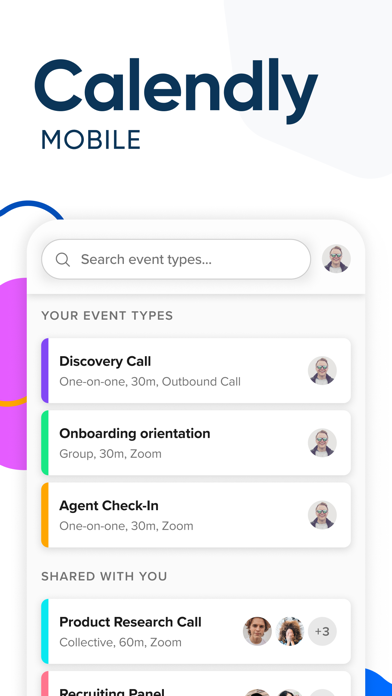
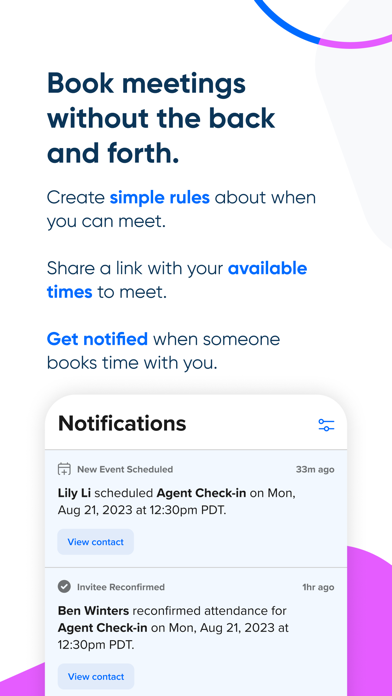


Icon palette
About this app
The perfect partner app to our desktop application, the new Calendly app lets you bring the power of scheduling with you on-the-go. You can quickly copy your scheduling links and paste them into an email, text, or any other app, saving you time while you’re away from your computer. Utilizing iOS’ native sharing capabilities, you can quickly populate your scheduling link and a brief message without ever needing to leave the Calendly app. With the ability to view upcoming meeting details, you can feel more prepared throughout the day, wherever it may take you. View answers to your invitee questions, look up a phone number and even join video calls directly from the app. You also have the flexibility to reschedule or cancel upcoming meetings to better accommodate your day or your invitee's. Go about your day with confidence knowing that you have the power of Calendly right in your po…
App details
What you can learn from Calendly Mobile
Every shipping app on the App Store has gone through the same decisions you're working through right now: which screenshot goes first, what caption sits over it, which device frame to show, what color the background should be. The 6 screenshots above are Calendly Mobile's answers to those questions — they're public, they're real, and they made it through Apple's review.
Notice the first screenshot in particular. It's the one users see in search results and on the product page, and it's where most apps spend their best caption and tightest design. Look at the proportion of background to phone, where the text sits, what one thing the image is trying to communicate.
Want to see how other Business apps approach the same problem? Browse more Business apps in the showcase.
Take what works into your own screenshots
Open LaunchShots and design your App Store & Google Play screenshots — pick a device frame, drop captions, ship in minutes. Free, in your browser.
Open the screenshot editor →