Screenshots

Icon palette
About this app
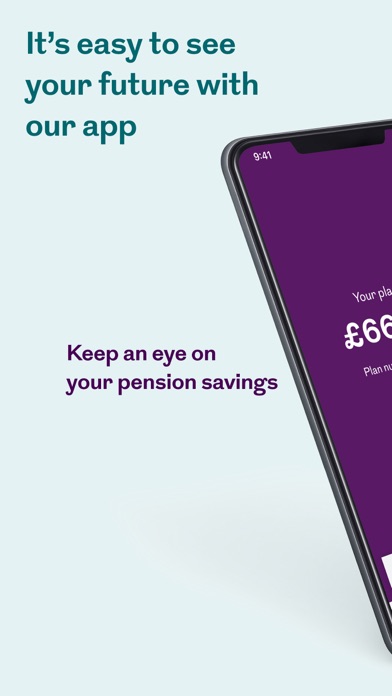
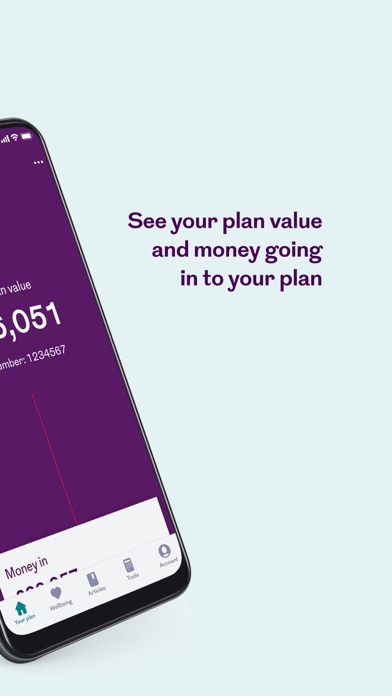
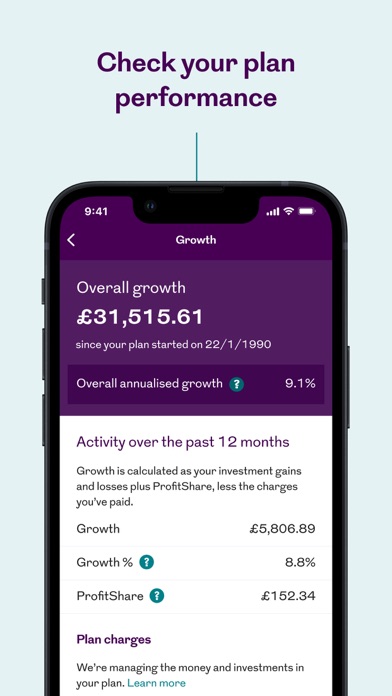
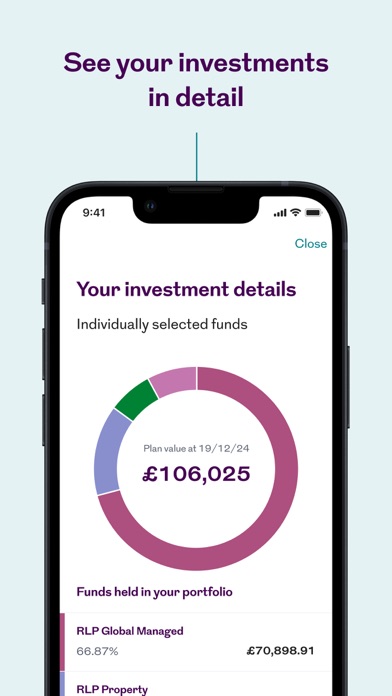
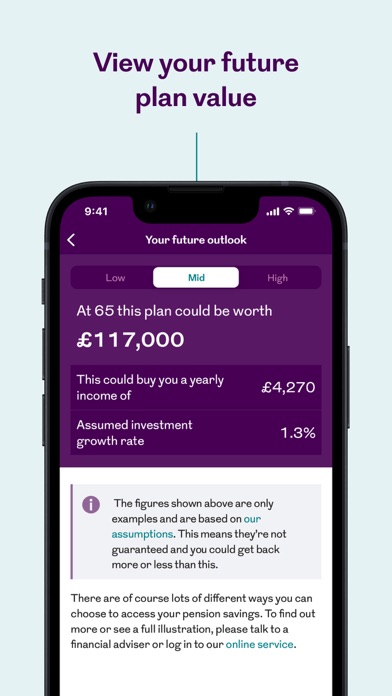
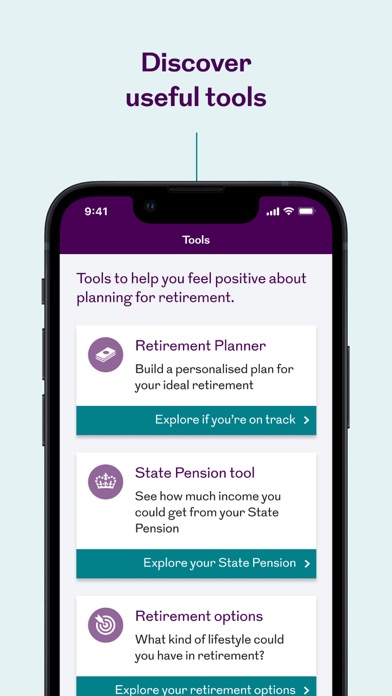
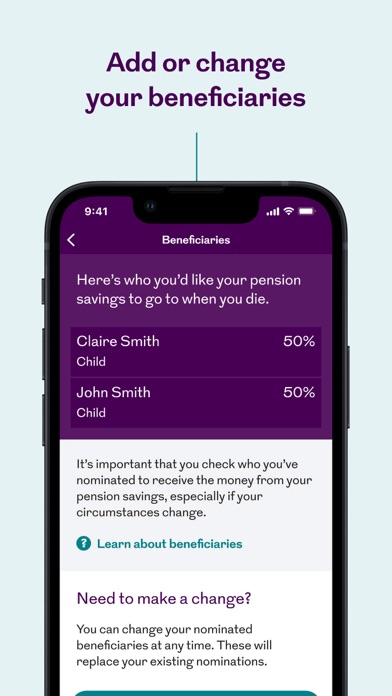
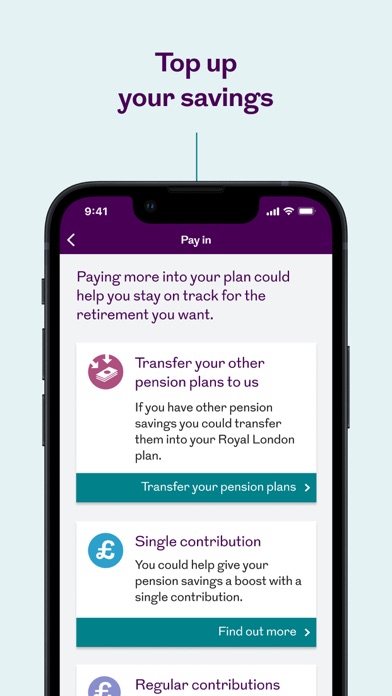
ABOUT THIS APP Making it easy for Royal London customers to view their pension and ISA savings. HOW YOU GET STARTED You’ll need to have at least one individual or workplace pension plan, or ISA, with Royal London. To register you’ll need your plan number, which you can find on your welcome letter or annual statement. As soon as you register you’re ready to see your savings and more. WHAT YOU CAN SEE • The value of your pension and ISA savings. • Your pension contributions, along with tax relief and employer payments. • Details of how your pension funds are invested. • Up-to-date investment performance and growth, charges paid, and any ProfitShare payments awarded. • Projections of what your pension savings could be worth when you retire. • Any money you’ve taken out and how long a regular income might last. WHAT YOU CAN DO • Add, view, and change your beneficiaries. • Transfer…
App details
What you can learn from Royal London
Every shipping app on the App Store has gone through the same decisions you're working through right now: which screenshot goes first, what caption sits over it, which device frame to show, what color the background should be. The 9 screenshots above are Royal London's answers to those questions — they're public, they're real, and they made it through Apple's review.
Notice the first screenshot in particular. It's the one users see in search results and on the product page, and it's where most apps spend their best caption and tightest design. Look at the proportion of background to phone, where the text sits, what one thing the image is trying to communicate.
Want to see how other Finance apps approach the same problem? Browse more Finance apps in the showcase.
Take what works into your own screenshots
Open LaunchShots and design your App Store & Google Play screenshots — pick a device frame, drop captions, ship in minutes. Free, in your browser.
Open the screenshot editor →