Screenshots
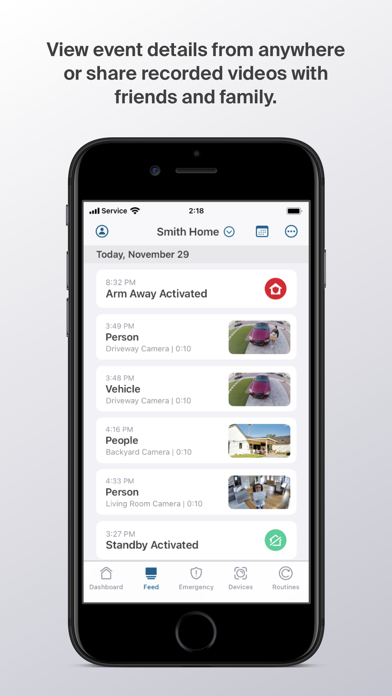
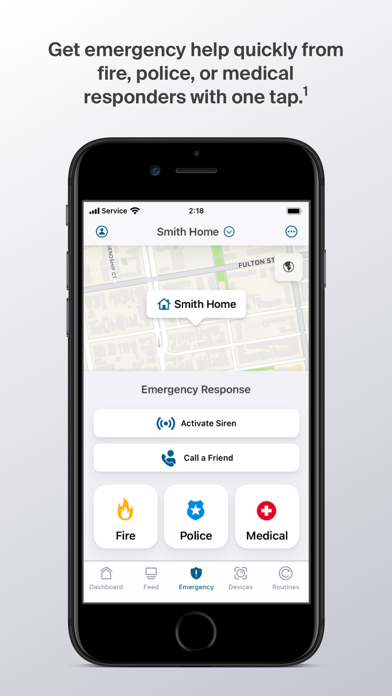
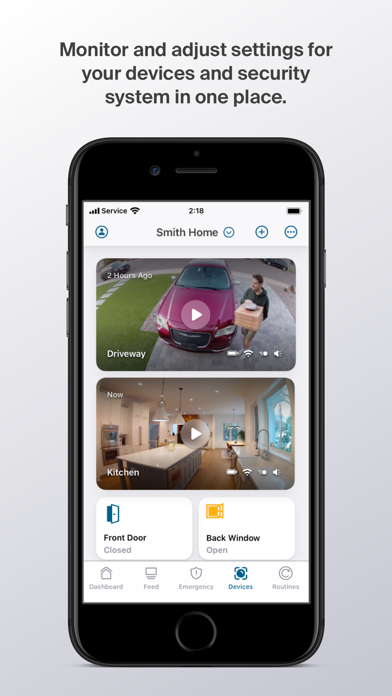
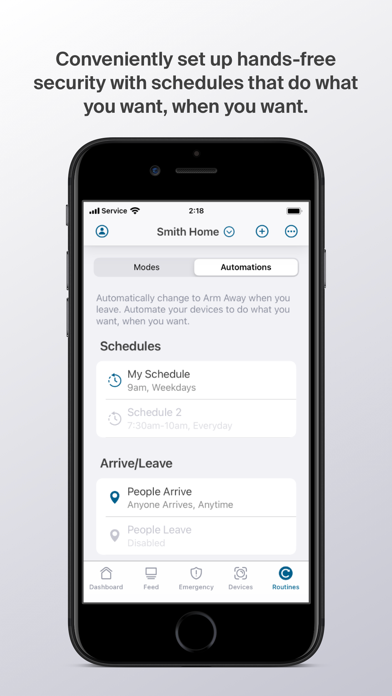
iPad screenshots
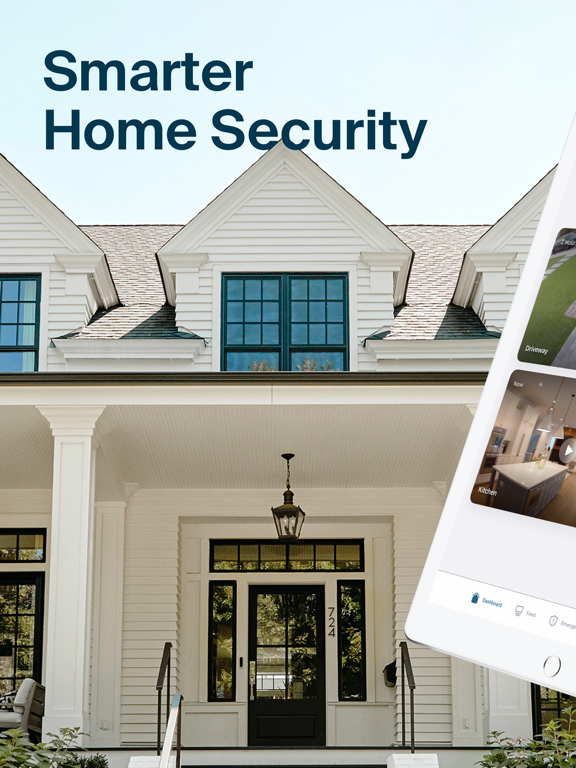
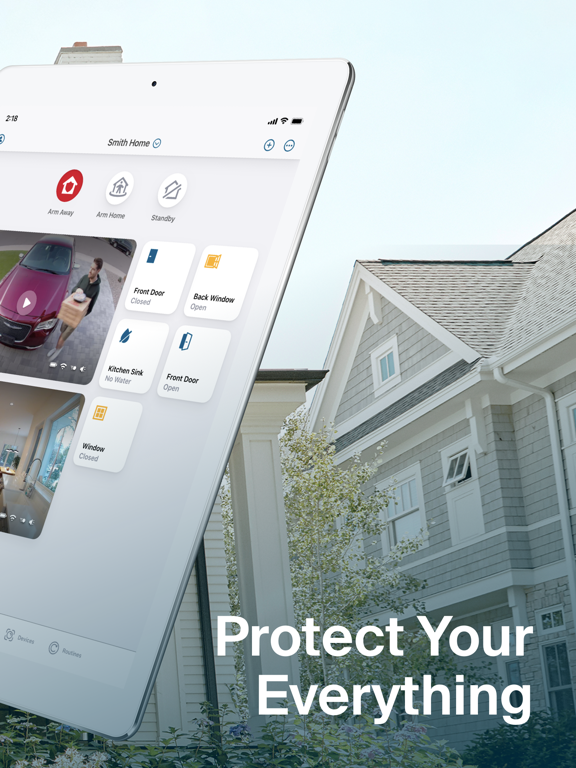
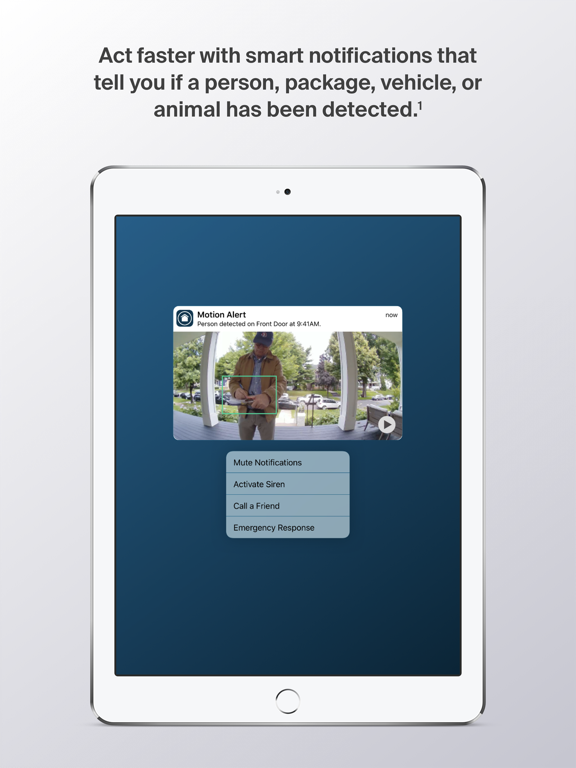
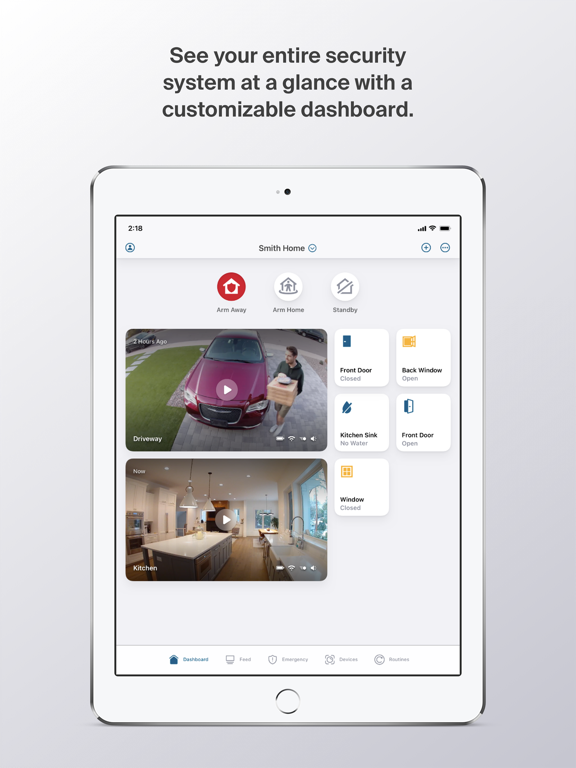
Icon palette
About this app
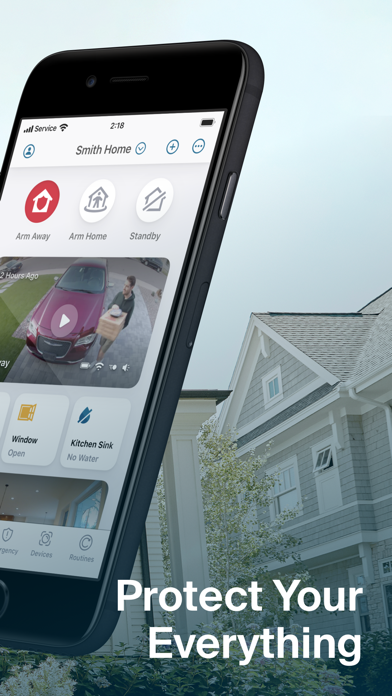
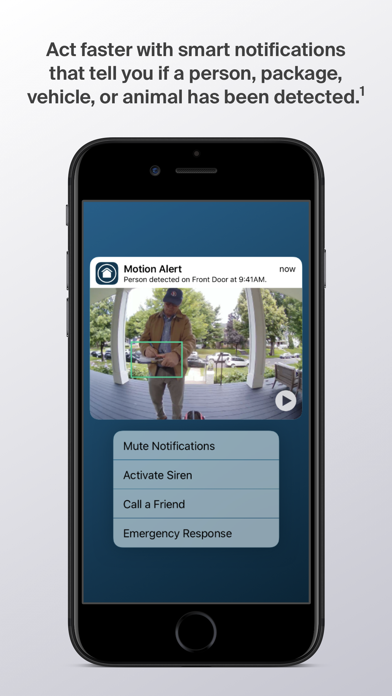
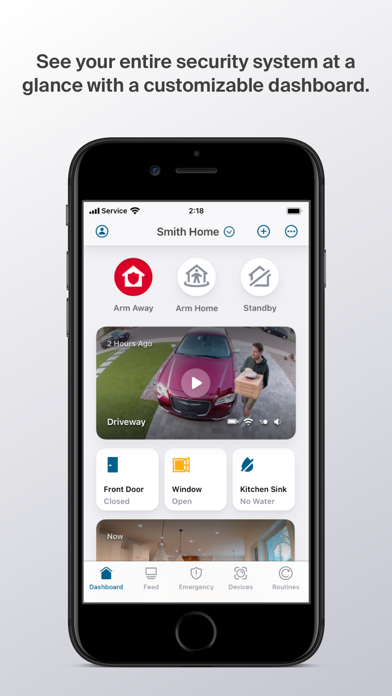
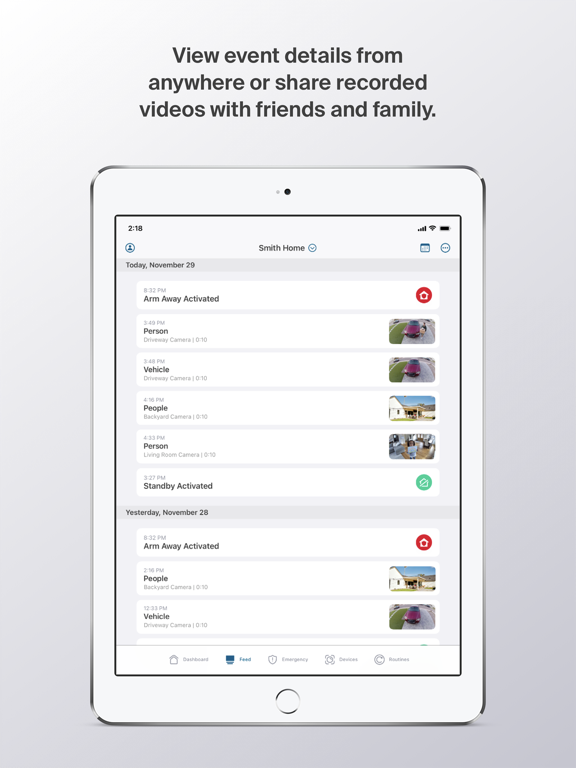
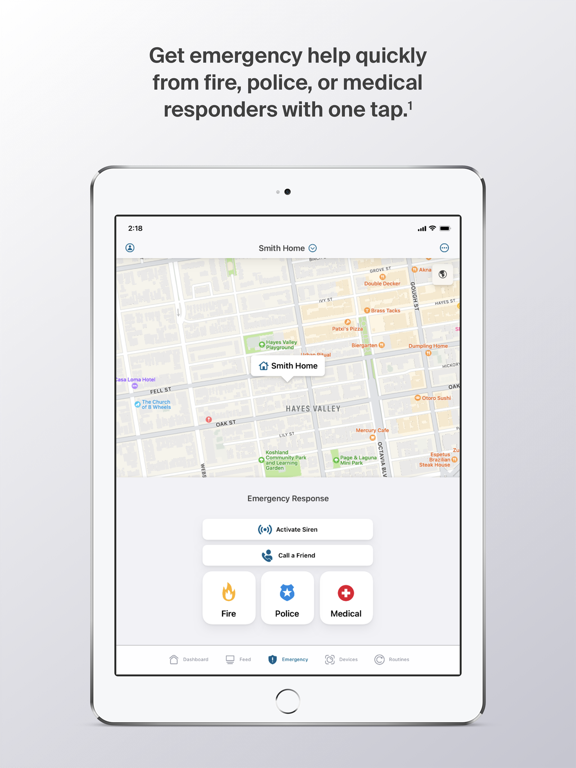
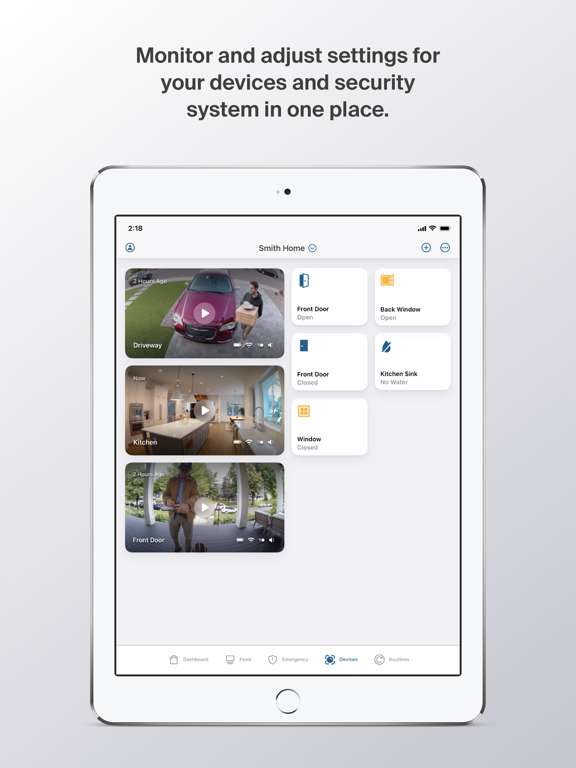
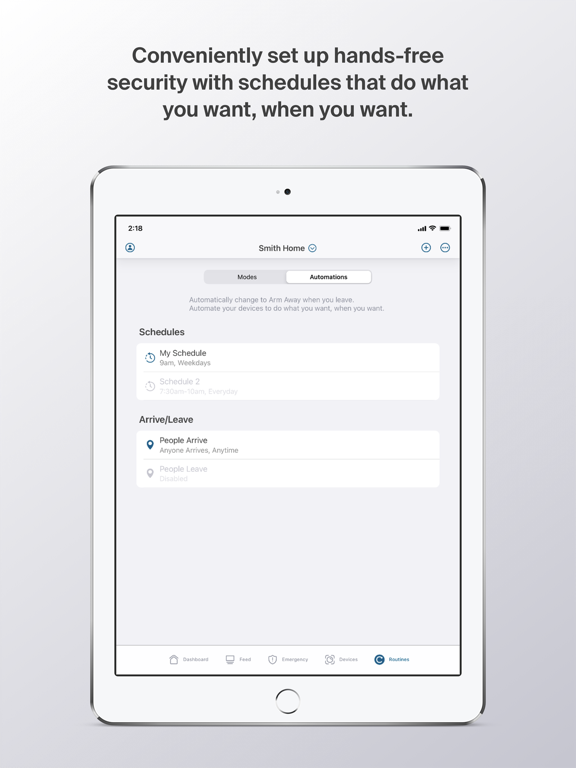
Control your Arlo smart home security system with one, easy-to-use app. Use the Arlo Secure App to protect your home, inside and out, with Arlo’s award-winning home security system, video doorbells, cameras, and floodlight. Protect your everything and personalize your entire home security system. With the Arlo Secure App, you can control multiple locations at once and quickly arm or disarm your system with one tap. Get round-the-clock protection with 24/7 Live Security Experts that will monitor your home, so you don’t have to or use one tap Emergency Response to quickly get police, fire, or medical help to your home.* Easily customize your security by creating smart activity zones to reduce unwanted notifications and set schedules to arm or disarm your system. See important details from your home security camera system with up to 4K resolution, 12X zoom image capabilitie…
App details
What you can learn from Arlo Secure: Home Security
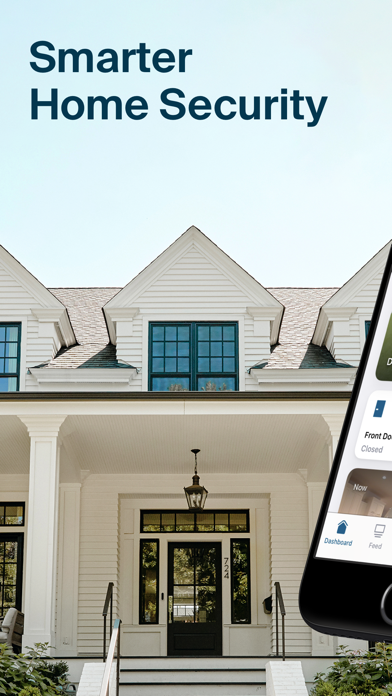
Every shipping app on the App Store has gone through the same decisions you're working through right now: which screenshot goes first, what caption sits over it, which device frame to show, what color the background should be. The 16 screenshots above are Arlo Secure: Home Security's answers to those questions — they're public, they're real, and they made it through Apple's review.
Notice the first screenshot in particular. It's the one users see in search results and on the product page, and it's where most apps spend their best caption and tightest design. Look at the proportion of background to phone, where the text sits, what one thing the image is trying to communicate.
Want to see how other Lifestyle apps approach the same problem? Browse more Lifestyle apps in the showcase.
Take what works into your own screenshots
Open LaunchShots and design your App Store & Google Play screenshots — pick a device frame, drop captions, ship in minutes. Free, in your browser.
Open the screenshot editor →