Screenshots

Icon palette
About this app
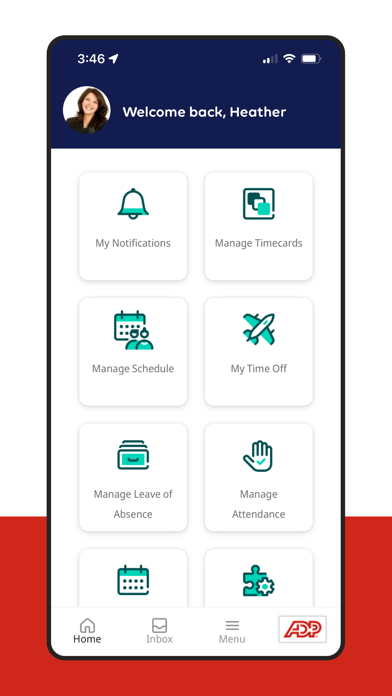
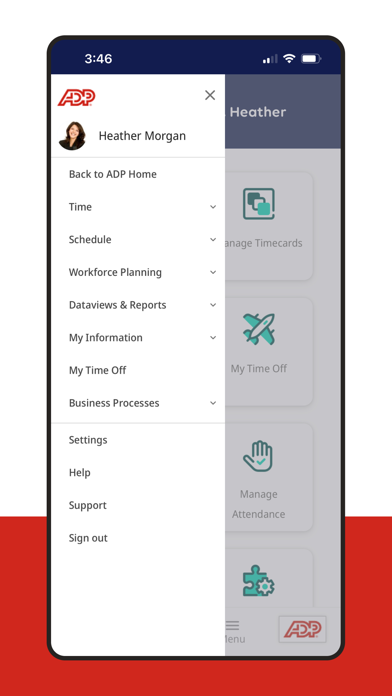
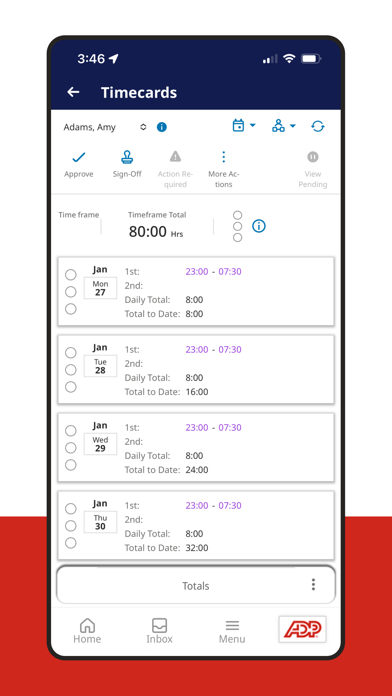
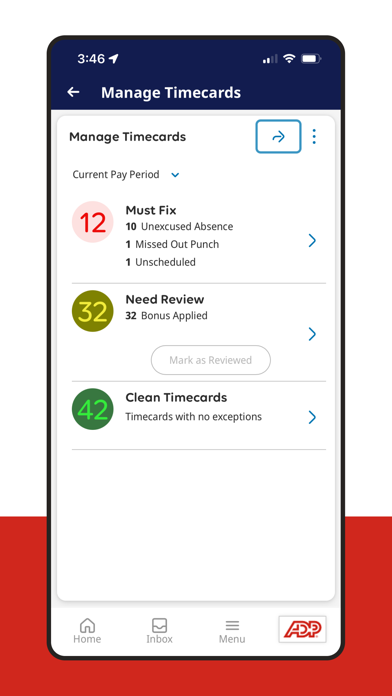
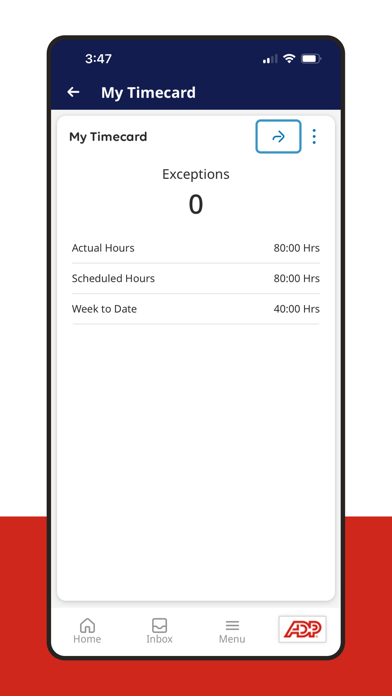
Unlock your workforce potential with the ADP My Work app, the perfect workforce management companion app for ADP Mobile! The ADP My Work app transforms the way you manage your team. Designed for managers and employees, this powerful tool puts workforce management in your pocket. For Managers: - Check attendance on the go - Update schedules effortlessly - Approve timecards with a tap - Monitor overtime wherever you are For Employees: - Clock in and out in seconds - Check schedules and swap shifts easily - Request time off with just a click Practitioners: - Check on and process timecards remotely and ensure a payroll process is running smoothly Embrace the future of workforce management by enhancing communication and boosting productivity with the My Work app, available exclusively for employees of ADP Workforce Manager clients. Download now and experience seamless manage…
App details
What you can learn from ADP My Work
Every shipping app on the App Store has gone through the same decisions you're working through right now: which screenshot goes first, what caption sits over it, which device frame to show, what color the background should be. The 6 screenshots above are ADP My Work's answers to those questions — they're public, they're real, and they made it through Apple's review.
Notice the first screenshot in particular. It's the one users see in search results and on the product page, and it's where most apps spend their best caption and tightest design. Look at the proportion of background to phone, where the text sits, what one thing the image is trying to communicate.
Want to see how other Business apps approach the same problem? Browse more Business apps in the showcase.
Take what works into your own screenshots
Open LaunchShots and design your App Store & Google Play screenshots — pick a device frame, drop captions, ship in minutes. Free, in your browser.
Open the screenshot editor →