Screenshots
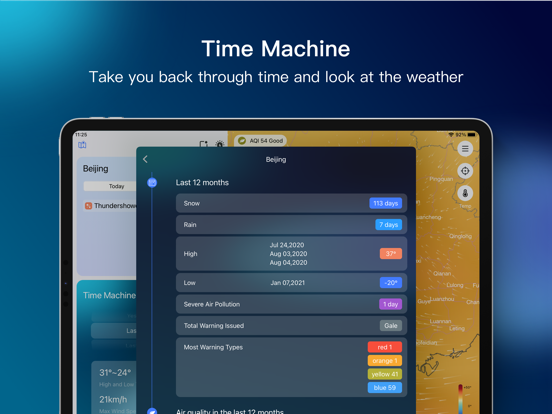
iPad screenshots


Icon palette
About this app
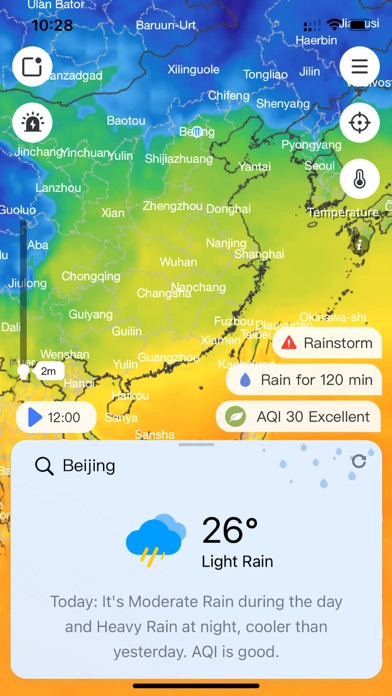
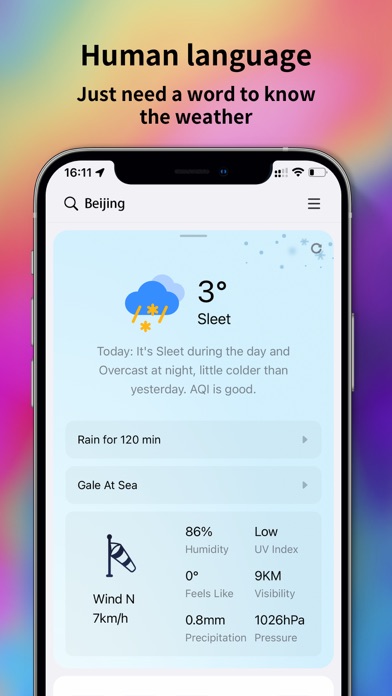
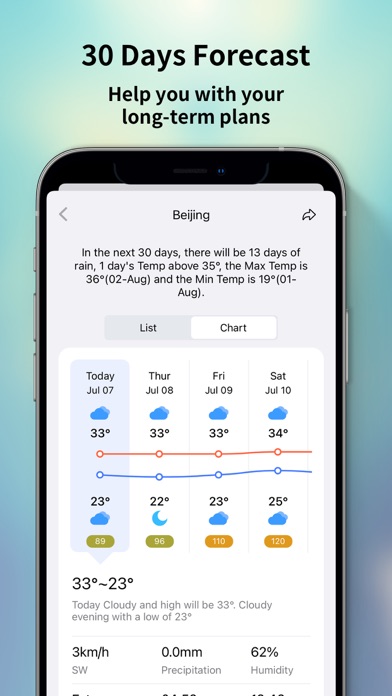
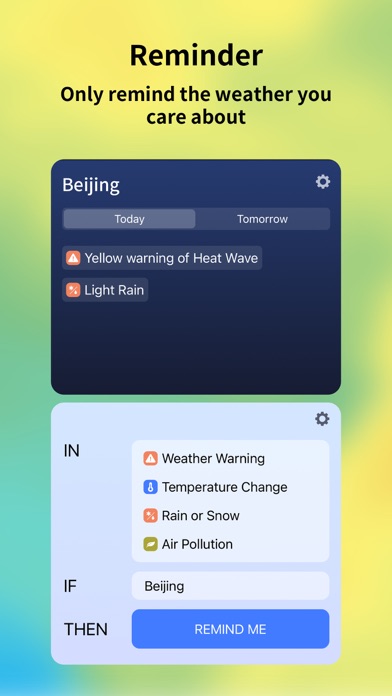
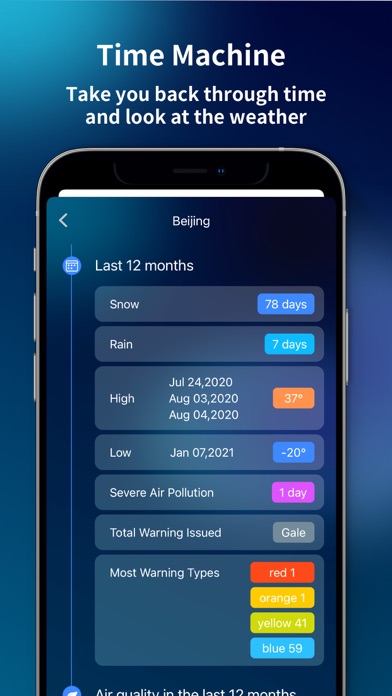
* Visualized Weather App! * Visual Weather Feel the global weather condition trends on QWeather's beautiful weather map. Currently supported map layers include: temperature, pressure, humidity, cloud cover, aurora probability, wave height, sea surface temperature, CAPE, snow depth, dew point temperature, radar reflection, and many more, with more being added all the time. * Time Machine What was the temperature today last week? How many times did it rain last year? How many days are there heavy air pollution? Time machine takes you through weather data from the past. * Smart Reminders "Remind me if it rains in Beijing", a weather forecast set up exactly according to your setting, let you know for different weather in different cities, reducing useless notification. * Global data QWeather supports weather data query for millions of cities around the world. Even if you are drifting i…
App details
What you can learn from QWeather
Every shipping app on the App Store has gone through the same decisions you're working through right now: which screenshot goes first, what caption sits over it, which device frame to show, what color the background should be. The 10 screenshots above are QWeather's answers to those questions — they're public, they're real, and they made it through Apple's review.
Notice the first screenshot in particular. It's the one users see in search results and on the product page, and it's where most apps spend their best caption and tightest design. Look at the proportion of background to phone, where the text sits, what one thing the image is trying to communicate.
Want to see how other Weather apps approach the same problem? Browse more Weather apps in the showcase.
Take what works into your own screenshots
Open LaunchShots and design your App Store & Google Play screenshots — pick a device frame, drop captions, ship in minutes. Free, in your browser.
Open the screenshot editor →