Screenshots
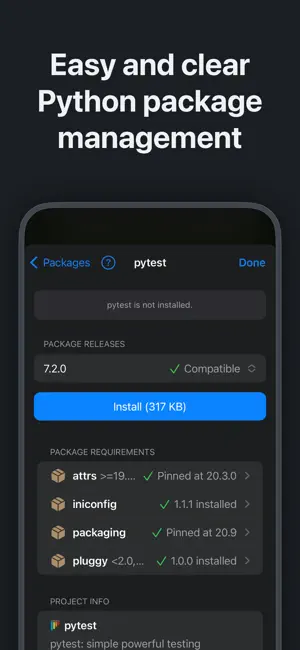
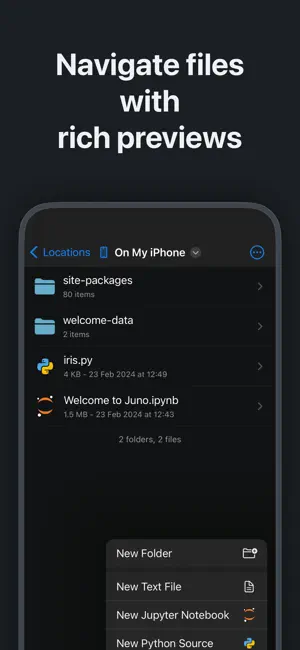
Icon palette
About this app
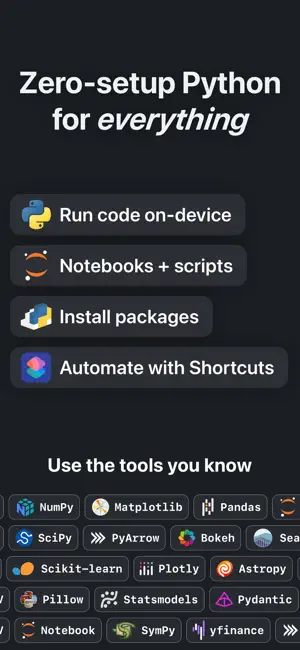
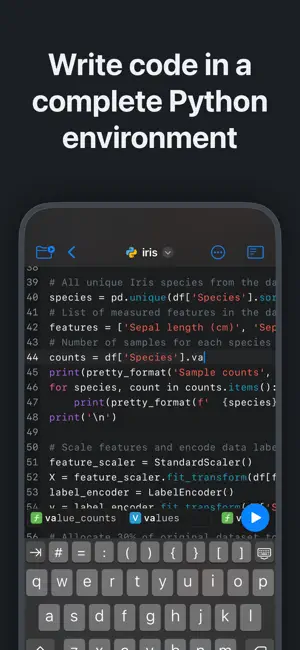
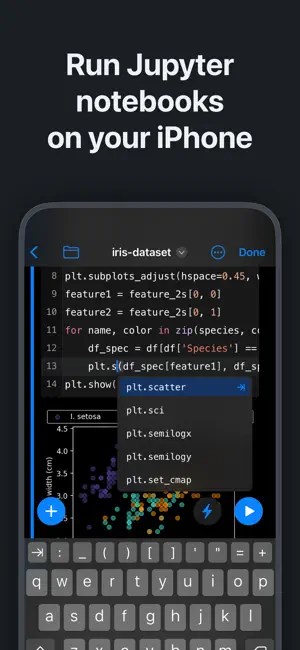
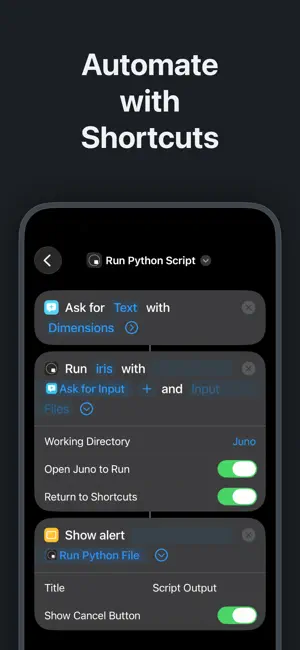
Zero-setup Python environment and developer toolbox in a first-class citizen app for iPad and iPhone. Juno is designed to cover all your Python coding needs, and will work seamlessly with all source code formats. Juno supports both Python scripts (.py) and Jupyter notebooks (.ipynb) — a document format focused on applying Python to data analysis and computational science. FREE FEATURES - Navigate and manage files and folders, quickly preview documents and media - Browse and view Jupyter notebooks with quick and beautifully rendered previews - View and edit code sources, scripts, JSON, XML, and other text-based formats in a built-in versatile plain text editor with syntax highlighting - Add quick access bookmarks for file system locations outside the app's sandbox, or simply open documents in place PRO FEATURES - Run code in Jupyter notebooks and Python sources locally on your devic…
App details
What you can learn from Juno – Python and Jupyter
Every shipping app on the App Store has gone through the same decisions you're working through right now: which screenshot goes first, what caption sits over it, which device frame to show, what color the background should be. The 6 screenshots above are Juno – Python and Jupyter's answers to those questions — they're public, they're real, and they made it through Apple's review.
Notice the first screenshot in particular. It's the one users see in search results and on the product page, and it's where most apps spend their best caption and tightest design. Look at the proportion of background to phone, where the text sits, what one thing the image is trying to communicate.
Want to see how other Developer Tools apps approach the same problem? Browse more Developer Tools apps in the showcase.
Take what works into your own screenshots
Open LaunchShots and design your App Store & Google Play screenshots — pick a device frame, drop captions, ship in minutes. Free, in your browser.
Open the screenshot editor →