Screenshots


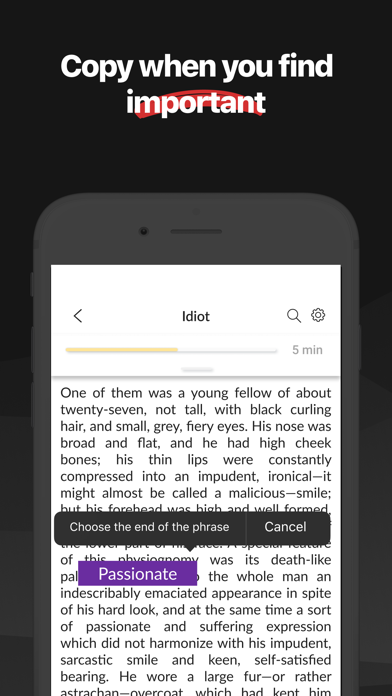
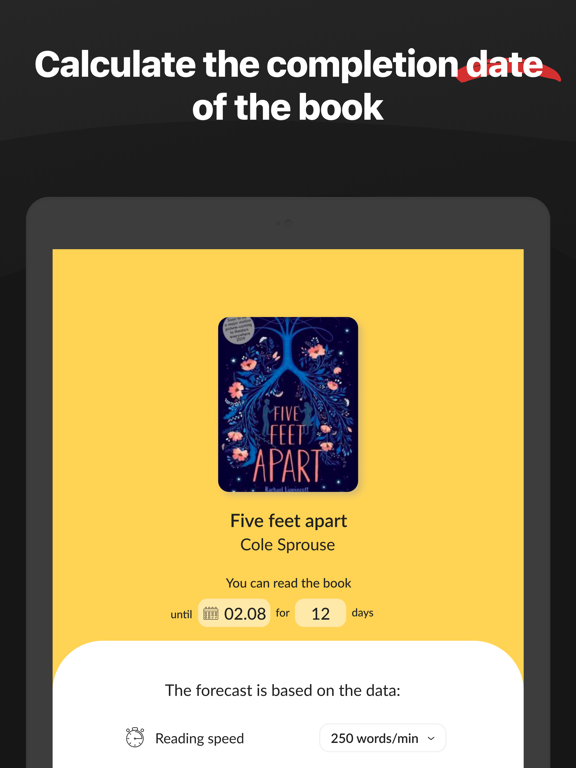
iPad screenshots




Icon palette
About this app
Wordex is the best solution for those who want to read books as fast as possible directly from an iPhone or iPad. Average reading speed is 250 words per minute. When you use Wordex, you start with a speed of 350 words. It is 100 words faster than now! No pre-learning or training is required. We use a special technology created by the experts in speed reading. “You focus only on one word at a time, no need to move your eyes across a text. Just focus”. Enjoy all the benefits of Wordex: Fast | Up to 1 000 words per minute! Incredible! Convenient | Import your books in any format Unlimited | Store as many books as you want Supported formats: * epub * mobi * prc * fb2 * txt * doc * docx * rtf The app contains monthly and yearly subscriptions. Privacy Policy: http://mobapps.tilda.ws/wordex/privacy Terms of use: http://mobapps.tilda.ws/wordex/terms Instructions: http://moba…
App details
What you can learn from Speed reading app: read books
Every shipping app on the App Store has gone through the same decisions you're working through right now: which screenshot goes first, what caption sits over it, which device frame to show, what color the background should be. The 12 screenshots above are Speed reading app: read books's answers to those questions — they're public, they're real, and they made it through Apple's review.
Notice the first screenshot in particular. It's the one users see in search results and on the product page, and it's where most apps spend their best caption and tightest design. Look at the proportion of background to phone, where the text sits, what one thing the image is trying to communicate.
Want to see how other Book apps approach the same problem? Browse more Book apps in the showcase.
Take what works into your own screenshots
Open LaunchShots and design your App Store & Google Play screenshots — pick a device frame, drop captions, ship in minutes. Free, in your browser.
Open the screenshot editor →