Screenshots
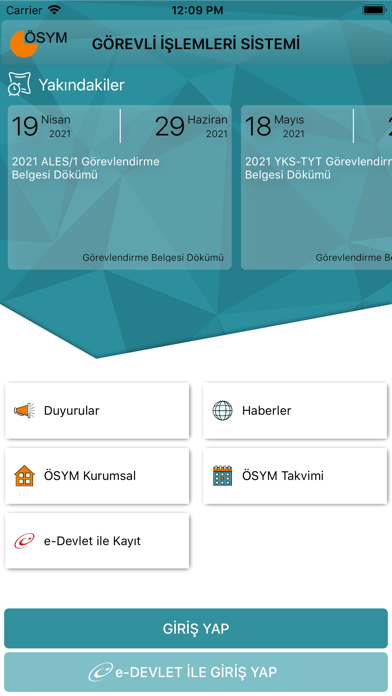
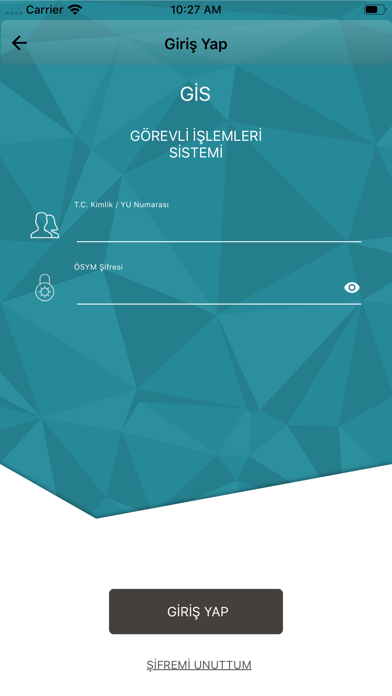


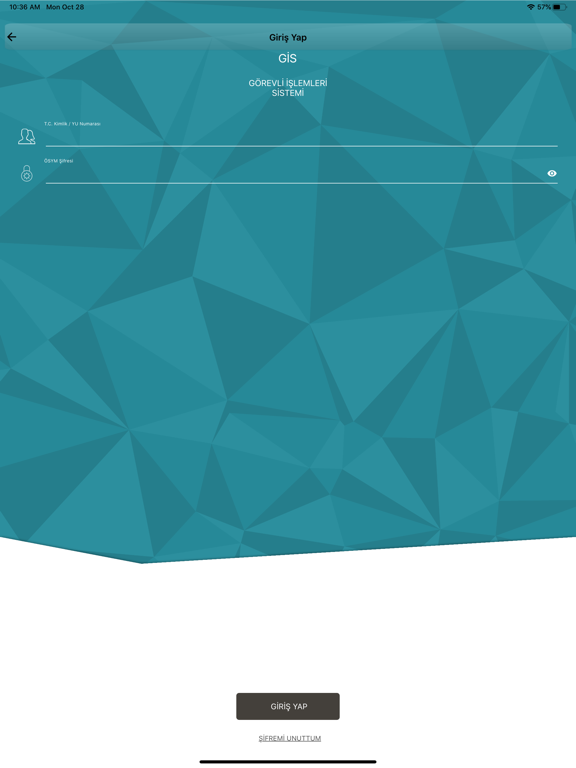
iPad screenshots



Icon palette
About this app
T.C. Ölçme, Seçme ve Yerleştirme Merkezi Resmî Mobil Uygulaması ÖSYM Mobil Görevli İşlemleri Sistemi Yeni ÖSYM GİS Mobil uygulaması ile gis.osym.gov.tr adresindeki hizmetlere mobil cihazınızdan daha hızlı ve kolay bir şekilde erişebilirsiniz. Uygulamayı, Görevli İşlemleri Sisteminde kullandığınız kullanıcı adınız ve şifreniz ile giriş yaparak kullanabilirsiniz. Erişebileceğiniz Hizmetler - Görev Tercihleri - Görevlendirmeler - Sınav Değerlendirme Formu - Geçmiş Görevlendirmeler - Görev İhmal Bilgileri - Eğitim İşlemleri Kullanılan İzinler: - Kamera: Kare kod ile belge doğrulama işlemelerinin yapılabilmesi için kullanılmaktadır.
App details
What you can learn from ÖSYM Görevli İşlemleri Sistemi
Every shipping app on the App Store has gone through the same decisions you're working through right now: which screenshot goes first, what caption sits over it, which device frame to show, what color the background should be. The 8 screenshots above are ÖSYM Görevli İşlemleri Sistemi's answers to those questions — they're public, they're real, and they made it through Apple's review.
Notice the first screenshot in particular. It's the one users see in search results and on the product page, and it's where most apps spend their best caption and tightest design. Look at the proportion of background to phone, where the text sits, what one thing the image is trying to communicate.
Want to see how other Education apps approach the same problem? Browse more Education apps in the showcase.
Take what works into your own screenshots
Open LaunchShots and design your App Store & Google Play screenshots — pick a device frame, drop captions, ship in minutes. Free, in your browser.
Open the screenshot editor →