Screenshots


Icon palette
About this app
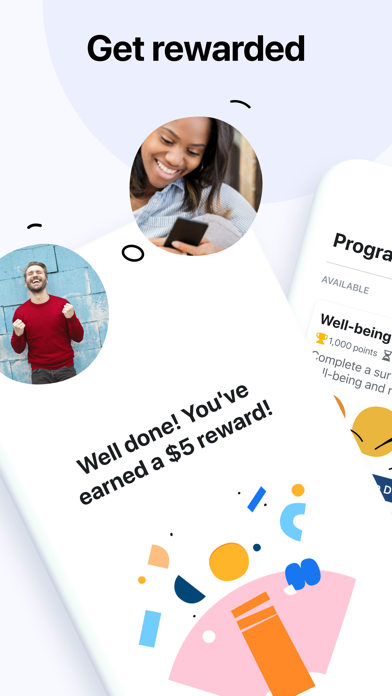
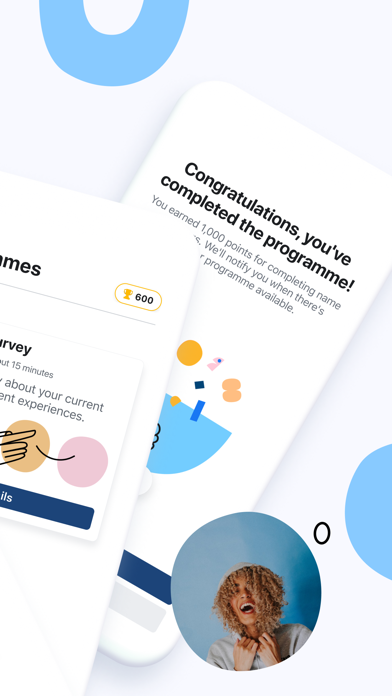
Join us in shaping the future of technology • Earn points and rewards – get rewarded for participating in programmes such as surveys, tasks and research. • You're in control – before you decide to join a programme, we'll explain what data the programme collects and how it's used. This is to help you make informed decisions. • Be a part of creating impactful insights – data from Viewpoints is used to help create better apps and services, and to benefit the community. Get started by installing the Viewpoints app and creating your account. When programmes become available, we'll let you know through email or notifications. A programme can be any type of task, such as participating in research, taking surveys or trying new products. You'll earn points for every programme that you successfully complete. Data from Viewpoints is used to help create better apps and services, and to benefit…
App details
What you can learn from Meta Viewpoints
Every shipping app on the App Store has gone through the same decisions you're working through right now: which screenshot goes first, what caption sits over it, which device frame to show, what color the background should be. The 5 screenshots above are Meta Viewpoints's answers to those questions — they're public, they're real, and they made it through Apple's review.
Notice the first screenshot in particular. It's the one users see in search results and on the product page, and it's where most apps spend their best caption and tightest design. Look at the proportion of background to phone, where the text sits, what one thing the image is trying to communicate.
Want to see how other Lifestyle apps approach the same problem? Browse more Lifestyle apps in the showcase.
Take what works into your own screenshots
Open LaunchShots and design your App Store & Google Play screenshots — pick a device frame, drop captions, ship in minutes. Free, in your browser.
Open the screenshot editor →