Screenshots
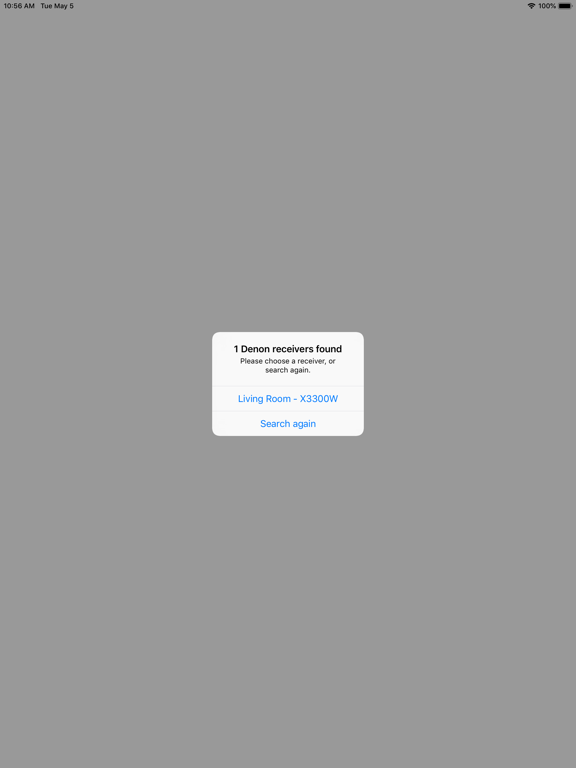
iPad screenshots

Icon palette
About this app
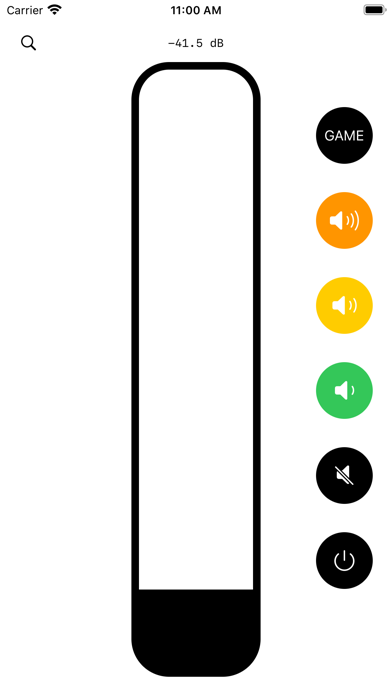
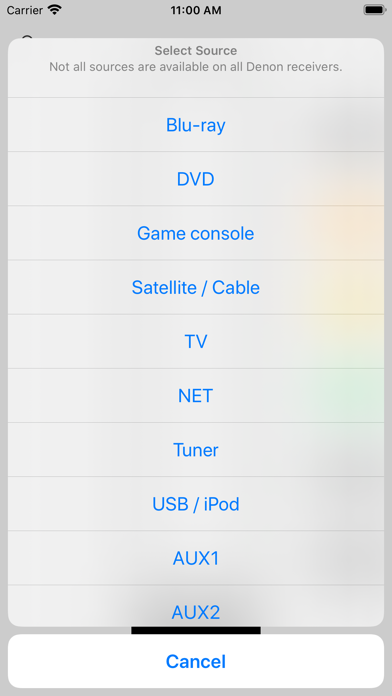
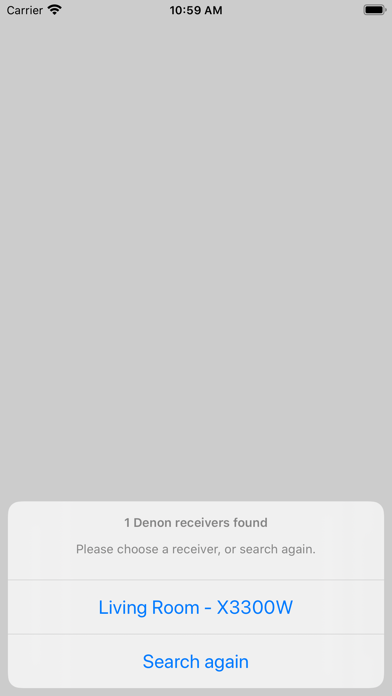
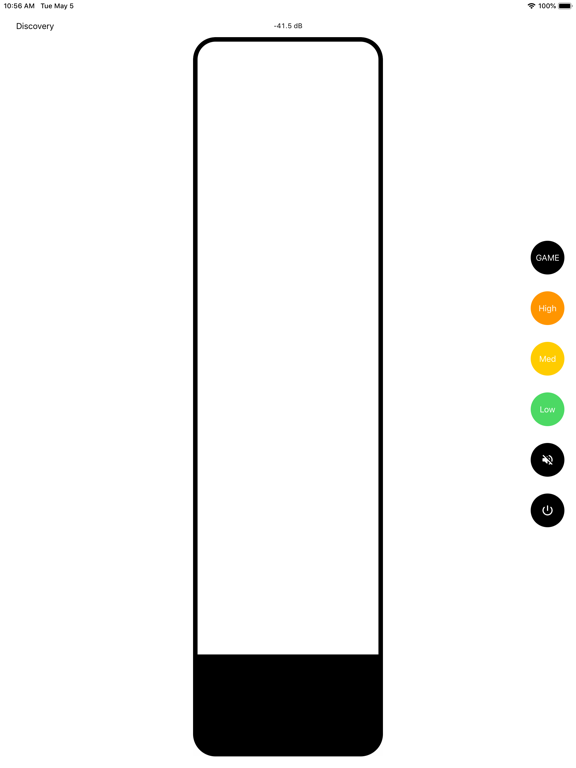
Crank It for Denon & Marantz allows you to control compatible Denon & Marantz receivers. Designed for maximum responsiveness, this app was made because sometimes you need to change the volume of your receiver really precisely, but also really FAST. THIS APP IS OPEN-SOURCE: https://github.com/xaphod/CrankIt This app can: - change the volume (slide up/down anywhere on the screen, or use a preset) - change the input source (ie. switch from DVD to TV) - change the MultiEQ setting (ie. turn off Audyssey) - toggle mute - control zone 2 and main zone - play/pause, skip prev/next, show album art -- requires HEOS-enabled receiver This app supports only receivers made by Denon & Marantz that have an IP address, and are listening on port 23. In practice this translates to receivers made from roughly 2013 onwards. Although this app has functionality designed to prevent you from accidentally tur…
App details
What you can learn from Crank It for Denon & Marantz
Every shipping app on the App Store has gone through the same decisions you're working through right now: which screenshot goes first, what caption sits over it, which device frame to show, what color the background should be. The 6 screenshots above are Crank It for Denon & Marantz's answers to those questions — they're public, they're real, and they made it through Apple's review.
Notice the first screenshot in particular. It's the one users see in search results and on the product page, and it's where most apps spend their best caption and tightest design. Look at the proportion of background to phone, where the text sits, what one thing the image is trying to communicate.
Want to see how other Music apps approach the same problem? Browse more Music apps in the showcase.
Take what works into your own screenshots
Open LaunchShots and design your App Store & Google Play screenshots — pick a device frame, drop captions, ship in minutes. Free, in your browser.
Open the screenshot editor →