Screenshots


Icon palette
About this app
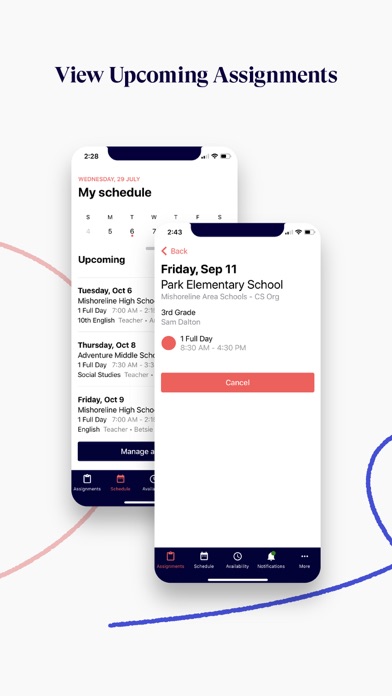
The official Red Rover app puts the power and simplicity of Red Rover right in the palm of your hand. Best of all, its 100% free for all users, including substitutes. Whether you’re on the go or in the zone, Red Rover is the perfect companion to help you quickly book assignments, set your availability, register an absence and so much more. For substitutes: - Instant notifications about upcoming sub assignments available in your school districts - Review and accept available assignments without ever leaving the app - Automatically sync your assignments to your personal calendar - Manage your availability and school preferences For employees: - Quickly register, change, or cancel an absence - Search for qualified and available substitutes - View the status of your past and upcoming absences - Receive status update notifications about your absences For administrators: - Manage, approve,…
App details
What you can learn from Red Rover K12
Every shipping app on the App Store has gone through the same decisions you're working through right now: which screenshot goes first, what caption sits over it, which device frame to show, what color the background should be. The 6 screenshots above are Red Rover K12's answers to those questions — they're public, they're real, and they made it through Apple's review.
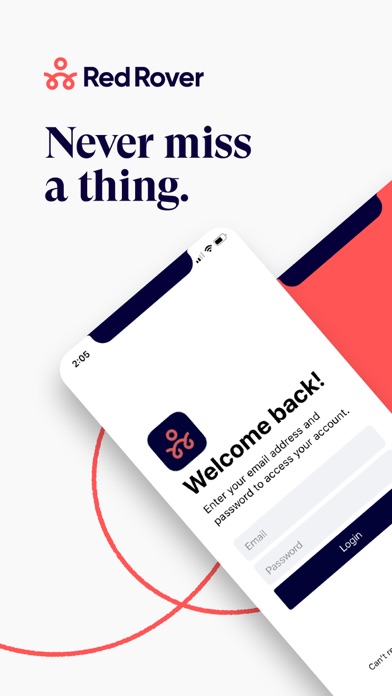
Notice the first screenshot in particular. It's the one users see in search results and on the product page, and it's where most apps spend their best caption and tightest design. Look at the proportion of background to phone, where the text sits, what one thing the image is trying to communicate.
Want to see how other Education apps approach the same problem? Browse more Education apps in the showcase.
Take what works into your own screenshots
Open LaunchShots and design your App Store & Google Play screenshots — pick a device frame, drop captions, ship in minutes. Free, in your browser.
Open the screenshot editor →