Screenshots

Icon palette
About this app
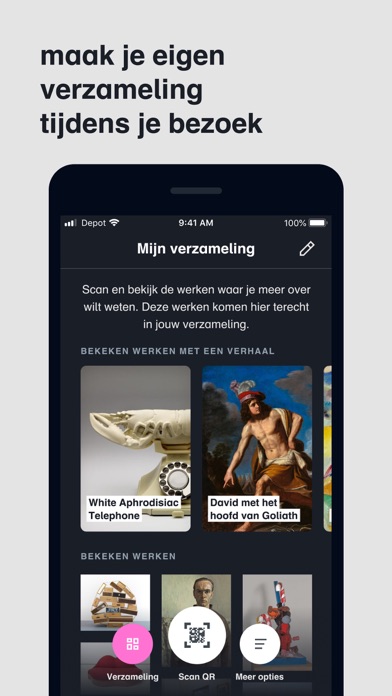
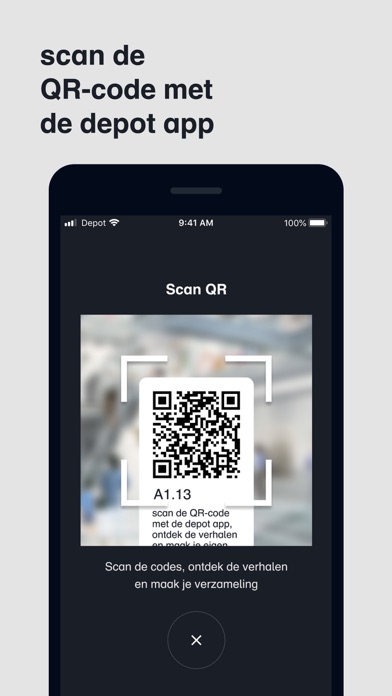
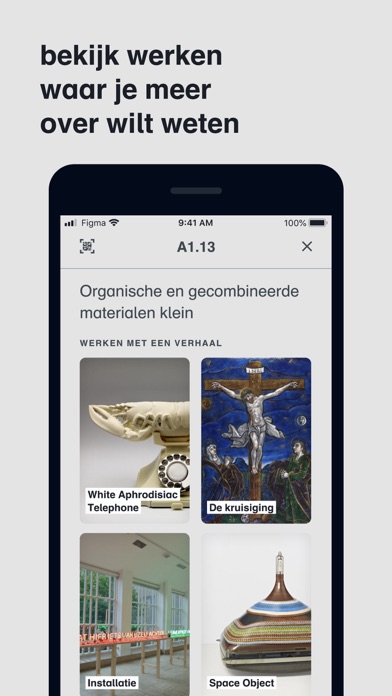
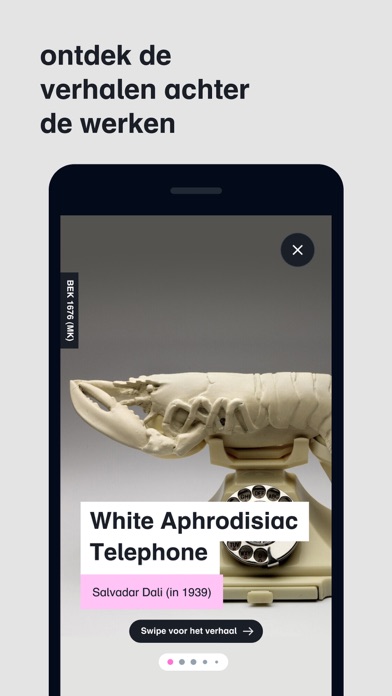
Verhalen In het depot staan kunstwerken uitgestald in vitrines en opgeslagen in depots. Elke ruimte heeft een QR-code en als je die scant kom je meer te weten. Veel werken hebben een interactieve story vol met feitjes, weetjes, foto’s, video, audio en uitdagende kijkvragen. Door deze vragen moet je actief kijken en kun je – samen met anderen – meer ontdekken. Informatie bij duizenden werken Met de app heb je alle info in de hand. Er zijn geen tekstbordjes maar met de app vind je bij tienduizenden werken in het depot de belangrijkste informatie: wie heeft het gemaakt, in welk jaar, met welke materialen en technieken, afmetingen en meer. Je verzameling Je bekijkt de werken die je aanspreken, nieuwsgierig maken of verbazen: werken die aansluiten bij wie jij bent. De app slaat ze op in je eigen verzameling en maakt van jou een kunstverzamelaar: je eigen Boijmans collectie op zak ter ins…
App details
What you can learn from Depot Boijmans
Every shipping app on the App Store has gone through the same decisions you're working through right now: which screenshot goes first, what caption sits over it, which device frame to show, what color the background should be. The 5 screenshots above are Depot Boijmans's answers to those questions — they're public, they're real, and they made it through Apple's review.
Notice the first screenshot in particular. It's the one users see in search results and on the product page, and it's where most apps spend their best caption and tightest design. Look at the proportion of background to phone, where the text sits, what one thing the image is trying to communicate.
Want to see how other Education apps approach the same problem? Browse more Education apps in the showcase.
Take what works into your own screenshots
Open LaunchShots and design your App Store & Google Play screenshots — pick a device frame, drop captions, ship in minutes. Free, in your browser.
Open the screenshot editor →