Screenshots

Icon palette
About this app
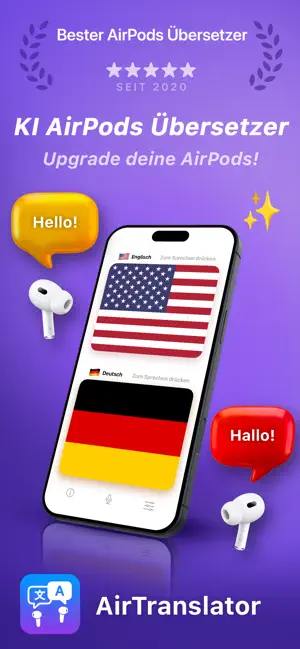
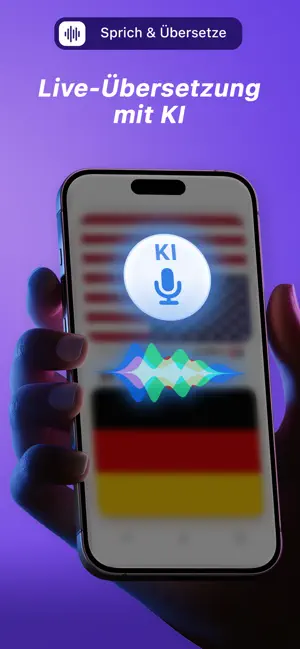
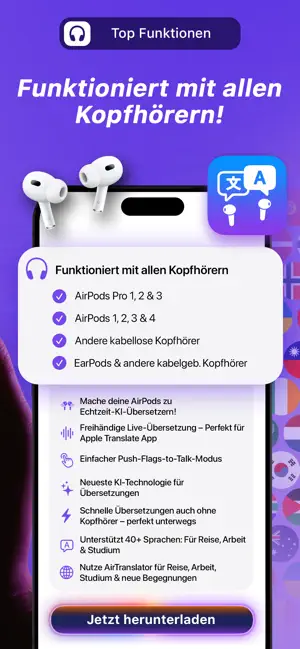
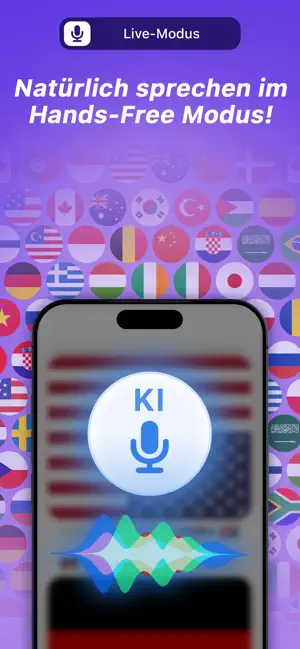
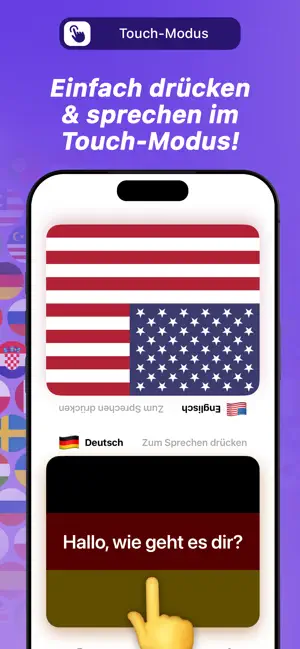
AirTranslator – Beste KI Live-Übersetzung (mit und ohne AirPods) 【 Nutze deine AirPods als KI-Echtzeit-Übersetzer! 】 * AirTranslator verwandelt deine AirPods (und alle anderen Kopfhörer) in einen KI-Echtzeit-Dolmetscher! * Teilt euch je einen AirPod – jeder hört die Übersetzung in seiner eigenen Sprache! * Funktioniert auch ohne Kopfhörer für schnelle Übersetzungen unterwegs! Öffne einfach die App und übersetze sofort – ideal für Reisende! 【 Dein persönlicher AirPods-Übersetzer für Live-Übersetzung 】 Du suchst den perfekten AirPod-Übersetzer? AirTranslator ist der ultimative Live-Übersetzer für deine Apple Earbuds und In-Ears. Nutze deine AirPods, um Gespräche in Echtzeit zu übersetzen – das ideale Tool für Reisen und Meetings. Unsere Technologie ist für ein flüssiges AirPods-Live-Übersetzungserlebnis optimiert, inklusive spezialisiertem Support für AirPods Pro Übersetzung. Das…
App details
What you can learn from AirTranslator AirPod Translate
Every shipping app on the App Store has gone through the same decisions you're working through right now: which screenshot goes first, what caption sits over it, which device frame to show, what color the background should be. The 6 screenshots above are AirTranslator AirPod Translate's answers to those questions — they're public, they're real, and they made it through Apple's review.
Notice the first screenshot in particular. It's the one users see in search results and on the product page, and it's where most apps spend their best caption and tightest design. Look at the proportion of background to phone, where the text sits, what one thing the image is trying to communicate.
Want to see how other Reference apps approach the same problem? Browse more Reference apps in the showcase.
Take what works into your own screenshots
Open LaunchShots and design your App Store & Google Play screenshots — pick a device frame, drop captions, ship in minutes. Free, in your browser.
Open the screenshot editor →