Screenshots
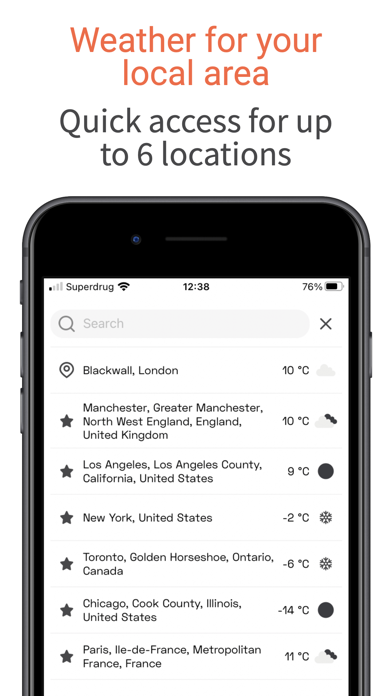
iPad screenshots


Icon palette
About this app
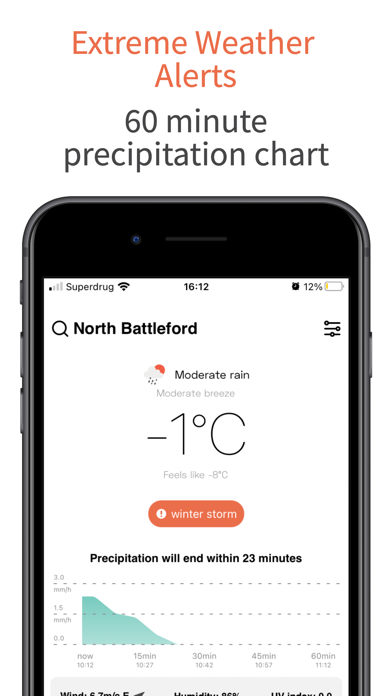
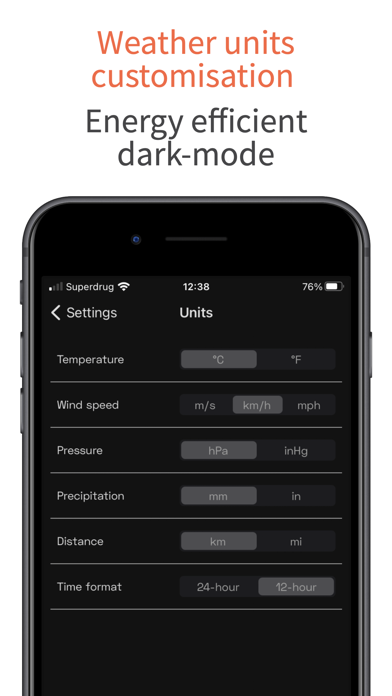
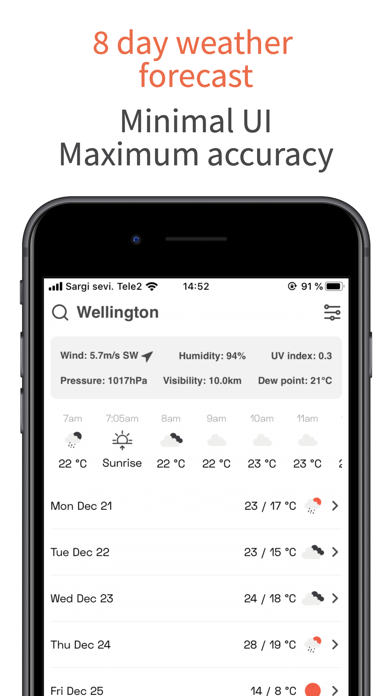
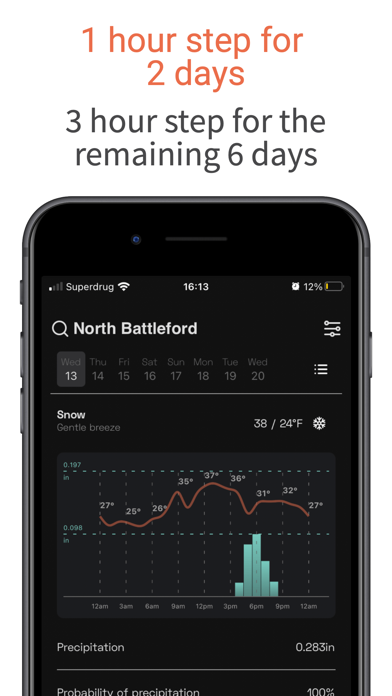
A scientific yet simple approach to weather forecast OpenWeather App is an ad-free & free-to-use application that will help you plan your time around the weather in a concise and minimalistic manner. Be aware of any precipitation within an hour with a minute precision or plan your activities for the next Sunday morning. OpenWeather App can tell you, which part of the day is going to have a clear sky and light breeze in your local area. Who uses OpenWeather? The data from OpenWeather is used by millions of developers and businesses worldwide. Most likely, you already see our data through your weather application. Now you can obtain your weather report from its inception, through OpenWeather App. 8 reasons to love OpenWeather App 1. Minimalistic design that gives you all the weather information you need including: Feels Like, wind speed; wind direction; atmospheric pressure; humidi…
App details
What you can learn from OpenWeather
Every shipping app on the App Store has gone through the same decisions you're working through right now: which screenshot goes first, what caption sits over it, which device frame to show, what color the background should be. The 9 screenshots above are OpenWeather's answers to those questions — they're public, they're real, and they made it through Apple's review.
Notice the first screenshot in particular. It's the one users see in search results and on the product page, and it's where most apps spend their best caption and tightest design. Look at the proportion of background to phone, where the text sits, what one thing the image is trying to communicate.
Want to see how other Weather apps approach the same problem? Browse more Weather apps in the showcase.
Take what works into your own screenshots
Open LaunchShots and design your App Store & Google Play screenshots — pick a device frame, drop captions, ship in minutes. Free, in your browser.
Open the screenshot editor →