Screenshots

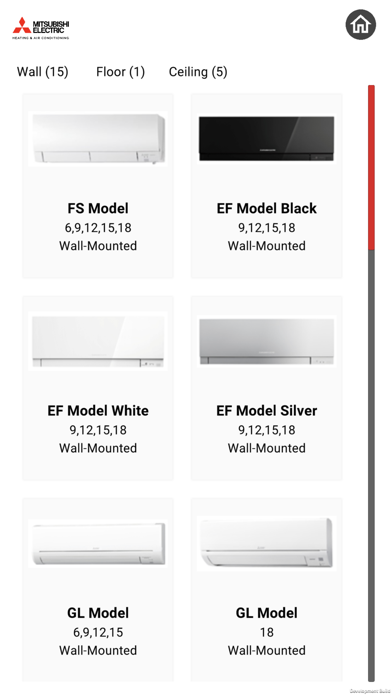
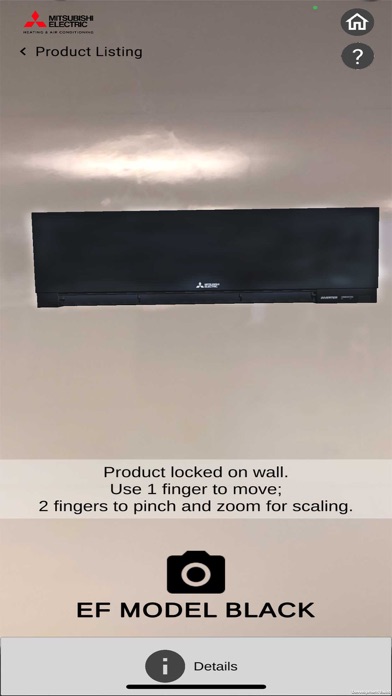
iPad screenshots


Icon palette
About this app
The newest version of the innovative meView3D app from Mitsubishi Electric Heating and Air Conditioning enhances the user experience, and also extends to all brands. Like the previous version of the app, meView3D allows the homeowner or contractor to envision what a typical indoor unit will look like in any particular room once installed. The latest version of the app however incorporates many new enhancements. • The full product suite of products are now available through the app, including floor and ceiling units. • The interface is much easier to use for the app user. Users no longer need to print out a visual queue, and tape it to the wall in order for the app the place the unit on the wall. The app uses the latest detection technology in order to discover the room’s walls and ceiling automatically for unit placement. • Users can select their method of choice for sharing the r…
App details
What you can learn from Mitsubishi Electric MEView
Every shipping app on the App Store has gone through the same decisions you're working through right now: which screenshot goes first, what caption sits over it, which device frame to show, what color the background should be. The 8 screenshots above are Mitsubishi Electric MEView's answers to those questions — they're public, they're real, and they made it through Apple's review.
Notice the first screenshot in particular. It's the one users see in search results and on the product page, and it's where most apps spend their best caption and tightest design. Look at the proportion of background to phone, where the text sits, what one thing the image is trying to communicate.
Want to see how other Business apps approach the same problem? Browse more Business apps in the showcase.
Take what works into your own screenshots
Open LaunchShots and design your App Store & Google Play screenshots — pick a device frame, drop captions, ship in minutes. Free, in your browser.
Open the screenshot editor →