Screenshots

iPad screenshots


Icon palette
About this app
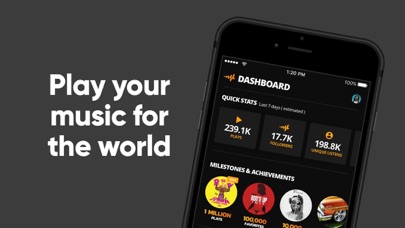
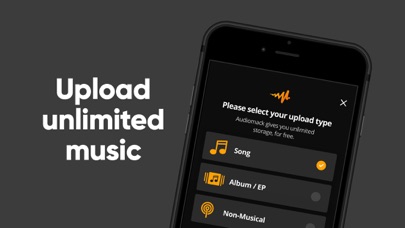
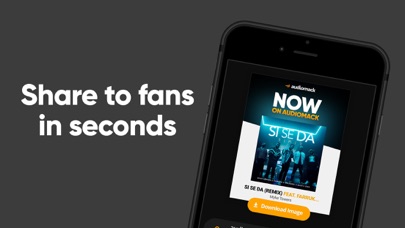
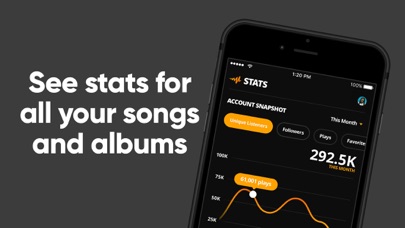
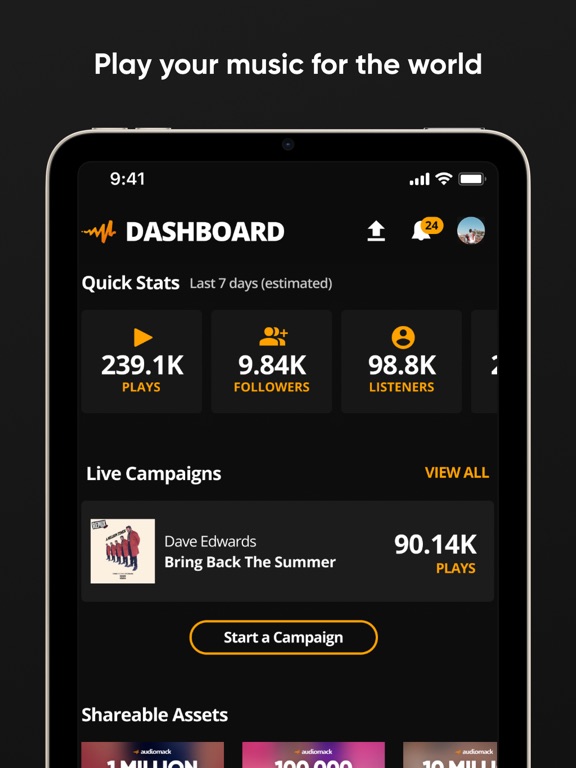
Growing your music career on Audiomack just got so much easier with our Creator App - you can do everything from uploading tracks and managing your releases, to seeing your artist stats and messaging your fans all from your phone now. Upload as many tracks as you want - we have unlimited storage for artists, no subscription or payment required. (MP3s, WAV, M4A, AAC, and other local files) View stats on your releases (plays, favorites, playlist adds, and re-ups) See what cities and countries your music is getting the most traction in, and who your top fans are See what your fans have to say about your tracks and directly reply to comments Message your followers Easily market your music with our Promote Tab (we auto-generate custom images for you to share on social media) Earn money from your streams directly from us through our Artist Monetization Program, no distributor or label requi…
App details
What you can learn from Audiomack Creator-Upload Music
Every shipping app on the App Store has gone through the same decisions you're working through right now: which screenshot goes first, what caption sits over it, which device frame to show, what color the background should be. The 8 screenshots above are Audiomack Creator-Upload Music's answers to those questions — they're public, they're real, and they made it through Apple's review.
Notice the first screenshot in particular. It's the one users see in search results and on the product page, and it's where most apps spend their best caption and tightest design. Look at the proportion of background to phone, where the text sits, what one thing the image is trying to communicate.
Want to see how other Music apps approach the same problem? Browse more Music apps in the showcase.
Take what works into your own screenshots
Open LaunchShots and design your App Store & Google Play screenshots — pick a device frame, drop captions, ship in minutes. Free, in your browser.
Open the screenshot editor →