Screenshots
Icon palette
About this app
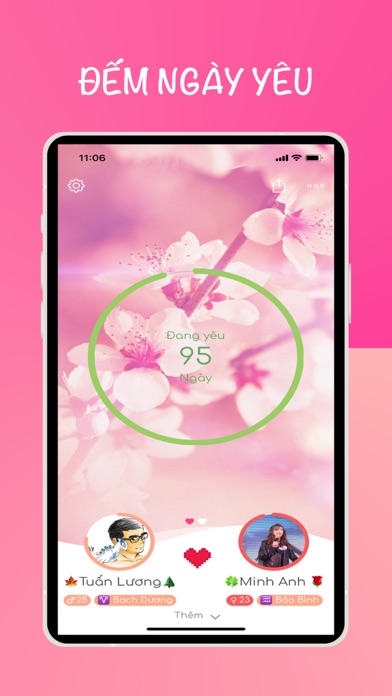
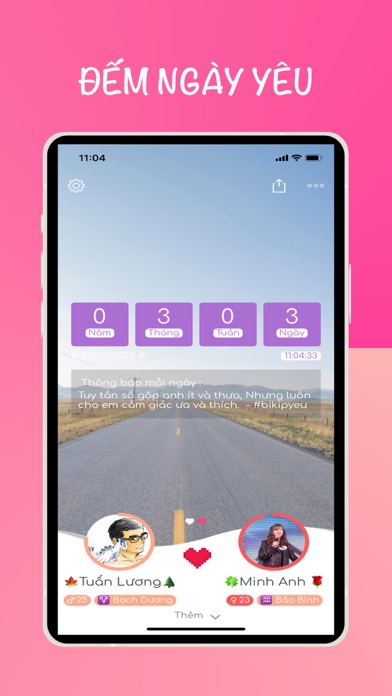
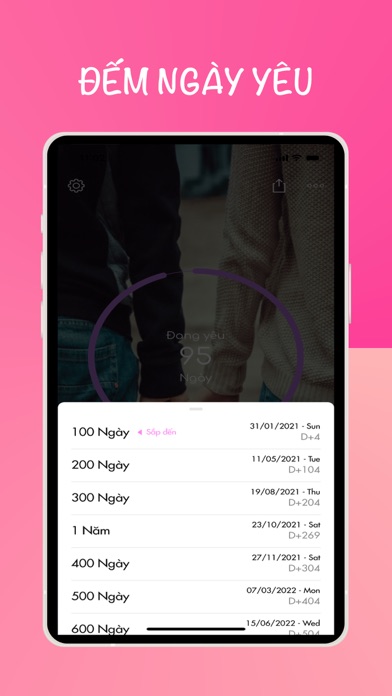
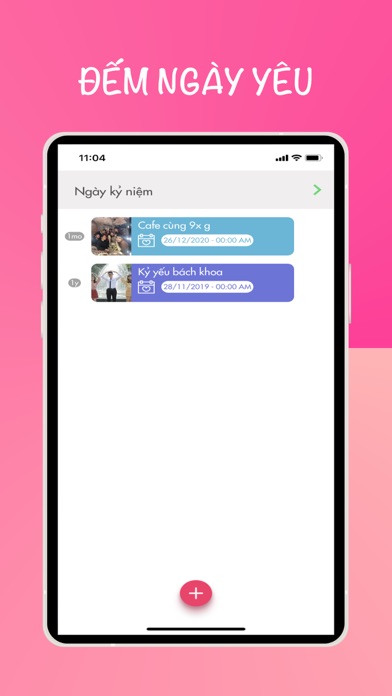
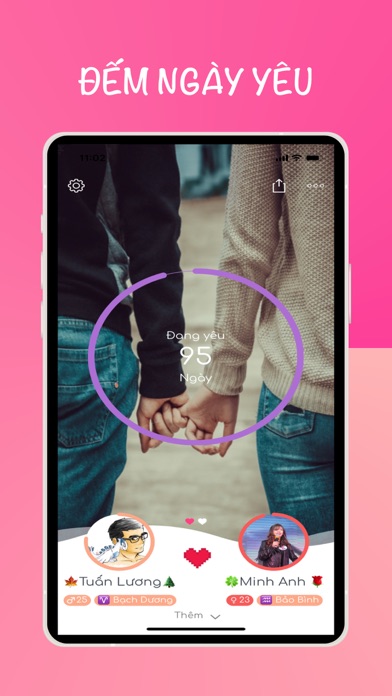
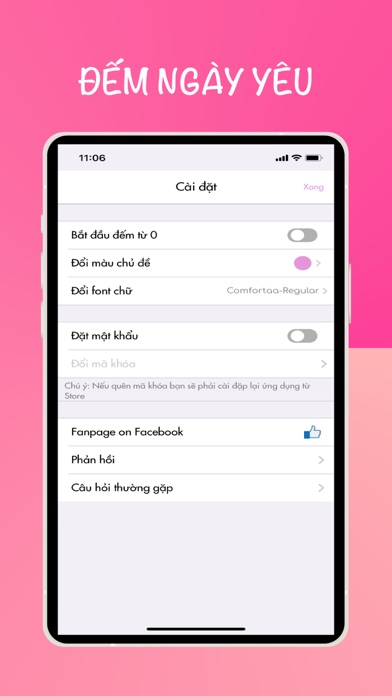
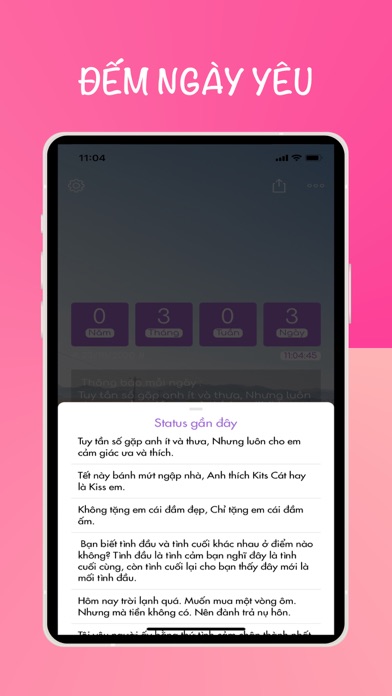
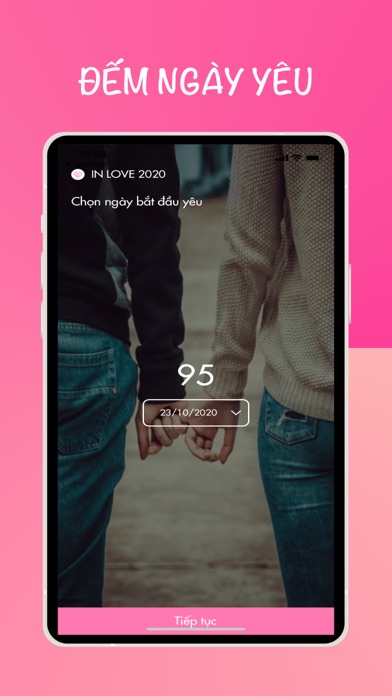
inlove love counter - Count your love days with you on the path of love. - Love days counting helps you keep track of the number of days you have spent in love (love counting) -Announcement reminding anniversary, love day - Diary of love to help you store memories (love memory) together 365 days per year (been together) - Memories of love remembers your love stories (love story) every day - Love watch for love - Lock with a password to improve security - You can change the image and name to design your own special screen -See 12 zodiacs daily, love the 12 signs of the zodiac inlove love counterr - Count the days you wish will be happy together
App details
What you can learn from inlove - love counter
Every shipping app on the App Store has gone through the same decisions you're working through right now: which screenshot goes first, what caption sits over it, which device frame to show, what color the background should be. The 8 screenshots above are inlove - love counter's answers to those questions — they're public, they're real, and they made it through Apple's review.
Notice the first screenshot in particular. It's the one users see in search results and on the product page, and it's where most apps spend their best caption and tightest design. Look at the proportion of background to phone, where the text sits, what one thing the image is trying to communicate.
Want to see how other Lifestyle apps approach the same problem? Browse more Lifestyle apps in the showcase.
Take what works into your own screenshots
Open LaunchShots and design your App Store & Google Play screenshots — pick a device frame, drop captions, ship in minutes. Free, in your browser.
Open the screenshot editor →