Screenshots


Icon palette
About this app
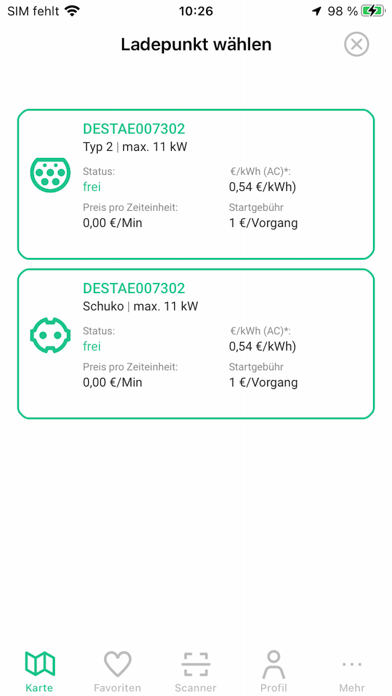
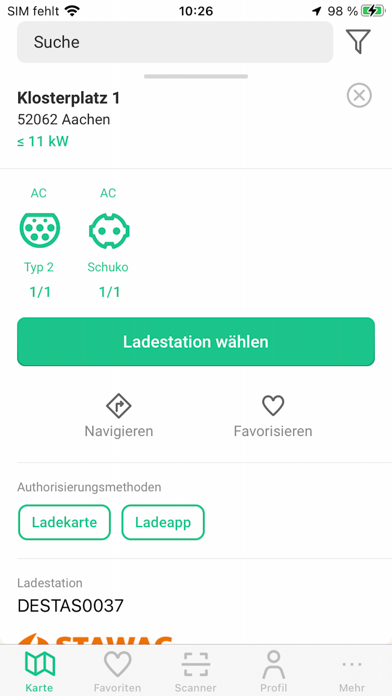
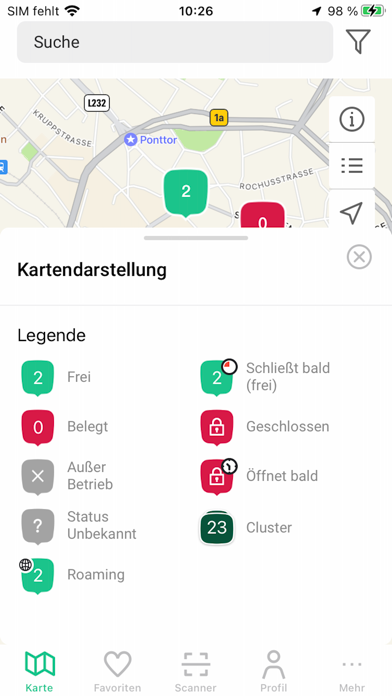
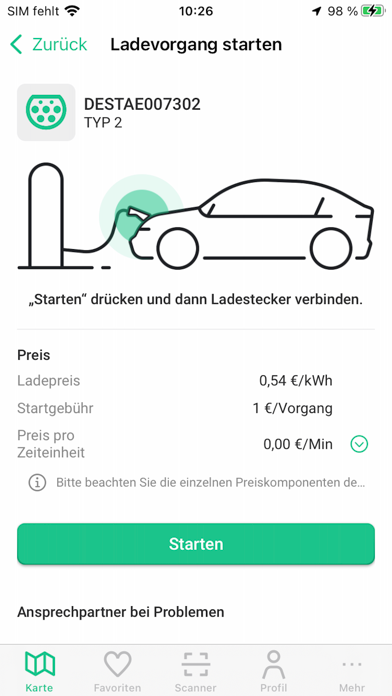
ladeapp – E-Auto einfach und smart laden Finde, starte und verwalte das Laden deines E-Autos – alles in einer App. Ob du Vertragspartner im ladenetz.de oder ladebusiness Netzwerk bist oder spontan per Ad-hoc laden möchtest: ladeapp bietet schnellen Zugang zu tausenden öffentlichen Ladestationen in Deutschland und ganz Europa. Wichtige Funktionen: - Ladestationen finden: Alle verfügbaren Ladepunkte auf interaktiver Karte mit Live-Status anzeigen. - Intuitive Filter: Suche nach Ladeleistung, Verfügbarkeit, Preis, Zugang und mehr. - Ladevorgang starten per App oder QR-Code: Schnell und unkompliziert laden – mit Vertrag oder spontan. - Vertrags- und Rechnungsübersicht: Verträge verwalten, Rechnungen und Ladehistorie einsehen. - Navigation: Mit Apple Maps direkt zur nächsten Ladestation navigieren. - Favoriten & Verlauf: Häufig genutzte Stationen speichern und schnell darauf zugreifen. - D…
App details
What you can learn from ladeapp - E-Auto Ladestationen
Every shipping app on the App Store has gone through the same decisions you're working through right now: which screenshot goes first, what caption sits over it, which device frame to show, what color the background should be. The 6 screenshots above are ladeapp - E-Auto Ladestationen's answers to those questions — they're public, they're real, and they made it through Apple's review.
Notice the first screenshot in particular. It's the one users see in search results and on the product page, and it's where most apps spend their best caption and tightest design. Look at the proportion of background to phone, where the text sits, what one thing the image is trying to communicate.
Want to see how other Navigation apps approach the same problem? Browse more Navigation apps in the showcase.
Take what works into your own screenshots
Open LaunchShots and design your App Store & Google Play screenshots — pick a device frame, drop captions, ship in minutes. Free, in your browser.
Open the screenshot editor →