Screenshots

Icon palette
About this app
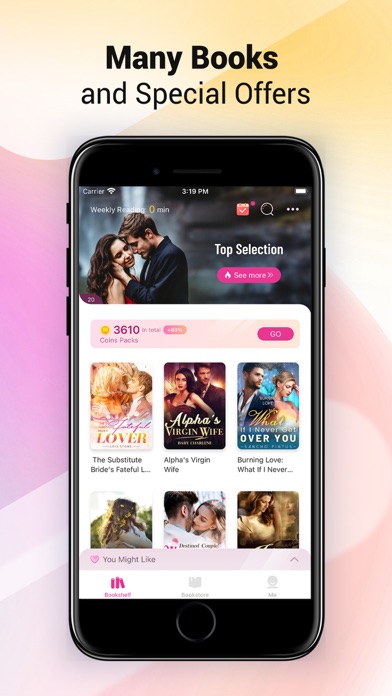
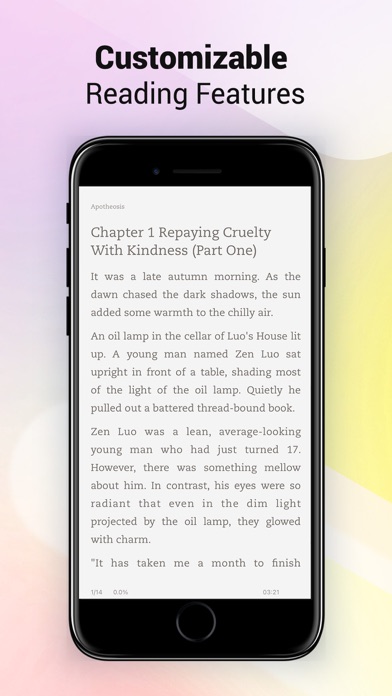
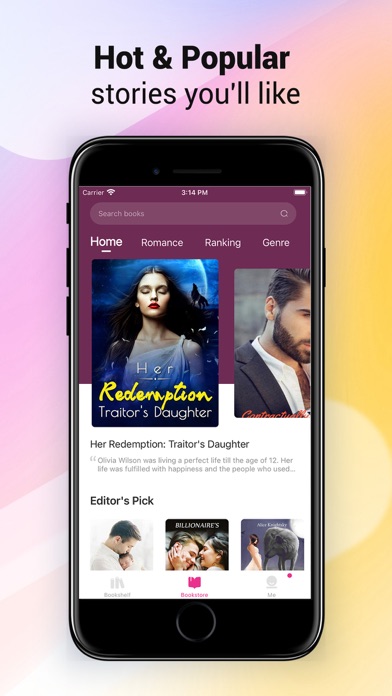
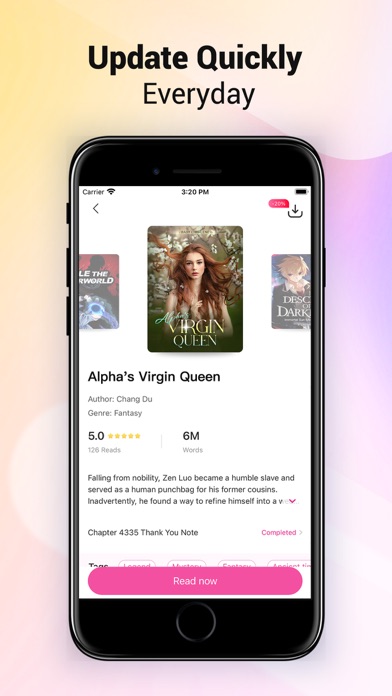
Knigorad is an App for fiction reading, dedicated to serving all the fiction lovers! We have a variety of themes, including fantasy, martial arts, romance, urban, campus and so much more. Everything that you can think of is all here! We update bookstore every day, releasing new chapters in seconds. It couldn’t be more convenient for readers! And we also have various events awaiting you! We keep trying and revising, just to be your closest reading companion. We have- 【Massive Fictions】 Cover popular online fictions with various lists and fine classification, including male and female section, selected books, smart recommendation and more! 【Quality Reading Experience】 Customize your read with simulated 3D page turning, offline download, switching fonts, background and night mode. We present exquisite book covers, neat content layout, and many other delicate designs to ensure a…
App details
What you can learn from Knigorad: Романы и рассказы
Every shipping app on the App Store has gone through the same decisions you're working through right now: which screenshot goes first, what caption sits over it, which device frame to show, what color the background should be. The 6 screenshots above are Knigorad: Романы и рассказы's answers to those questions — they're public, they're real, and they made it through Apple's review.
Notice the first screenshot in particular. It's the one users see in search results and on the product page, and it's where most apps spend their best caption and tightest design. Look at the proportion of background to phone, where the text sits, what one thing the image is trying to communicate.
Want to see how other Book apps approach the same problem? Browse more Book apps in the showcase.
Take what works into your own screenshots
Open LaunchShots and design your App Store & Google Play screenshots — pick a device frame, drop captions, ship in minutes. Free, in your browser.
Open the screenshot editor →