Screenshots
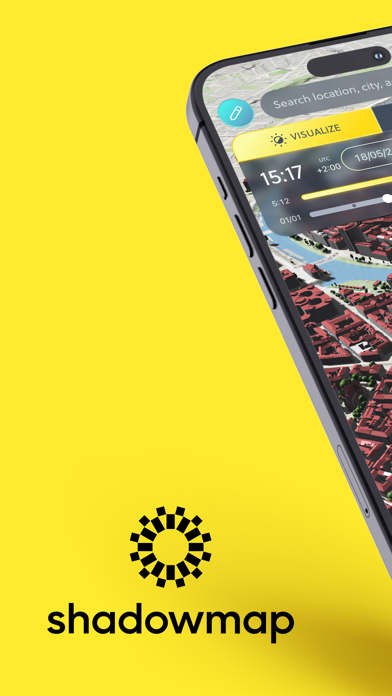
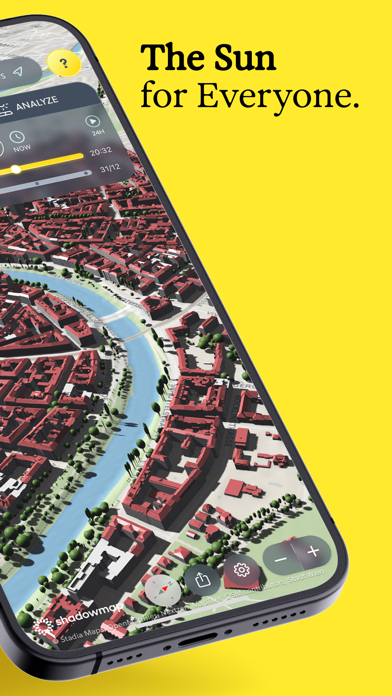


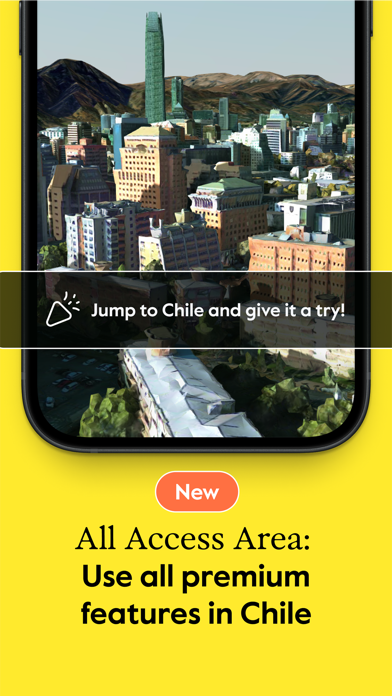

iPad screenshots


Icon palette
About this app
Shadowmap zeigt dir, wann die Sonne scheint und wo Schatten fällt – für jedes Dach, jede Straße und jeden Garten weltweit. Basierend auf globalen Gebäude-, Baum- und Geländedaten simulieren wir den Sonnenstand minutengenau, an jedem beliebigen Datum. Im Einsatz bei Maklern, Solarplanern, Fotografen und allen, die ihren Tag nach der Sonne ausrichten. DAS KANNST DU TUN • Die sonnigste Wohnung, das hellste Haus oder Grundstück finden • Solarmodule optimal platzieren & Erträge maximieren • Foto- und Filmlocations aus der Ferne scouten • Garten, Terrasse & Außenflächen planen • Den Tag nach dem natürlichen Licht ausrichten NEU • Großes Performance-Update: mehr Stabilität und verbesserte UX • 3D-Welt bearbeiten – Objekte platzieren, Gebäude anpassen, Szene teilen (kostenlos) • Sonnendaten als CSV exportieren – für Auswertungen in Tabellen oder anderen Tools GRATIS LOSLEGEN • Sonne & Schatt…
App details
What you can learn from Shadowmap: Sonne & Schatten
Every shipping app on the App Store has gone through the same decisions you're working through right now: which screenshot goes first, what caption sits over it, which device frame to show, what color the background should be. The 12 screenshots above are Shadowmap: Sonne & Schatten's answers to those questions — they're public, they're real, and they made it through Apple's review.
Notice the first screenshot in particular. It's the one users see in search results and on the product page, and it's where most apps spend their best caption and tightest design. Look at the proportion of background to phone, where the text sits, what one thing the image is trying to communicate.
Want to see how other Weather apps approach the same problem? Browse more Weather apps in the showcase.
Take what works into your own screenshots
Open LaunchShots and design your App Store & Google Play screenshots — pick a device frame, drop captions, ship in minutes. Free, in your browser.
Open the screenshot editor →