Screenshots

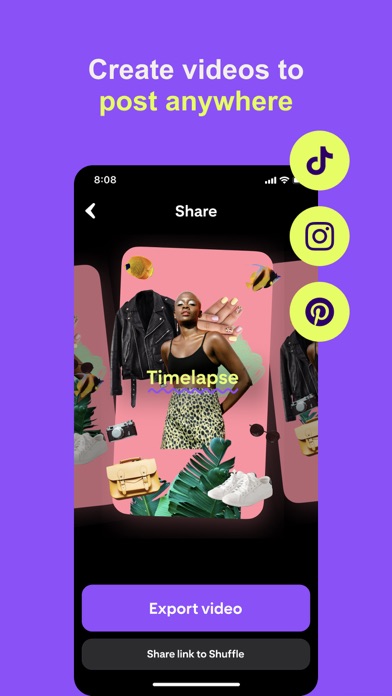


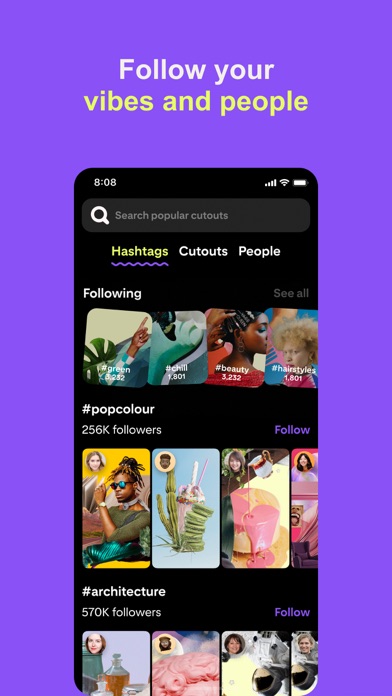
Icon palette
About this app
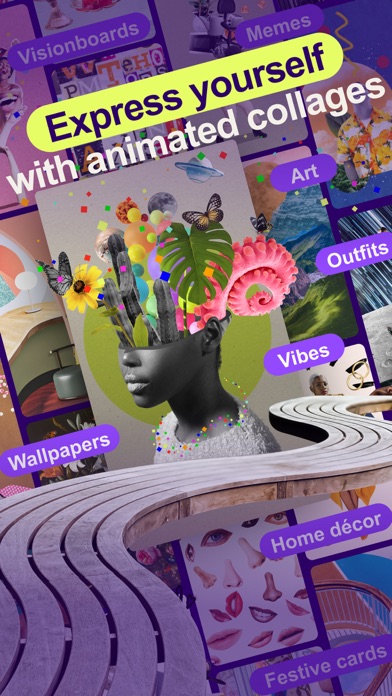
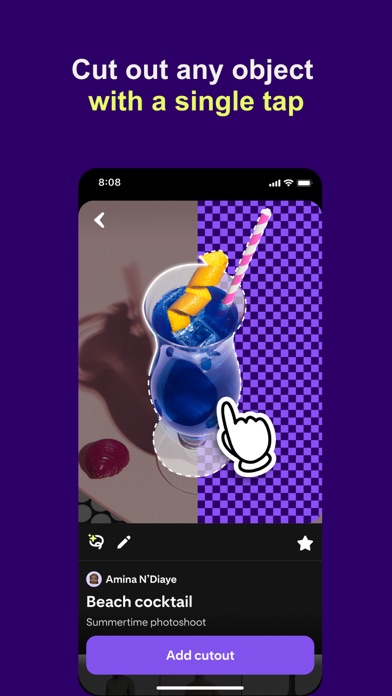
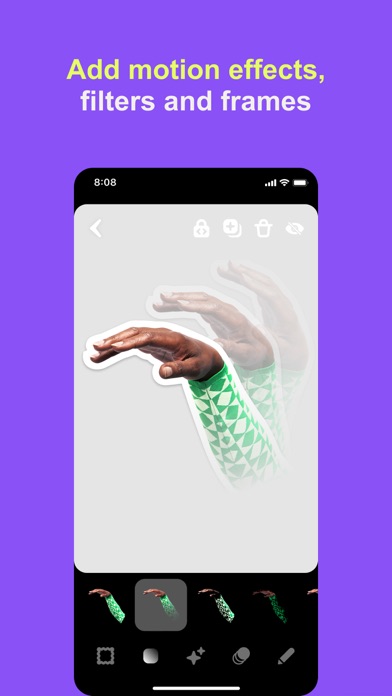
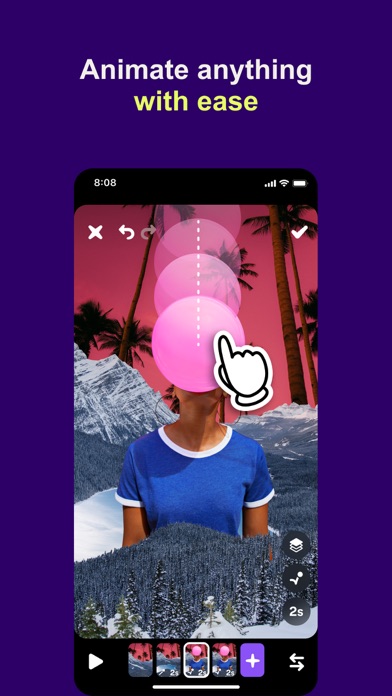
Shuffles is a new app from Pinterest for creative expression. Want to curate a festival outfit? Visualise your dream bedroom? Mood board your current aesthetic vibe? Manifest the future of your dreams? Or just create collages and digital art from your phone? Shuffles will be your new favourite app. Here’s how it works: • Snap a picture of any objects you like and use them to create animated, immersive collages. • Find inspiration in our library of 300+ billion beautiful pictures. • Cut out objects from an image with a single tap • Layer, rotate and resize objects into still or animated collages and mood boards • Add animations and effects (motions, filters and frames!) to make your Shuffles pop • Share privately with friends to collaborate on creative projects • Remix other peoples' Shuffles to put your own spin on someone else's creation • Create impressive animated stories using key…
App details
What you can learn from Shuffles by Pinterest
Every shipping app on the App Store has gone through the same decisions you're working through right now: which screenshot goes first, what caption sits over it, which device frame to show, what color the background should be. The 10 screenshots above are Shuffles by Pinterest's answers to those questions — they're public, they're real, and they made it through Apple's review.
Notice the first screenshot in particular. It's the one users see in search results and on the product page, and it's where most apps spend their best caption and tightest design. Look at the proportion of background to phone, where the text sits, what one thing the image is trying to communicate.
Want to see how other Lifestyle apps approach the same problem? Browse more Lifestyle apps in the showcase.
Take what works into your own screenshots
Open LaunchShots and design your App Store & Google Play screenshots — pick a device frame, drop captions, ship in minutes. Free, in your browser.
Open the screenshot editor →