Screenshots
Icon palette
About this app
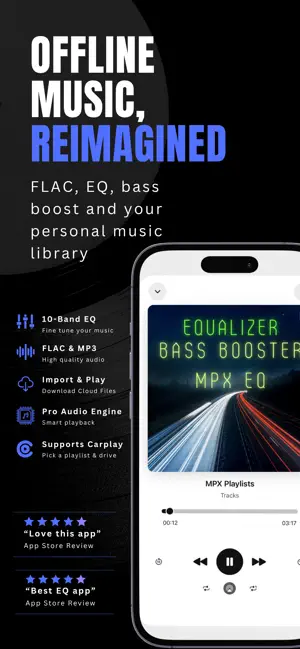
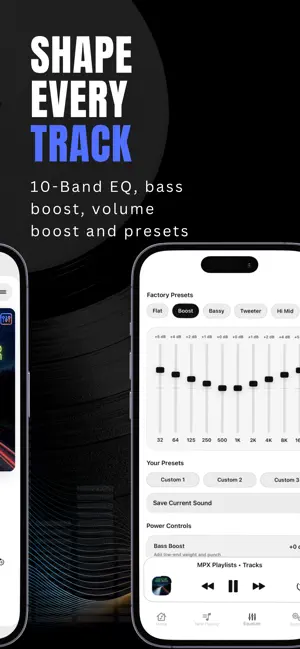
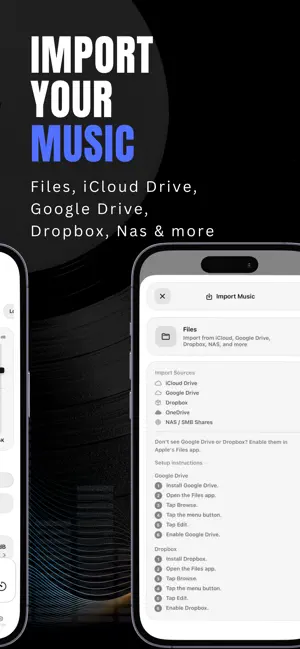
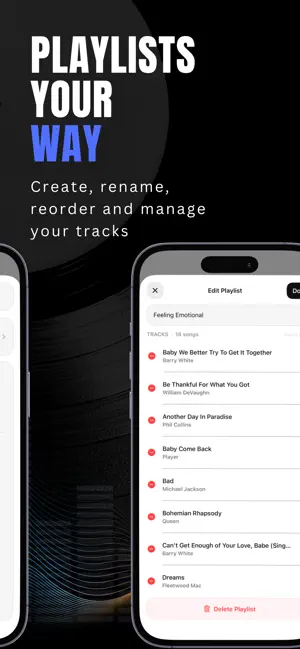
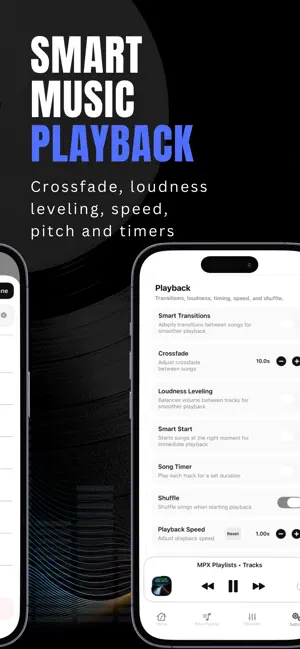
MPX is an offline music player built for personal music libraries. Fine tune your sound with a powerful equalizer, bass boost, smart playback, and FLAC support. Import music from Files and cloud storage, listen without a streaming account, and shape every track the way you want it. IMPORT YOUR MUSIC • Import from Google Drive, Dropbox, iCloud Drive, NAS, and more through Apple's Files app • Mix imported files and Music Library tracks in the same MPX playlist • Supports FLAC, MP3, M4A, AAC, WAV, AIFF, and AIF EQUALIZER & SOUND CONTROL • 10-band equalizer for detailed frequency control • Bass Booster for deeper low-end enhancement • Volume Boost for louder playback • Built-in presets for different genres and listening setups • Tune your sound for headphones, speakers, cars, and home audio systems SMART PLAYBACK • Playback Speed Control - adjust speed without changing pitch • Pitch Cont…
App details
What you can learn from Equalizer Bass Booster MPX EQ
Every shipping app on the App Store has gone through the same decisions you're working through right now: which screenshot goes first, what caption sits over it, which device frame to show, what color the background should be. The 5 screenshots above are Equalizer Bass Booster MPX EQ's answers to those questions — they're public, they're real, and they made it through Apple's review.
Notice the first screenshot in particular. It's the one users see in search results and on the product page, and it's where most apps spend their best caption and tightest design. Look at the proportion of background to phone, where the text sits, what one thing the image is trying to communicate.
Want to see how other Music apps approach the same problem? Browse more Music apps in the showcase.
Take what works into your own screenshots
Open LaunchShots and design your App Store & Google Play screenshots — pick a device frame, drop captions, ship in minutes. Free, in your browser.
Open the screenshot editor →