Screenshots
Icon palette
About this app
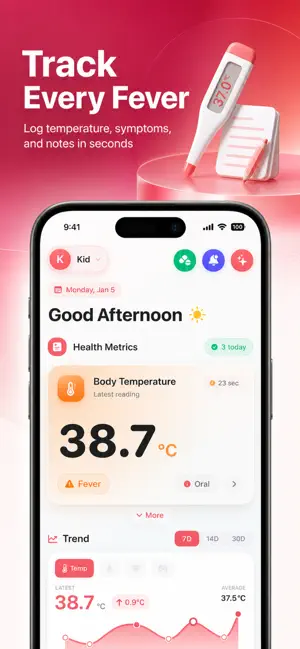
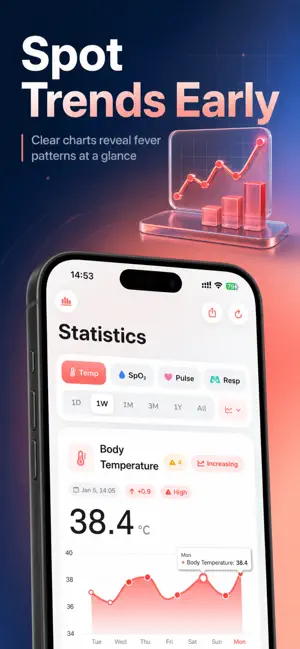
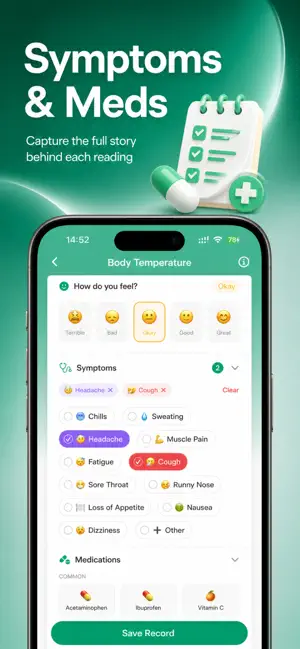
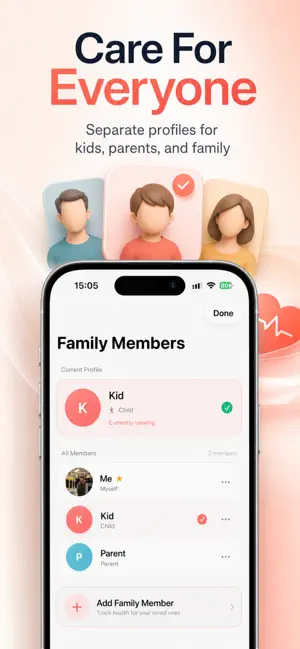
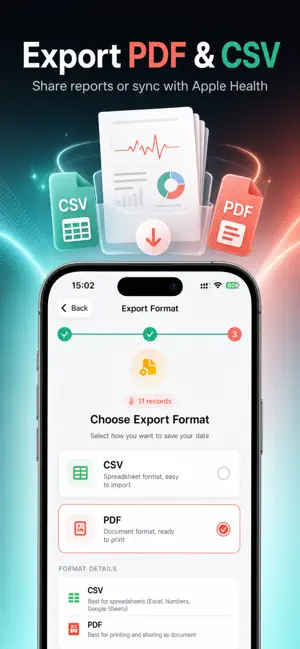
Transform your phone into a comprehensive family health station. Body Temperature App is more than just a fever tracker—it is your all-in-one health log for monitoring temperature trends, vital signs, symptoms, and medications for your entire family. Whether you are a parent caring for a sick child, a caregiver monitoring an elderly relative, or simply tracking your own wellness, our app provides the clarity and data you need to make informed health decisions. ◆ WHY CHOOSE US? • Comprehensive: Track Temperature, SpO2, Heart Rate, and Respiratory Rate in one place. • Family-First: Create unlimited profiles for every family member. • Connected: Seamlessly two-way sync with Apple Health (HealthKit). • Private: Your health data is yours. Secure iCloud Sync keeps your records safe and accessible across devices. ◆ CORE FEATURES ADVANCED FEVER TRACKING • Record body temperature with …
App details
What you can learn from Body Temperature Fever Log
Every shipping app on the App Store has gone through the same decisions you're working through right now: which screenshot goes first, what caption sits over it, which device frame to show, what color the background should be. The 5 screenshots above are Body Temperature Fever Log's answers to those questions — they're public, they're real, and they made it through Apple's review.
Notice the first screenshot in particular. It's the one users see in search results and on the product page, and it's where most apps spend their best caption and tightest design. Look at the proportion of background to phone, where the text sits, what one thing the image is trying to communicate.
Want to see how other Medical apps approach the same problem? Browse more Medical apps in the showcase.
Take what works into your own screenshots
Open LaunchShots and design your App Store & Google Play screenshots — pick a device frame, drop captions, ship in minutes. Free, in your browser.
Open the screenshot editor →