Screenshots

Icon palette
About this app
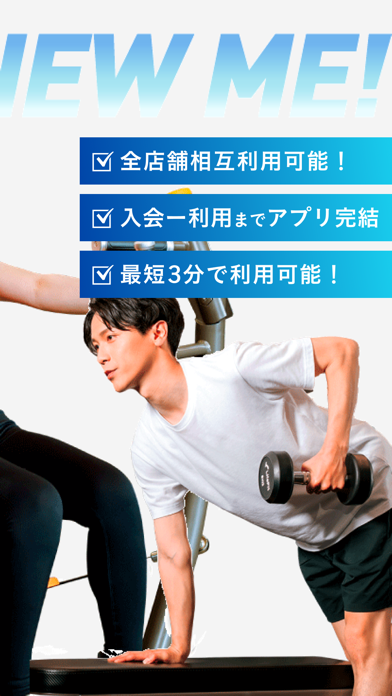
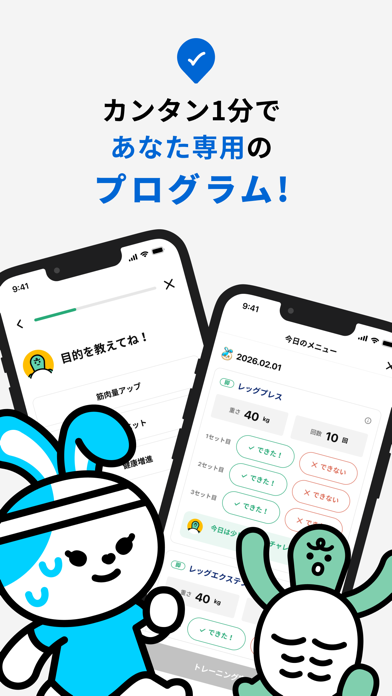
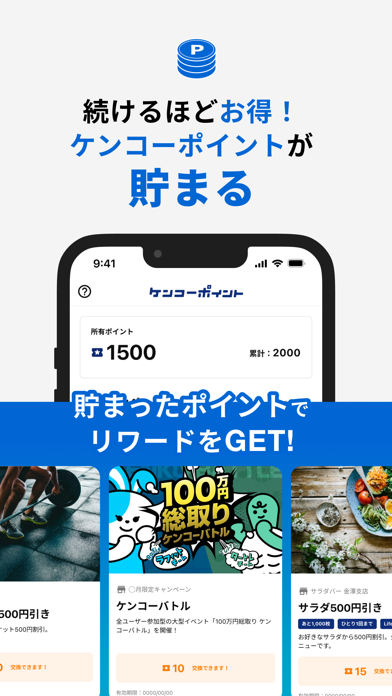
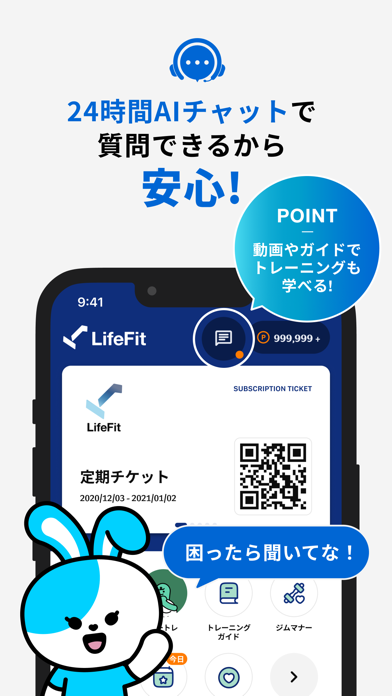
まずはお試しチケット0円!ジム通いをもっと手軽で身近に こんにちは、LifeFitです。 LifeFitは「思い立ったらいつでもすぐにジムに通える」ことを叶えるために生まれました。 ジムに通おうと思っても、申込みや体験時の手続きが面倒に感じることはありませんか? LifeFitなら、そういった手間をなくし、アプリひとつですべて完結できます。 ============================== ■ LifeFitアプリについて ◎ どうやって使うの? 通いたいジムをアプリで探します。ジムが見つかったら「チケット」を購入。 アプリ上で購入完了後、発行されるQRコードを入館時にかざすだけでチェックインできます。 ◎ どんな使い方ができるの? 「いつでも通いたい」方は定期チケット、「まずは試したい」方はお試しチケットなど、目的に合わせて選べます。 ジムの混雑状況やマシンの利用状況もアプリで確認できるため、安心して利用できます。 ◎ 安心して使える仕組み すべての操作はアプリ内で完結します。 入会・決済・チェックインまでスムーズに行えるよう設計されています。 時間…
App details
What you can learn from LifeFit : 全国300店舗どこでも使える
Every shipping app on the App Store has gone through the same decisions you're working through right now: which screenshot goes first, what caption sits over it, which device frame to show, what color the background should be. The 5 screenshots above are LifeFit : 全国300店舗どこでも使える's answers to those questions — they're public, they're real, and they made it through Apple's review.
Notice the first screenshot in particular. It's the one users see in search results and on the product page, and it's where most apps spend their best caption and tightest design. Look at the proportion of background to phone, where the text sits, what one thing the image is trying to communicate.
Want to see how other Health & Fitness apps approach the same problem? Browse more Health & Fitness apps in the showcase.
Take what works into your own screenshots
Open LaunchShots and design your App Store & Google Play screenshots — pick a device frame, drop captions, ship in minutes. Free, in your browser.
Open the screenshot editor →