Screenshots
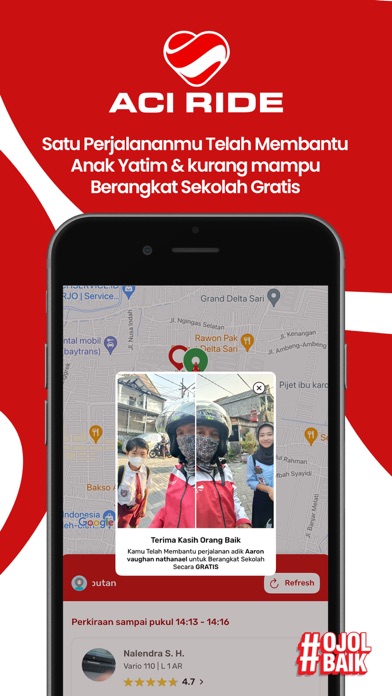
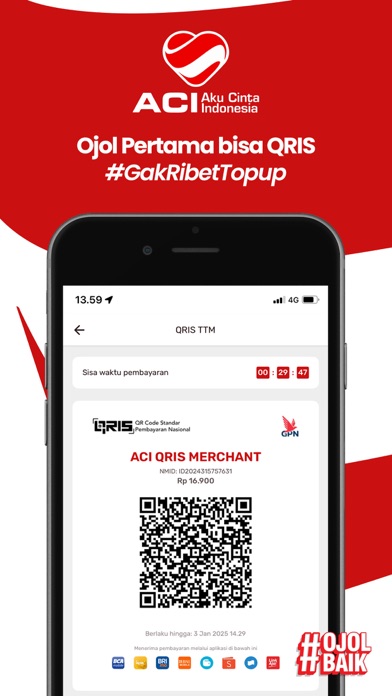
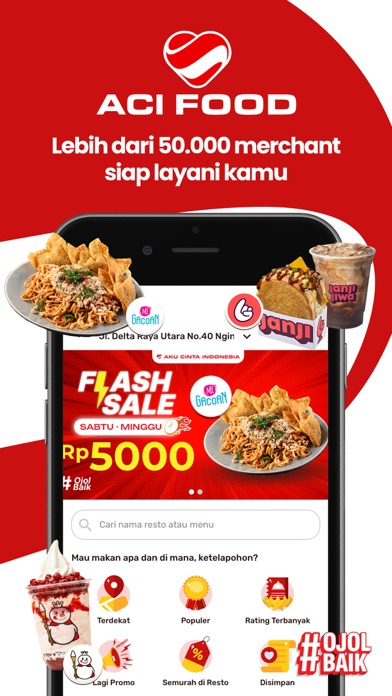


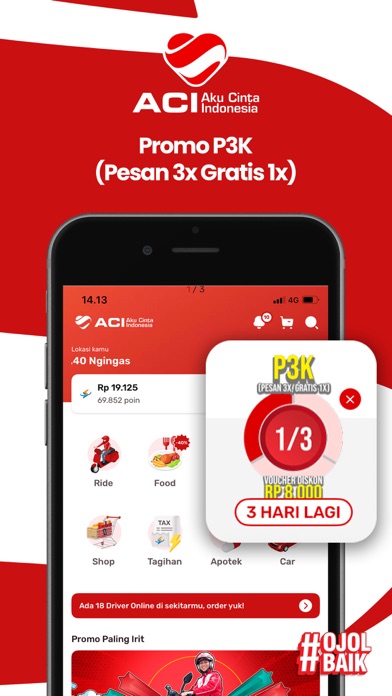
iPad screenshots

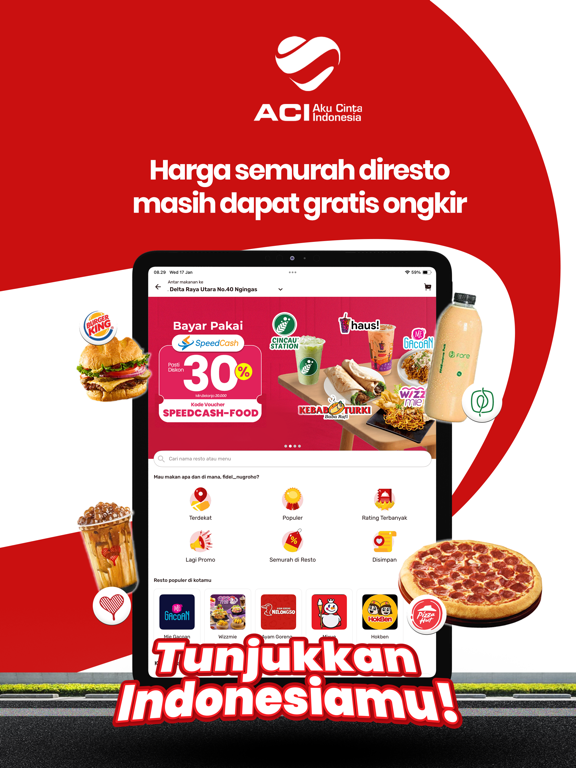
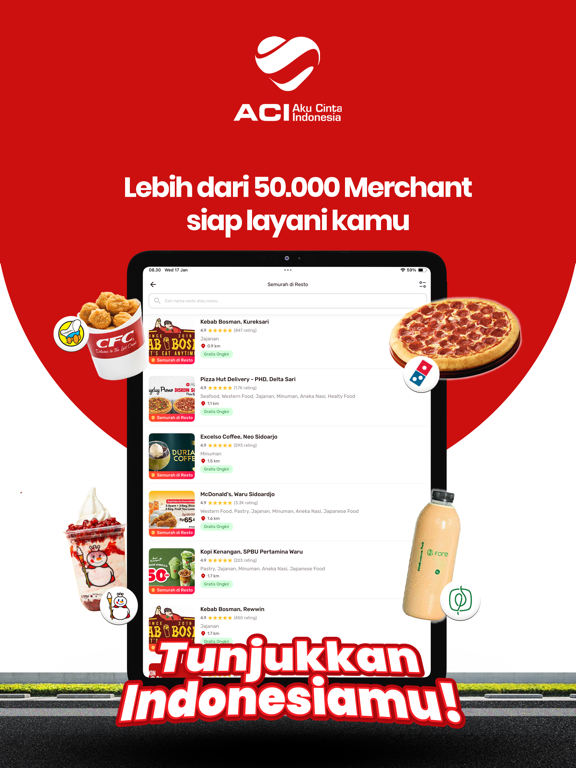


Icon palette
About this app
Capek lihat harga murah di depan, tapi totalnya bikin kaget di belakang? Saatnya pakai aplikasi yang jelas dari awal. Di ACI: - Harga transparan. - Tanpa markup berlebihan. - Tanpa drama total membengkak. - Ride mulai 5.000 - Car lebih nyaman buat perjalanan bareng/urusan penting - Food harga sama seperti resto - Gratis Ongkir di resto terdekatmu. - Kurir bisa kirim ke banyak alamat sekaligus - Apotek & layanan lain dalam satu aplikasi. Mau Hemat Sekaligus Dapat Cuan? Di ACI kamu bukan cuma pengguna. Gabung Affiliate ACI: • Ajak teman daftar → dapat bonus • Mereka order → komisi terus jalan • Bisa jadi income tambahan tiap bulan Tanpa stok, tanpa modal dan tanpa ribet. Temanmu pakai.Kamu dapat. Punya Toko atau Kirim Rame-rame? Gunakan ACI Kurir Multidestinasi: - 1 pickup, kirim ke banyak alamat - Lebih efisien. Lebih hemat. Lebih cepat. Cocok buat kamu yang mau: • Kirim ha…
App details
What you can learn from ACI - Ojek Online Indonesia
Every shipping app on the App Store has gone through the same decisions you're working through right now: which screenshot goes first, what caption sits over it, which device frame to show, what color the background should be. The 12 screenshots above are ACI - Ojek Online Indonesia's answers to those questions — they're public, they're real, and they made it through Apple's review.
Notice the first screenshot in particular. It's the one users see in search results and on the product page, and it's where most apps spend their best caption and tightest design. Look at the proportion of background to phone, where the text sits, what one thing the image is trying to communicate.
Want to see how other Travel apps approach the same problem? Browse more Travel apps in the showcase.
Take what works into your own screenshots
Open LaunchShots and design your App Store & Google Play screenshots — pick a device frame, drop captions, ship in minutes. Free, in your browser.
Open the screenshot editor →