Screenshots
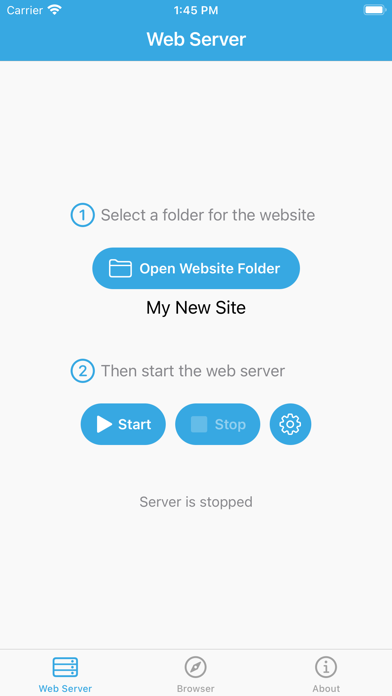
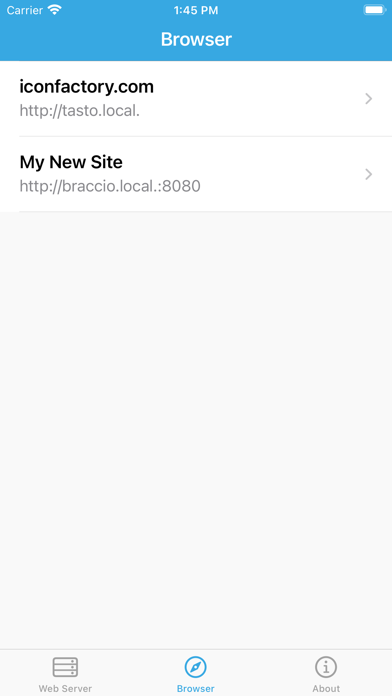
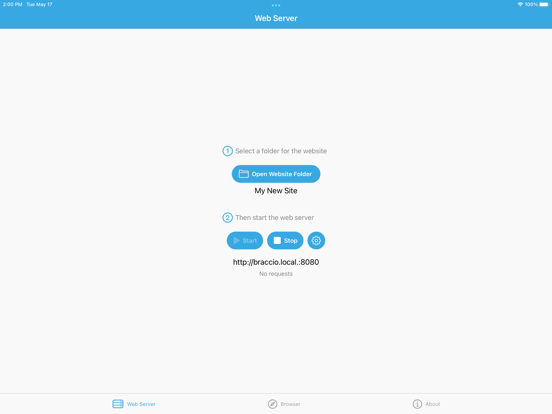
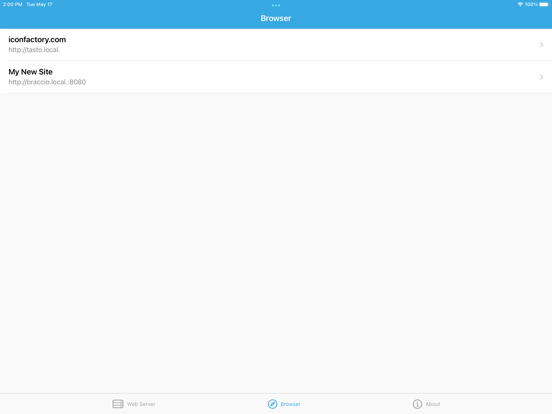
iPad screenshots
Icon palette
About this app
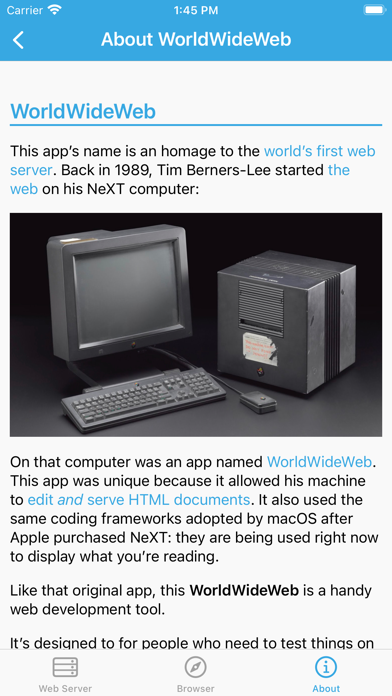
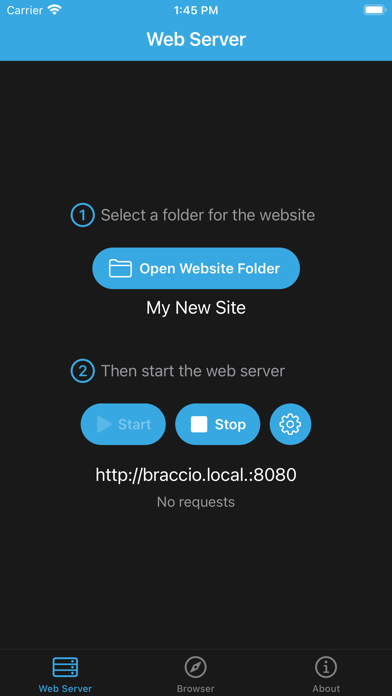
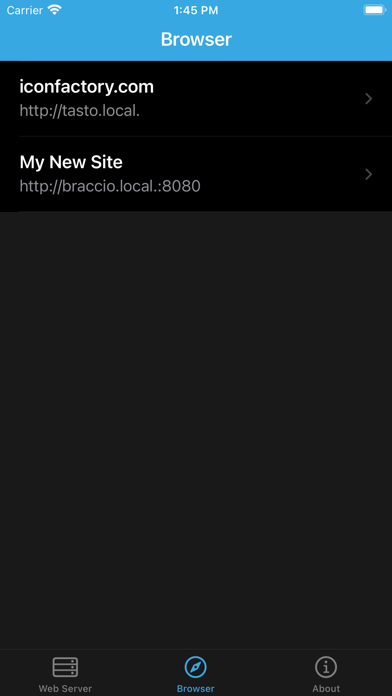
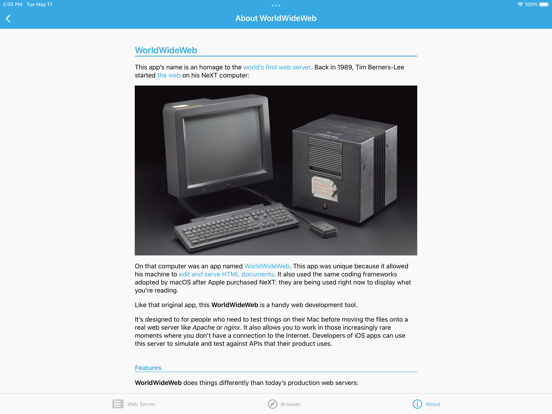
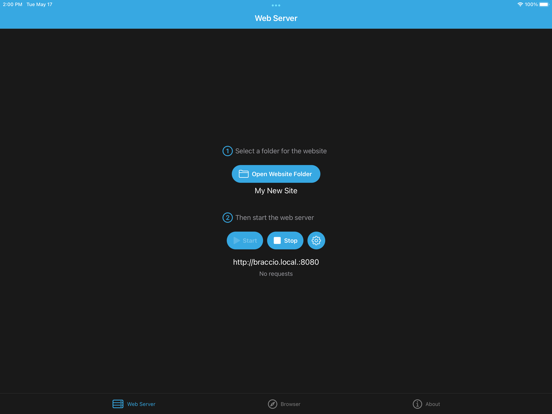
This app’s name is an homage to the world’s first web server. Back in 1989, Tim Berners-Lee started the web on his NeXT computer. On that computer was an app named WorldWideWeb. This app was unique because it allowed his machine to edit and serve HTML documents. The app also used coding frameworks that were adopted by Apple after purchasing NeXT: they are being used right now to display what you’re reading. Like that original app, this WorldWideWeb is a handy web development tool. It’s designed for people who need to test things on their iPad or iPhone before moving the files onto a real web server like Apache or nginx. It also allows you to work in those increasingly rare moments where you don’t have a connection to the Internet. App developers can use this server to simulate and test APIs that their product uses. FEATURES WorldWideWeb does things differently than today’s producti…
App details
What you can learn from WorldWideWeb – Mobile
Every shipping app on the App Store has gone through the same decisions you're working through right now: which screenshot goes first, what caption sits over it, which device frame to show, what color the background should be. The 12 screenshots above are WorldWideWeb – Mobile's answers to those questions — they're public, they're real, and they made it through Apple's review.
Notice the first screenshot in particular. It's the one users see in search results and on the product page, and it's where most apps spend their best caption and tightest design. Look at the proportion of background to phone, where the text sits, what one thing the image is trying to communicate.
Want to see how other Developer Tools apps approach the same problem? Browse more Developer Tools apps in the showcase.
Take what works into your own screenshots
Open LaunchShots and design your App Store & Google Play screenshots — pick a device frame, drop captions, ship in minutes. Free, in your browser.
Open the screenshot editor →