Screenshots
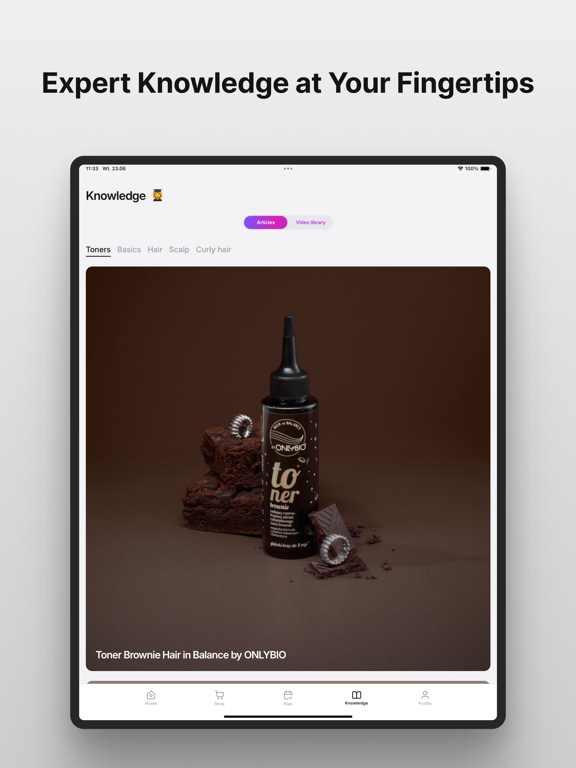
iPad screenshots



Icon palette
About this app
OnlyBio Stories is an app that helps you care for your hair with confidence – from personalized hair care plans and expert knowledge to convenient shopping for your favorite products. Everything you need for your daily hair care routine is in one place – right on your phone. OnlyBio Store Shop for your favorite products directly in the app. Browse the collection, discover new arrivals and special offers, and place your orders with ease. At the moment, in-app shopping is available only in Poland. Two Ways to Your Perfect Hair Care Routine Personalized Plan – created based on your hair, scalp, and the time you can dedicate to your hair care routine. Expert Plans – ready-made hair care plans created by specialists for specific hair concerns and care goals. Each plan includes: - a detailed care schedule, - step-by-step instructions for every routine, - a list of recommended products, …
App details
What you can learn from OnlyBio Stories
Every shipping app on the App Store has gone through the same decisions you're working through right now: which screenshot goes first, what caption sits over it, which device frame to show, what color the background should be. The 6 screenshots above are OnlyBio Stories's answers to those questions — they're public, they're real, and they made it through Apple's review.
Notice the first screenshot in particular. It's the one users see in search results and on the product page, and it's where most apps spend their best caption and tightest design. Look at the proportion of background to phone, where the text sits, what one thing the image is trying to communicate.
Want to see how other Lifestyle apps approach the same problem? Browse more Lifestyle apps in the showcase.
Take what works into your own screenshots
Open LaunchShots and design your App Store & Google Play screenshots — pick a device frame, drop captions, ship in minutes. Free, in your browser.
Open the screenshot editor →