Chart position — tracked daily by LaunchShots
Screenshot style breakdown
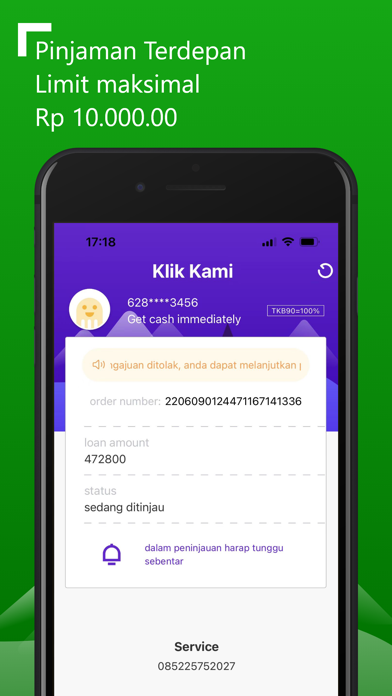
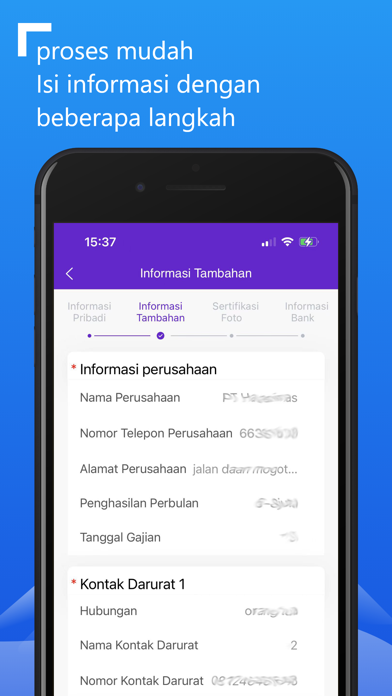
Sampled from 5 of Klik Kami-Pinjaman Daring's App Store screenshots — background, accent and theme, measured by LaunchShots (not something Apple publishes).
#6C24D4 bg
#8042DA
#AC84E4 accent
#FFFFFF text
Screenshots



Icon palette
About this app
Klik Kami - Pinjaman Online OJK adalah platform pinjaman dana kredit online berlisensi dan diatur oleh OJK (Otoritas Jasa Keuangan) dengan nomor surat KEP-31/D.05/2021, menyediakan pinjaman kredit online yang aman untuk masyarakat Indonesia Melayani. Jika Anda sementara kekurangan dana dalam berbagai skenario kehidupan atau pekerjaan seperti pendidikan, belanja, kewirausahaan, perawatan medis, transportasi, dll., Anda dapat mengajukan permohonan di platform pinjaman kami untuk mendapatkan bantuan, tunggu apa lagi? Mulailah dengan bantuan keuangan segera sekarang! Pengenalan Produk (Klik Kami - Pinjaman Online OJK): 1. Kami melindungi privasi dan keamanan pengguna melalui teknologi Internet profesional, dan menyederhanakan proses aplikasi dan persetujuan pinjaman melalui teknologi analisis data besar yang canggih, sehingga Anda hanya perlu memberikan sebagian kecil informasi dan inform…
App details
What you can learn from Klik Kami-Pinjaman Daring
Every shipping app on the App Store has gone through the same decisions you're working through right now: which screenshot goes first, what caption sits over it, which device frame to show, what color the background should be. The 5 screenshots above are Klik Kami-Pinjaman Daring's answers to those questions — they're public, they're real, and they made it through Apple's review.
What the numbers say: Klik Kami-Pinjaman Daring runs a mixed light-and-dark set where the background shifts from screenshot to screenshot (first shot #6C24D4) — each image has to stand on its own, so the captions carry more of the story. The accent colour we picked up, #AC84E4, is the one to reuse for badges, arrows and highlighted words if you borrow this look. Hit Use this style to open the editor with these exact colours and drop your own screenshot in.
Notice the first screenshot in particular. It's the one users see in search results and on the product page, and it's where most apps spend their best caption and tightest design. Look at the proportion of background to phone, where the text sits, what one thing the image is trying to communicate.
Want to see how other Finance apps approach the same problem? Browse more Finance apps in the showcase.
Take what works into your own screenshots
Open LaunchShots and design your App Store & Google Play screenshots — pick a device frame, drop captions, ship in minutes. Free, in your browser.
Open the screenshot editor →Apps with a similar look
Closest background + accent colours among the listings we've analysed — useful when you want to see the same palette handled by a different team.