Screenshots

Icon palette
About this app
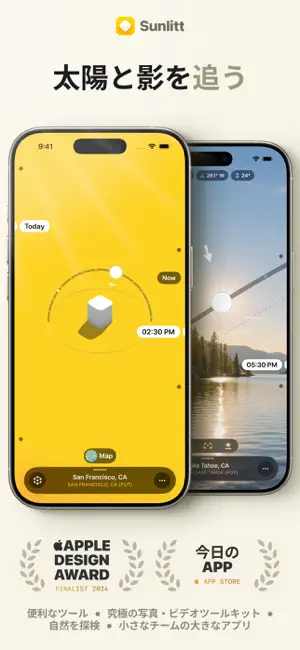
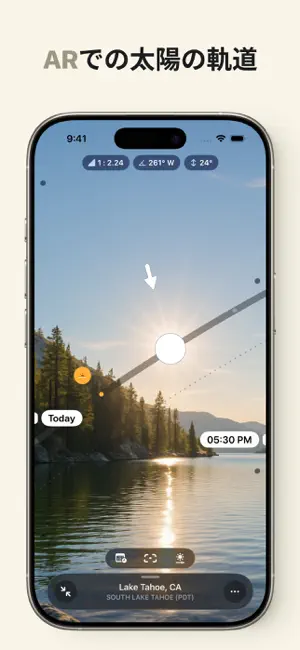
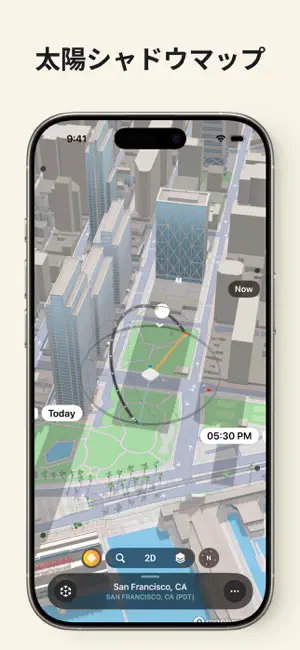
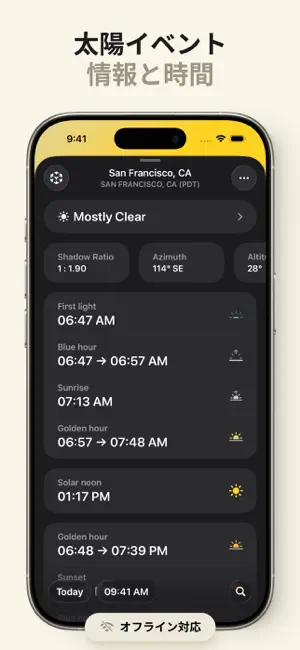
# Apple Design Awards ファイナリスト # App Store で紹介 # 今日の APP # iOS 26 におすすめ # Apple の「私たちの好きなアプリ」 Sunlitt で太陽の力を活用しよう: 太陽の位置、動き、影をいつでもどこでも追跡できるオールインワンツールです。 → 太陽の経路と位置を追跡 あなたの現在地に基づいた正確なリアルタイムの太陽追跡データにいつでもアクセス可能。インターネット接続なしでも使えます。 → 太陽光と影を分析 太陽光がどのように影と相互作用するかを発見しましょう。建築家、写真家、アウトドア愛好家に最適です。 → 拡張現実 - AR あなたの周囲環境における太陽の経路を確認し、Monolitt を使ってシーン内の影の動きをリアルタイムで視覚化できます。 → 太陽イベントのタイミング 日の出、日の入り、ゴールデンアワー、ブルーアワー、夏至、冬至など、重要な太陽イベントの詳細な時間情報を把握しましょう。 → マップ シャドウマップなどの強力なツールでさらに深く探索し、地形や衛星画像上に太陽の経路を表示して、徹底的なビジュアル分析が…
App details
What you can learn from Sunlitt: 太陽の位置・軌跡・日の出・シャドウマップ
Every shipping app on the App Store has gone through the same decisions you're working through right now: which screenshot goes first, what caption sits over it, which device frame to show, what color the background should be. The 5 screenshots above are Sunlitt: 太陽の位置・軌跡・日の出・シャドウマップ's answers to those questions — they're public, they're real, and they made it through Apple's review.
Notice the first screenshot in particular. It's the one users see in search results and on the product page, and it's where most apps spend their best caption and tightest design. Look at the proportion of background to phone, where the text sits, what one thing the image is trying to communicate.
Want to see how other Weather apps approach the same problem? Browse more Weather apps in the showcase.
Take what works into your own screenshots
Open LaunchShots and design your App Store & Google Play screenshots — pick a device frame, drop captions, ship in minutes. Free, in your browser.
Open the screenshot editor →