Screenshots

Icon palette
About this app
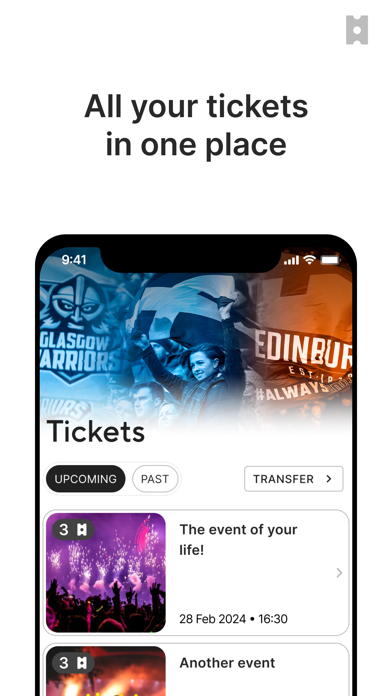
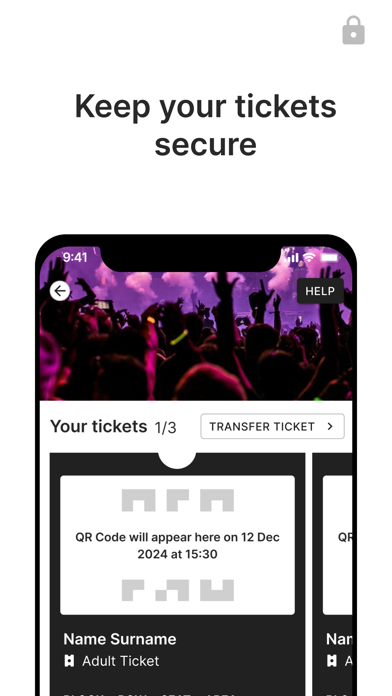
Scottish Rugby is now issuing all Scotland match tickets via the Scottish Rugby Ticketing App. As well as being an integral part of Scottish Rugby’s drive for improved sustainability, access and security, moving to a paperless ticketing system is part of our digital transformation journey to improve the supporter experience on matchdays. There is no need to print tickets or wait for tickets to arrive by post, as our tickets are delivered instantly into your Scottish Rugby Ticketing App. Secure Your digital tickets cannot be lost, stolen or fraudulently copied. The app prevents ticket abuse and protects you, the supplier and fans. Engaging The Scottish Rugby Ticketing App connects you closer to the event with exclusive content, offers, news and extras. Straightforward You can use the app to transfer tickets you have bought for friends to their Scottish Rugby Ticketing App. Here’s ho…
App details
What you can learn from Scottish Rugby Ticketing
Every shipping app on the App Store has gone through the same decisions you're working through right now: which screenshot goes first, what caption sits over it, which device frame to show, what color the background should be. The 3 screenshots above are Scottish Rugby Ticketing's answers to those questions — they're public, they're real, and they made it through Apple's review.
Notice the first screenshot in particular. It's the one users see in search results and on the product page, and it's where most apps spend their best caption and tightest design. Look at the proportion of background to phone, where the text sits, what one thing the image is trying to communicate.
Want to see how other Entertainment apps approach the same problem? Browse more Entertainment apps in the showcase.
Take what works into your own screenshots
Open LaunchShots and design your App Store & Google Play screenshots — pick a device frame, drop captions, ship in minutes. Free, in your browser.
Open the screenshot editor →