Screenshots




iPad screenshots


Icon palette
About this app
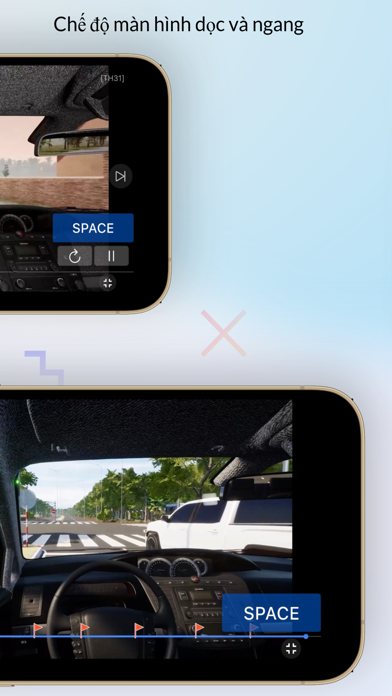
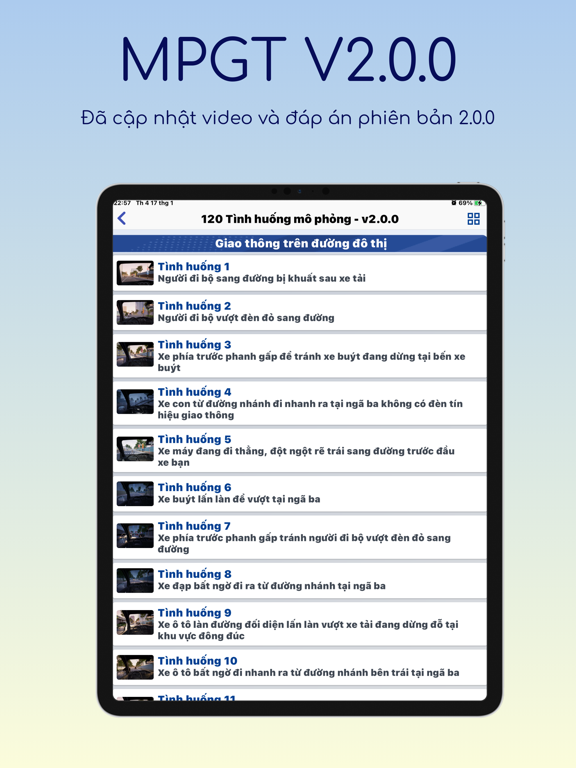
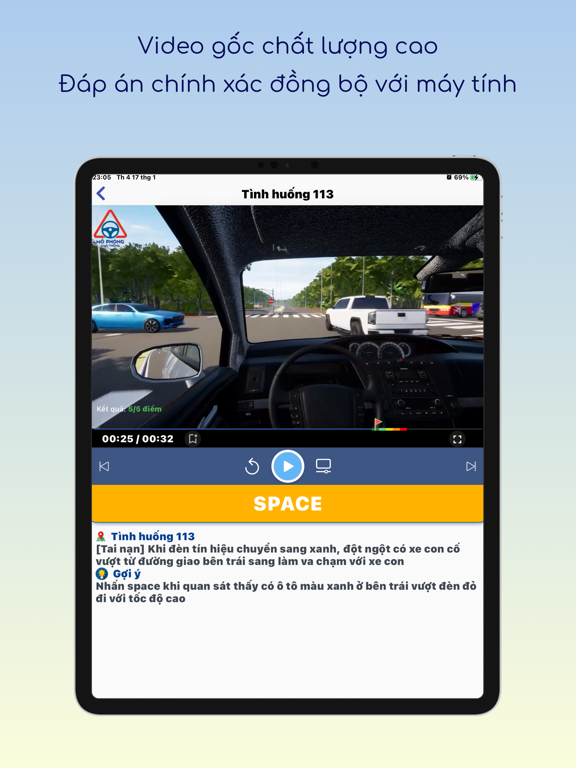
MÔ PHỎNG GIAO THÔNG V2.0.0 (Ứng dụng Mô Phỏng Giao Thông V2.0.0 được xây dựng bởi ĐỘI NGŨ PHÁT TRIỂN PHẦN MỀM SÁT HẠCH CHÍNH THỨC TRÊN MÁY TÍNH, do đó bạn có thể yên tâm về tính chính xác và tính đồng bộ của đáp án so với phần mềm Sát Hạch Mô Phỏng chính thức trên máy tính). Mô Phỏng Giao Thông V2.0.0 (MPGT V2.0.0) là ứng dụng tham khảo, hỗ trợ cho việc Ôn tập và thi thử Nội dung sát hạch Mô phỏng các tình huống giao thông trong Thi sát hạch GPLX (tất cả các hạng B, C1, C, D1, D2, D, BE, C1E, CE, D1E, D2E, DE). Các tính năng chính của ứng dụng: 1. Tính năng ôn tập - Ôn tập 6 chương, 120 tình huống, bao gồm: Chương 1: Giao thông trên đường đô thị (29 câu) Chương 2: Giao thông trên đường nông thôn (14 câu) Chương 3: Giao thông trên đường cao tốc (20 câu) Chương 4: Giao thông trên đường núi (10 câu) Chương 5: Giao thông trên đường quốc lộ (17 câu) Chương 6: Các tình huống tai nạn gia…
App details
What you can learn from Mô Phỏng Giao Thông V2.0.0
Every shipping app on the App Store has gone through the same decisions you're working through right now: which screenshot goes first, what caption sits over it, which device frame to show, what color the background should be. The 11 screenshots above are Mô Phỏng Giao Thông V2.0.0's answers to those questions — they're public, they're real, and they made it through Apple's review.
Notice the first screenshot in particular. It's the one users see in search results and on the product page, and it's where most apps spend their best caption and tightest design. Look at the proportion of background to phone, where the text sits, what one thing the image is trying to communicate.
Want to see how other Education apps approach the same problem? Browse more Education apps in the showcase.
Take what works into your own screenshots
Open LaunchShots and design your App Store & Google Play screenshots — pick a device frame, drop captions, ship in minutes. Free, in your browser.
Open the screenshot editor →