Chart position — tracked daily by LaunchShots
Screenshot style breakdown
Sampled from 6 of Subway Korea's App Store screenshots — background, accent and theme, measured by LaunchShots (not something Apple publishes).
#2CA4DC bg
#2690C1
#0C548C accent
#111111 text
Screenshots
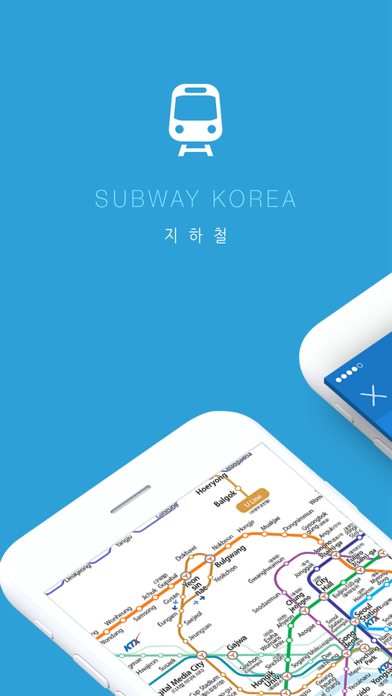
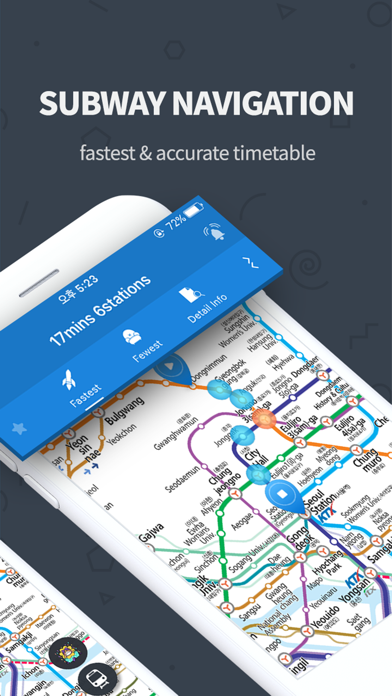
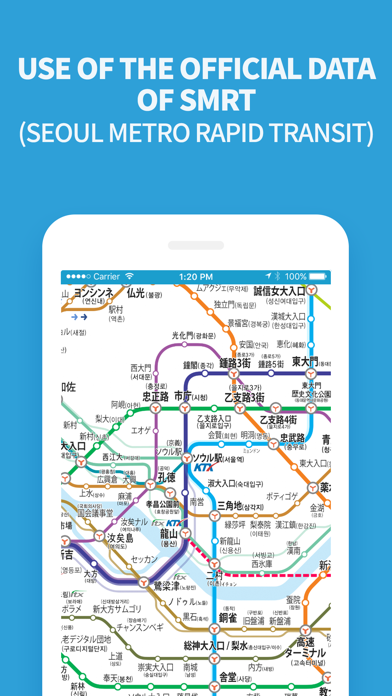
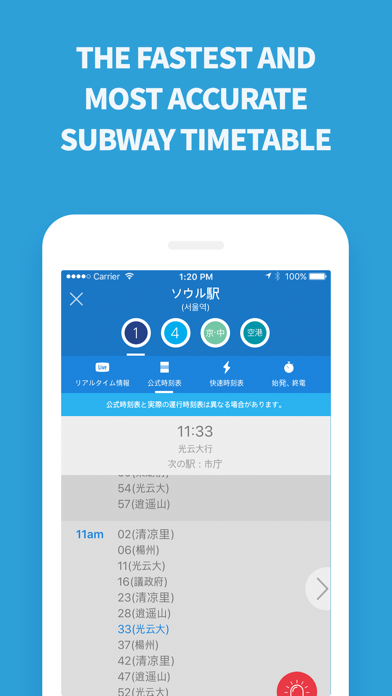
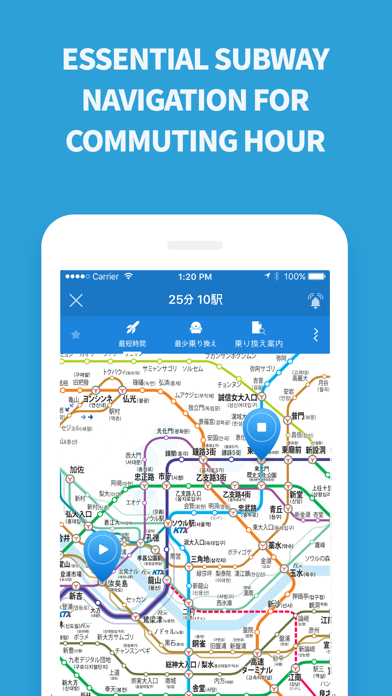
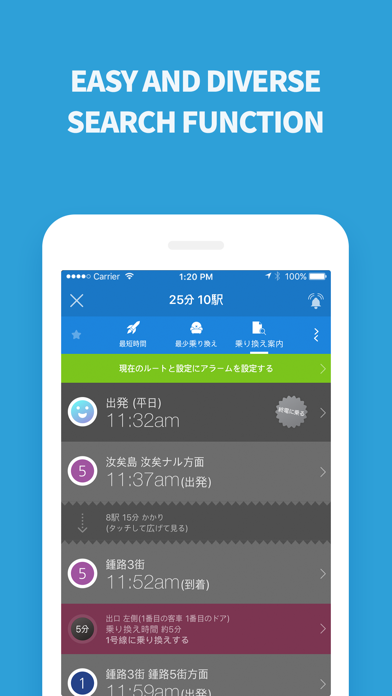
iPad screenshots


Icon palette
About this app
iPhone6とiPhone6 plus、iPad Air2などをサポートする完全に新しく再誕生した「Subway Korea」地下鉄アプリを紹介します! 「Subway Korea」は地下鉄路線図や駅情報を詳しくて便利なユーザーインターフェースで提供している韓国の最高の地下鉄路線図アプリです。 今回の大規模なアップグレードでは、これまで多くのユーザーが望んでいたリアルタイム運行情報、拡大縮小をしても全然損傷されていないベクター基盤の路線図、速くなった応答速度、優れたユーザビリティ、一目で有用な情報を見ることができるDashboard、よく行くルートと出口などを保存することができるブックマーク機能を追加しました。 最新の路線図と関連情報を最適化されたUIで提供して最も良く、使いやすさに優れた地下鉄情報サービスを無料で提供する「Subway Korea」地下鉄アプリは、韓国語、英語、日本語で提供されており、iPhoneやiPadを完全にサポートします。 初めての訪問者だけでなく、都市の不慣れな地域を訪問する住民のために、誰もこのアプリでどこにでも行くことができます。あなた…
App details
What you can learn from Subway Korea
Every shipping app on the App Store has gone through the same decisions you're working through right now: which screenshot goes first, what caption sits over it, which device frame to show, what color the background should be. The 11 screenshots above are Subway Korea's answers to those questions — they're public, they're real, and they made it through Apple's review.
What the numbers say: Subway Korea runs a mixed light-and-dark set where the background shifts from screenshot to screenshot (first shot #2CA4DC) — each image has to stand on its own, so the captions carry more of the story. The accent colour we picked up, #0C548C, is the one to reuse for badges, arrows and highlighted words if you borrow this look. Hit Use this style to open the editor with these exact colours and drop your own screenshot in.
Notice the first screenshot in particular. It's the one users see in search results and on the product page, and it's where most apps spend their best caption and tightest design. Look at the proportion of background to phone, where the text sits, what one thing the image is trying to communicate.
Want to see how other Navigation apps approach the same problem? Browse more Navigation apps in the showcase.
Take what works into your own screenshots
Open LaunchShots and design your App Store & Google Play screenshots — pick a device frame, drop captions, ship in minutes. Free, in your browser.
Open the screenshot editor →Apps with a similar look
Closest background + accent colours among the listings we've analysed — useful when you want to see the same palette handled by a different team.