Chart position — tracked daily by LaunchShots
Screenshot style breakdown
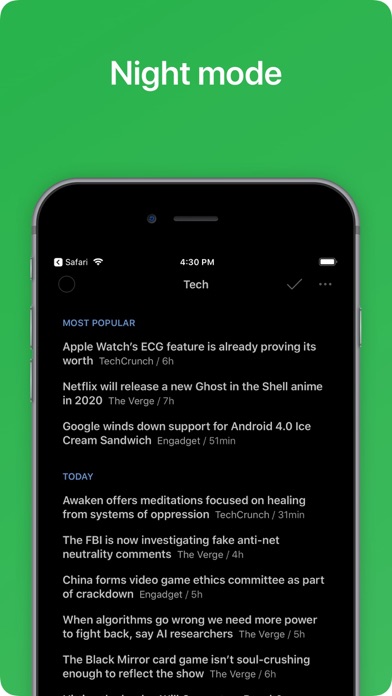
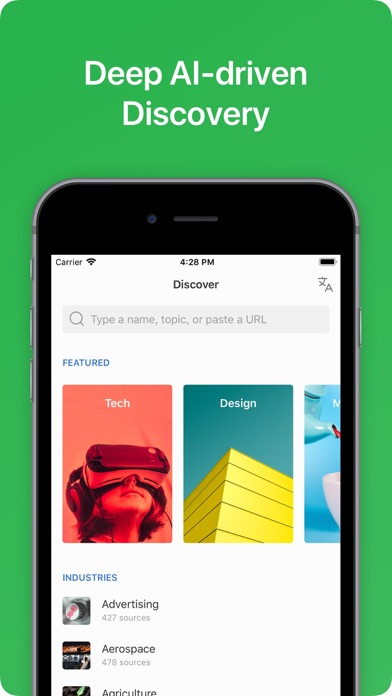
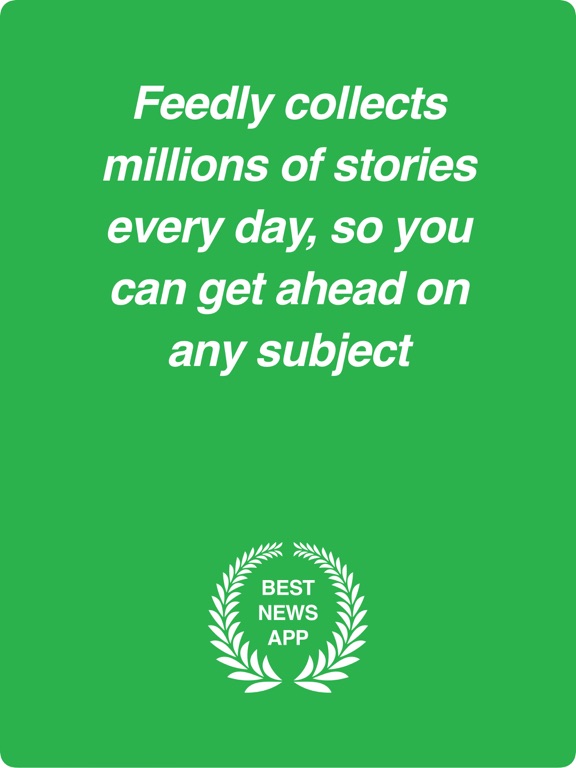
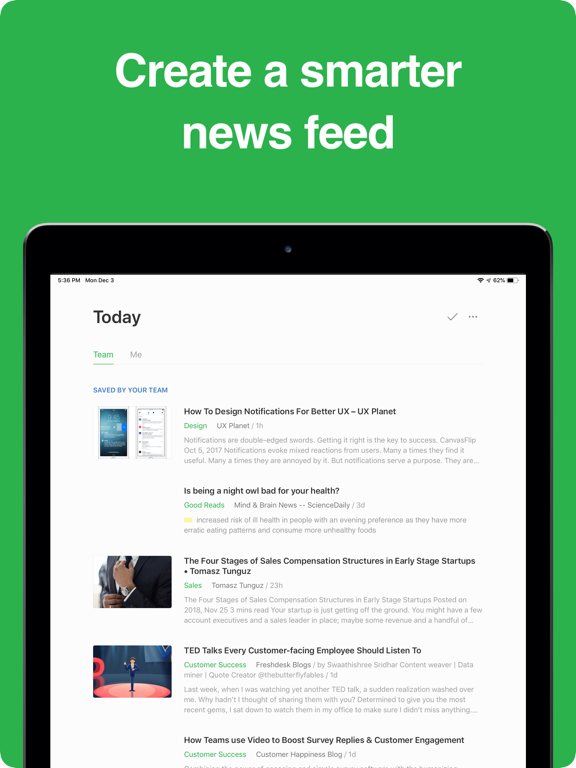
Sampled from 6 of Feedly - Smart News Reader's App Store screenshots — background, accent and theme, measured by LaunchShots (not something Apple publishes).
#2CB44C bg
#269E42
#FC5404 accent
#111111 text
Screenshots

iPad screenshots
Icon palette
About this app
STAY AHEAD WITHOUT THE OVERWHELM Feedly helps you keep up with the topics and trends that matter—without information overload. You will need a Feedly account to use this application. You can sign up within the application, or log in with an existing account. FOR INDIVIDUALS: A SMARTER WAY TO FOLLOW THE WEB With Feedly, you can organize all your favorite sources in one place, including: • Newspapers & trade publications • Expert blogs & research journals • YouTube channels & podcasts • Reddit feeds & Google News alerts Feedly Pro unlocks even more: • Track keywords, brands, & companies to stay ahead of trends • Search within your feeds to find articles instantly • Integrate with tools like LinkedIn, Buffer, Zapier, & IFTTT for seamless sharing FOR TEAMS: COLLECT, ANALYZE, AND SHARE INSIGHTS Feedly Threat Intelligence and Market Intelligence help teams collect, analyze, and share val…
App details
What you can learn from Feedly - Smart News Reader
Every shipping app on the App Store has gone through the same decisions you're working through right now: which screenshot goes first, what caption sits over it, which device frame to show, what color the background should be. The 12 screenshots above are Feedly - Smart News Reader's answers to those questions — they're public, they're real, and they made it through Apple's review.
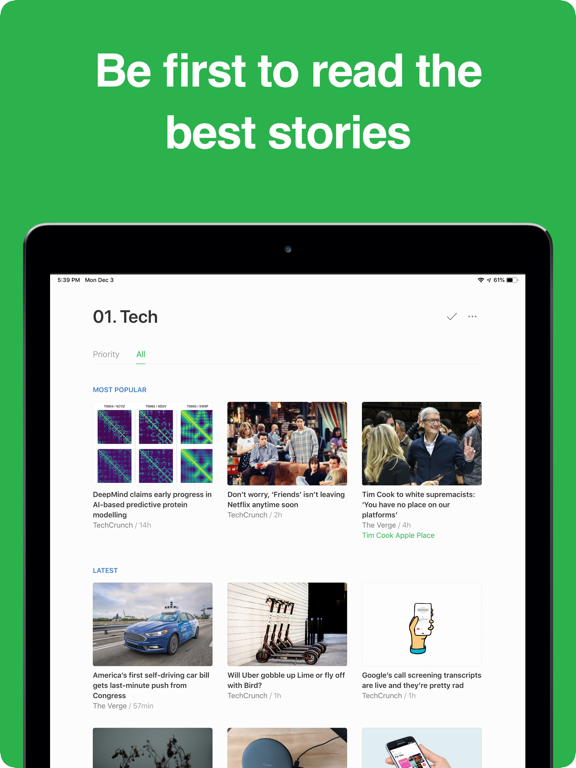
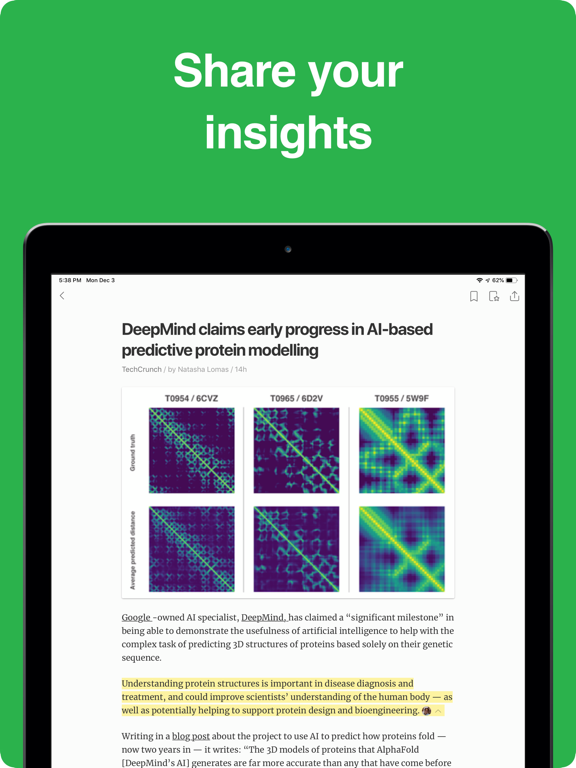
What the numbers say: Feedly - Smart News Reader runs a light set with one background colour (#2CB44C) carried across every screenshot — the listing reads as a single poster when the shots sit side by side in search results. The accent colour we picked up, #FC5404, is the one to reuse for badges, arrows and highlighted words if you borrow this look. Hit Use this style to open the editor with these exact colours and drop your own screenshot in.
Notice the first screenshot in particular. It's the one users see in search results and on the product page, and it's where most apps spend their best caption and tightest design. Look at the proportion of background to phone, where the text sits, what one thing the image is trying to communicate.
Want to see how other News apps approach the same problem? Browse more News apps in the showcase.
Take what works into your own screenshots
Open LaunchShots and design your App Store & Google Play screenshots — pick a device frame, drop captions, ship in minutes. Free, in your browser.
Open the screenshot editor →Apps with a similar look
Closest background + accent colours among the listings we've analysed — useful when you want to see the same palette handled by a different team.