Screenshots





Icon palette
About this app
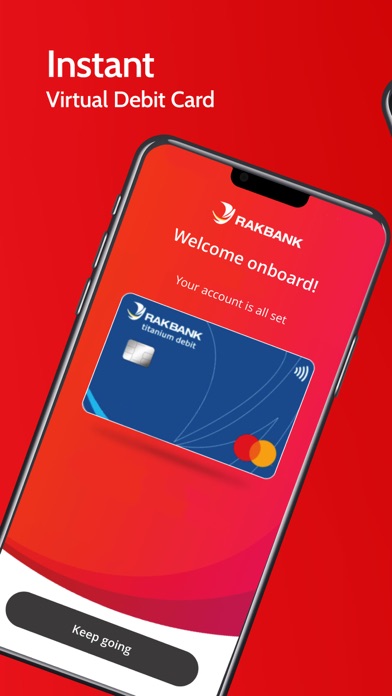
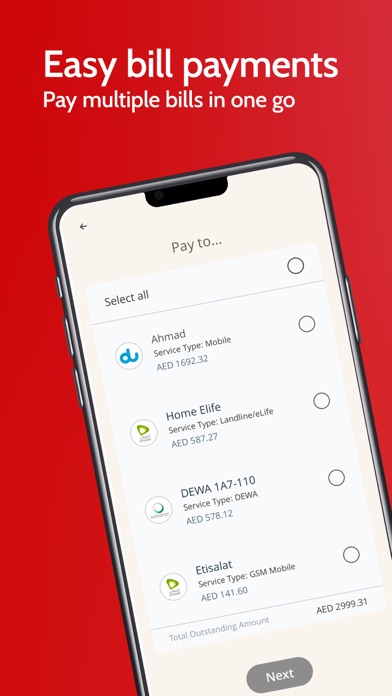
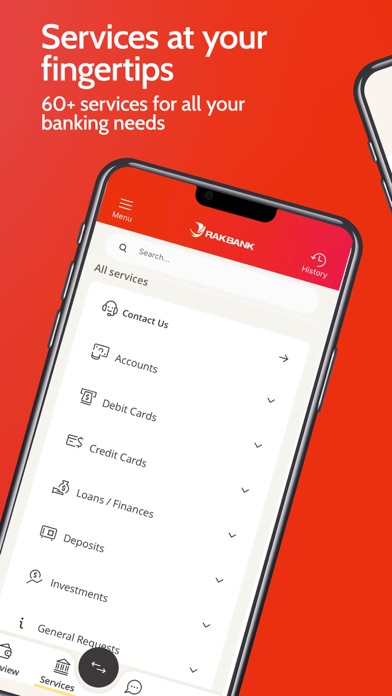
Welcome to a whole new Digital Banking Experience! RAKBANK App offers convenience and security with a host of features & intuitive user experience. Key features · Seamless Digital Account opening – Open your account on the app and get your virtual debit card in a few clicks. · Biometric Login - Login using your Fingerprint or Face ID · Card Activation – Activate your Debit or Credit card without even logging into the app · Reset Card PIN – Reset your Debit or Credit Card PIN easily (applicable for eligible cards) · Multiple Bill Payments – Pay your bills in one go · Quick View – Easy access to commonly used banking services · Quicker Funds Transfers - Send money instantly within UAE or use our RAKMoneyTransfer service to send money instantly abroad. · Mobile Cash – Self or beneficiary card less cash withdrawal usin…
App details
What you can learn from RAKBANK App
Every shipping app on the App Store has gone through the same decisions you're working through right now: which screenshot goes first, what caption sits over it, which device frame to show, what color the background should be. The 8 screenshots above are RAKBANK App's answers to those questions — they're public, they're real, and they made it through Apple's review.
Notice the first screenshot in particular. It's the one users see in search results and on the product page, and it's where most apps spend their best caption and tightest design. Look at the proportion of background to phone, where the text sits, what one thing the image is trying to communicate.
Want to see how other Finance apps approach the same problem? Browse more Finance apps in the showcase.
Take what works into your own screenshots
Open LaunchShots and design your App Store & Google Play screenshots — pick a device frame, drop captions, ship in minutes. Free, in your browser.
Open the screenshot editor →