Chart position — tracked daily by LaunchShots
Screenshot style breakdown
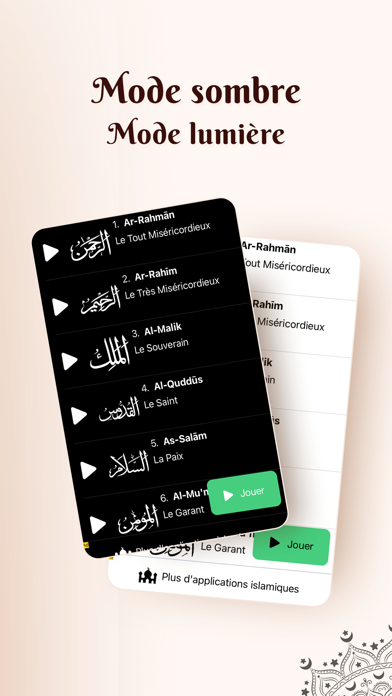
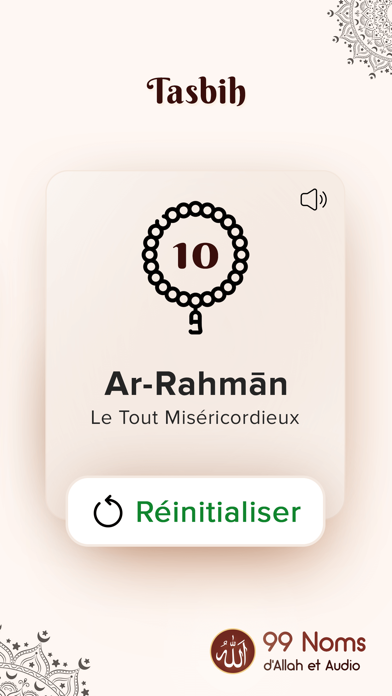
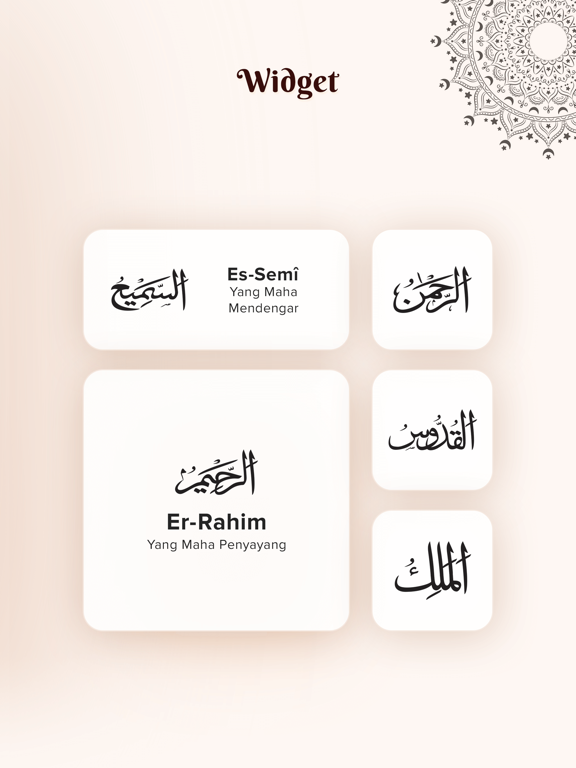
Sampled from 6 of 99 Noms d'Allah Audio Islam's App Store screenshots — background, accent and theme, measured by LaunchShots (not something Apple publishes).
#FCF4F4 bg
#DDD6D6
#44CC7C accent
#111111 text
Reading the caption text from the screenshots in your browser…
Screenshots




iPad screenshots




Icon palette
About this app
Embarquez dans un voyage spirituel avec "99 Noms d'Allah Islam Audio", une application islamique essentielle présentée dans la collection "Asma Al Husna Noms d'Allah". Conçue pour les musulmans désirant approfondir leur compréhension de l'Islam à travers les divins 99 Noms d'Allah (Asmaul Husna). Chaque nom, profondément ancré dans la doctrine islamique, reflète la magnificence et les attributs infinis d'Allah, comme décrit de manière éloquente dans le Coran : "C'est Lui Allah, le Créateur, Celui qui donne un commencement à toute chose, le Formateur. A Lui les plus beaux noms. Tout ce qui est dans les cieux et la terre Le glorifie. Et c'est Lui le Puissant, le Sage." [Coran 59:24] Caractéristiques principales : • 99 Noms d'Allah (Asma al Husna) : Explorez les significations profondes des 99 Noms d'Allah, enrichissant votre connaissance spirituelle et votre connexion à l'Islam. • Suppo…
App details
What you can learn from 99 Noms d'Allah Audio Islam
Every shipping app on the App Store has gone through the same decisions you're working through right now: which screenshot goes first, what caption sits over it, which device frame to show, what color the background should be. The 14 screenshots above are 99 Noms d'Allah Audio Islam's answers to those questions — they're public, they're real, and they made it through Apple's review.
What the numbers say: 99 Noms d'Allah Audio Islam runs a light set with one background colour (#FCF4F4) carried across every screenshot — the listing reads as a single poster when the shots sit side by side in search results. The accent colour we picked up, #44CC7C, is the one to reuse for badges, arrows and highlighted words if you borrow this look. Hit Use this style to open the editor with these exact colours and drop your own screenshot in.
Notice the first screenshot in particular. It's the one users see in search results and on the product page, and it's where most apps spend their best caption and tightest design. Look at the proportion of background to phone, where the text sits, what one thing the image is trying to communicate.
Want to see how other Reference apps approach the same problem? Browse more Reference apps in the showcase.
Take what works into your own screenshots
Open LaunchShots and design your App Store & Google Play screenshots — pick a device frame, drop captions, ship in minutes. Free, in your browser.
Open the screenshot editor →Apps with a similar look
Closest background + accent colours among the listings we've analysed — useful when you want to see the same palette handled by a different team.