Screenshots

Icon palette
About this app
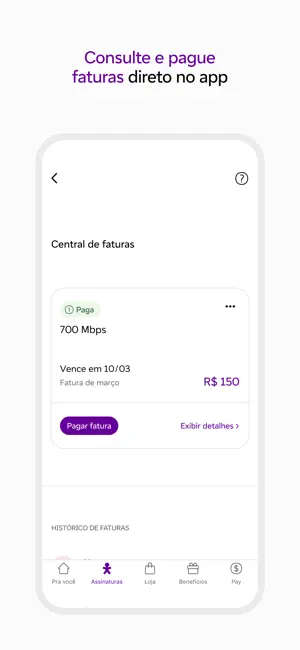
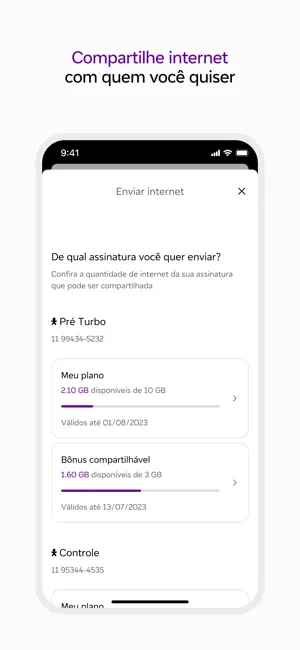
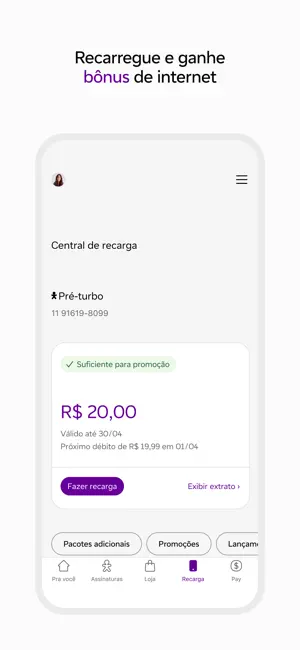
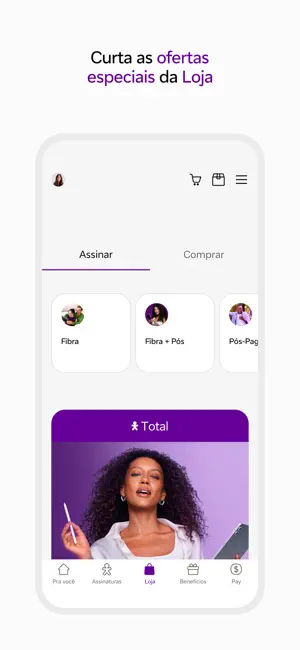
Conheça o app Vivo! Além de gerenciar os seus serviços contratados, você pode aproveitar diversos produtos inovadores e ainda ganhar benefícios no app. Para se cadastrar é muito fácil, basta seguir as seguintes etapas. Insira seu CPF e e-mail Após isso, siga as instruções e crie sua senha numérica de 6 dígitos Pronto, é só aproveitar! Conheça mais sobre o app: Consultas e pagamentos Na área Assinaturas, é possível consultar suas faturas e realizar o pagamento quando for necessário, oferecendo a você toda a nossa praticidade. Compartilhe e envie internet Só pelo app, clientes Vivo Pré compartilham ou enviam internet para outros números Vivo. É rápido e simples. Loja As melhores ofertas selecionadas para você. Aqui você vai poder assinar novos serviços Vivo ou de parceiros, além de comprar produtos diversos com ofertas exclusivas. Bônus O lugar perfeito pra garantir bônus na sua …
App details
What you can learn from Vivo
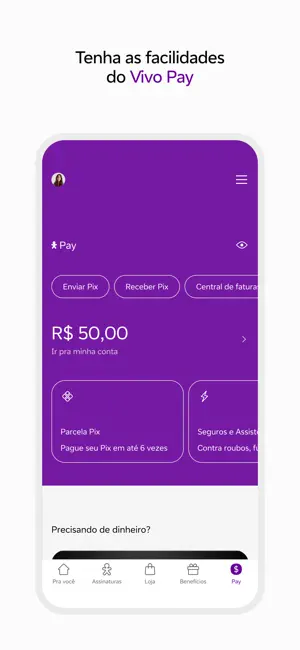
Every shipping app on the App Store has gone through the same decisions you're working through right now: which screenshot goes first, what caption sits over it, which device frame to show, what color the background should be. The 6 screenshots above are Vivo's answers to those questions — they're public, they're real, and they made it through Apple's review.
Notice the first screenshot in particular. It's the one users see in search results and on the product page, and it's where most apps spend their best caption and tightest design. Look at the proportion of background to phone, where the text sits, what one thing the image is trying to communicate.
Want to see how other Utilities apps approach the same problem? Browse more Utilities apps in the showcase.
Take what works into your own screenshots
Open LaunchShots and design your App Store & Google Play screenshots — pick a device frame, drop captions, ship in minutes. Free, in your browser.
Open the screenshot editor →